> ## Documentation Index
> Fetch the complete documentation index at: https://docs.apinizer.com/llms.txt
> Use this file to discover all available pages before exploring further.
# Audit Records
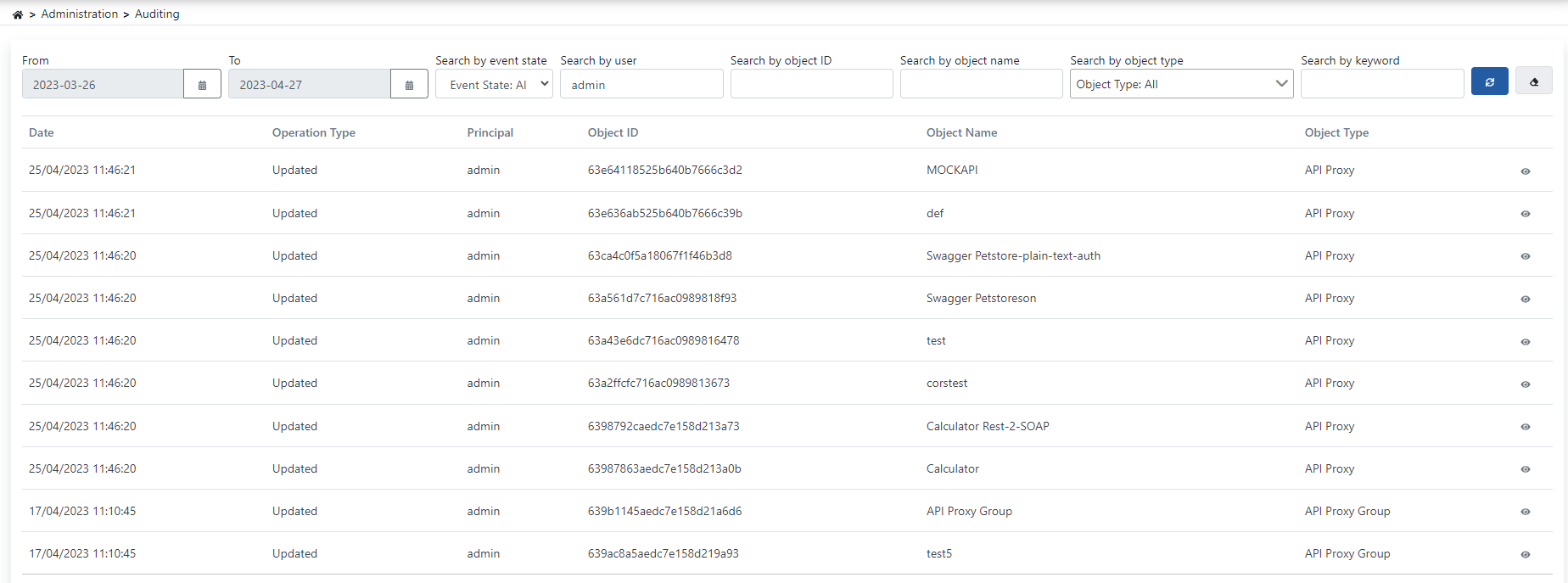
> You can view, filter, and analyze changes made on the system. Operations performed are logged with parameters such as date, operation type, user, object ID, object name, and audit object type. You can examine change details with old and new version comparison.
 ## Filtering
You can view results in the log table by setting criteria from the filter section at the top of the page. Filter contents can be cleared with the delete button.
## Change Details
The "Change Details" screen is displayed by clicking the detail button with the eye icon on the right of the data. The page allows you to see changes made on the system by comparing them as old version and new version through the diff editor it provides.
## Filtering
You can view results in the log table by setting criteria from the filter section at the top of the page. Filter contents can be cleared with the delete button.
## Change Details
The "Change Details" screen is displayed by clicking the detail button with the eye icon on the right of the data. The page allows you to see changes made on the system by comparing them as old version and new version through the diff editor it provides.
