> ## Documentation Index
> Fetch the complete documentation index at: https://docs.apinizer.com/llms.txt
> Use this file to discover all available pages before exploring further.
# Login Records
> You can view, filter, and analyze user login records in Apinizer. You can track IP information, login times, and session details of users logging into the Management Console.
To configure forwarding login records outside MongoDB via connectors (Elasticsearch, Kafka, Webhook, etc.), see [Login Log Connector Configuration](/en/admin/system-settings/login-log-connector-configuration) (API Manager: System Settings → Log Settings → Login Log).
 ## Filtering
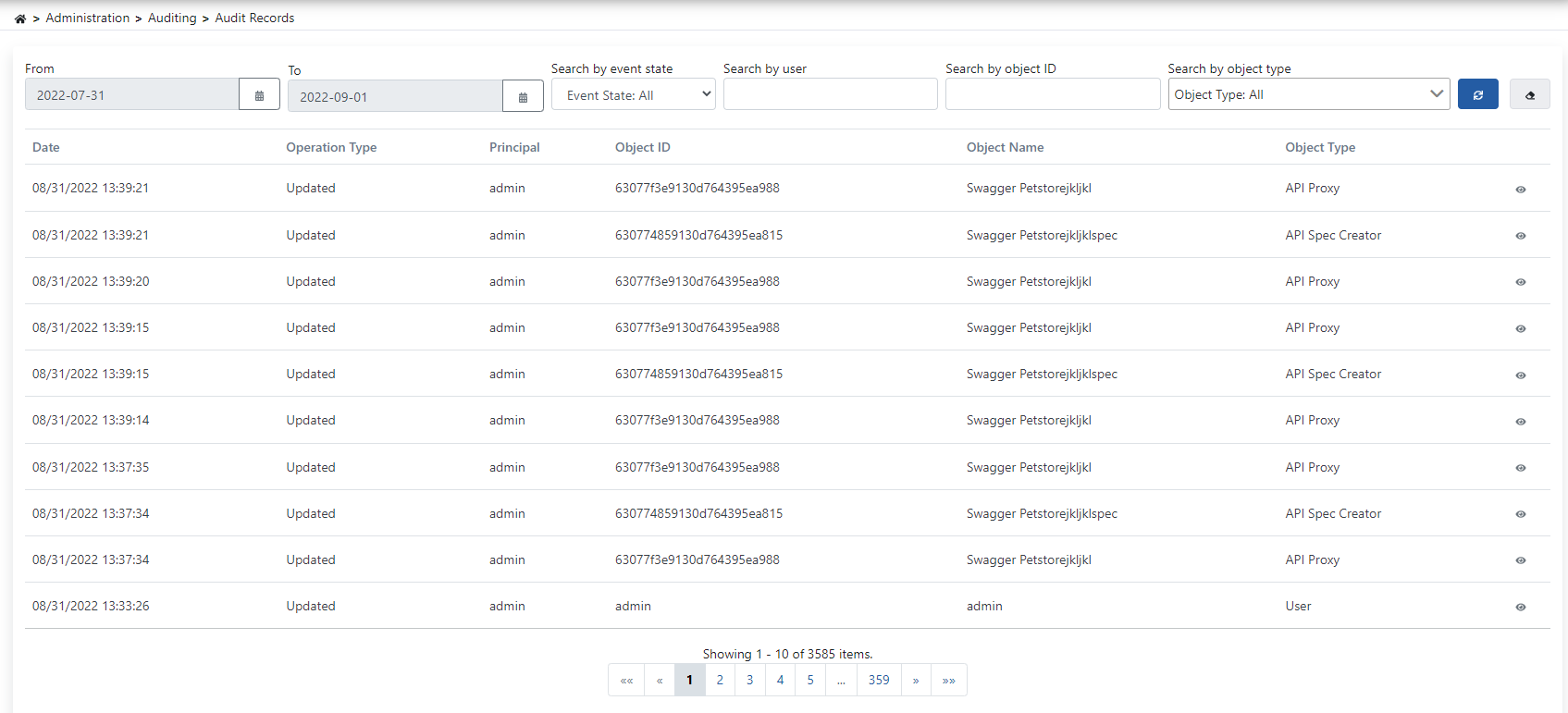
You can view results in the log table by setting criteria from the filter section at the top of the page. Filter contents can be cleared with the delete button.
For the IP information of people logging into the Management Console to be correctly retrieved, the real IP must be transmitted with the X-Forwarded-For header by the load balancer or firewall used by the organization.
## Filtering
You can view results in the log table by setting criteria from the filter section at the top of the page. Filter contents can be cleared with the delete button.
For the IP information of people logging into the Management Console to be correctly retrieved, the real IP must be transmitted with the X-Forwarded-For header by the load balancer or firewall used by the organization.