> ## Documentation Index
> Fetch the complete documentation index at: https://docs.apinizer.com/llms.txt
> Use this file to discover all available pages before exploring further.
# ACL Report
> You can create and query access control list reports based on API Proxy or organization/credential. You can view which users can access which API Proxy or which organizations can access which API Proxies.
In the ACL Report screen, queries can be run in two options: **API Proxy-based** or **Organization/Credential-based**. Queries can be customized with filter fields.
In the API Proxy-based query screen, which users have access permission to the selected API Proxy is displayed.
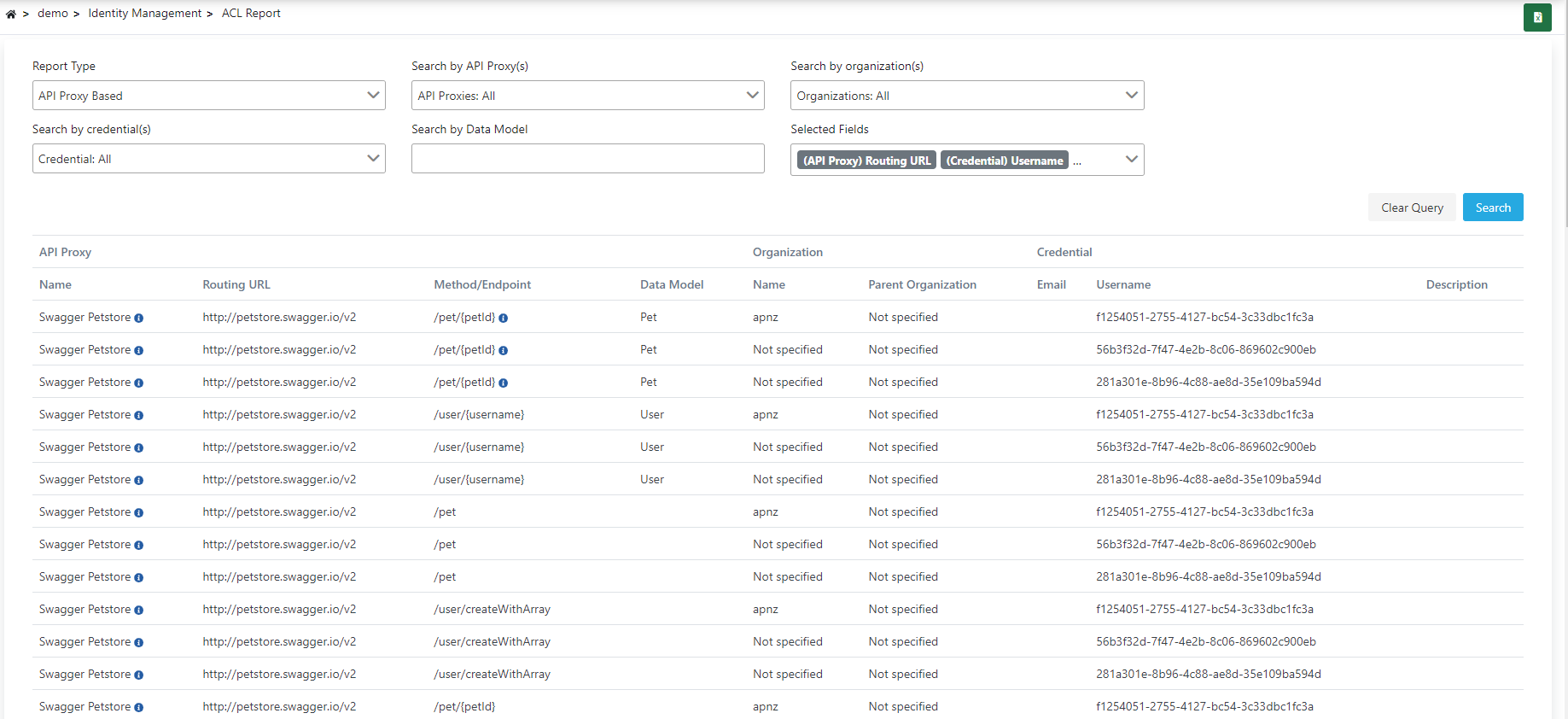 In the Organization/Credential-based query screen, which API Proxies the selected organization has access permission to is displayed.
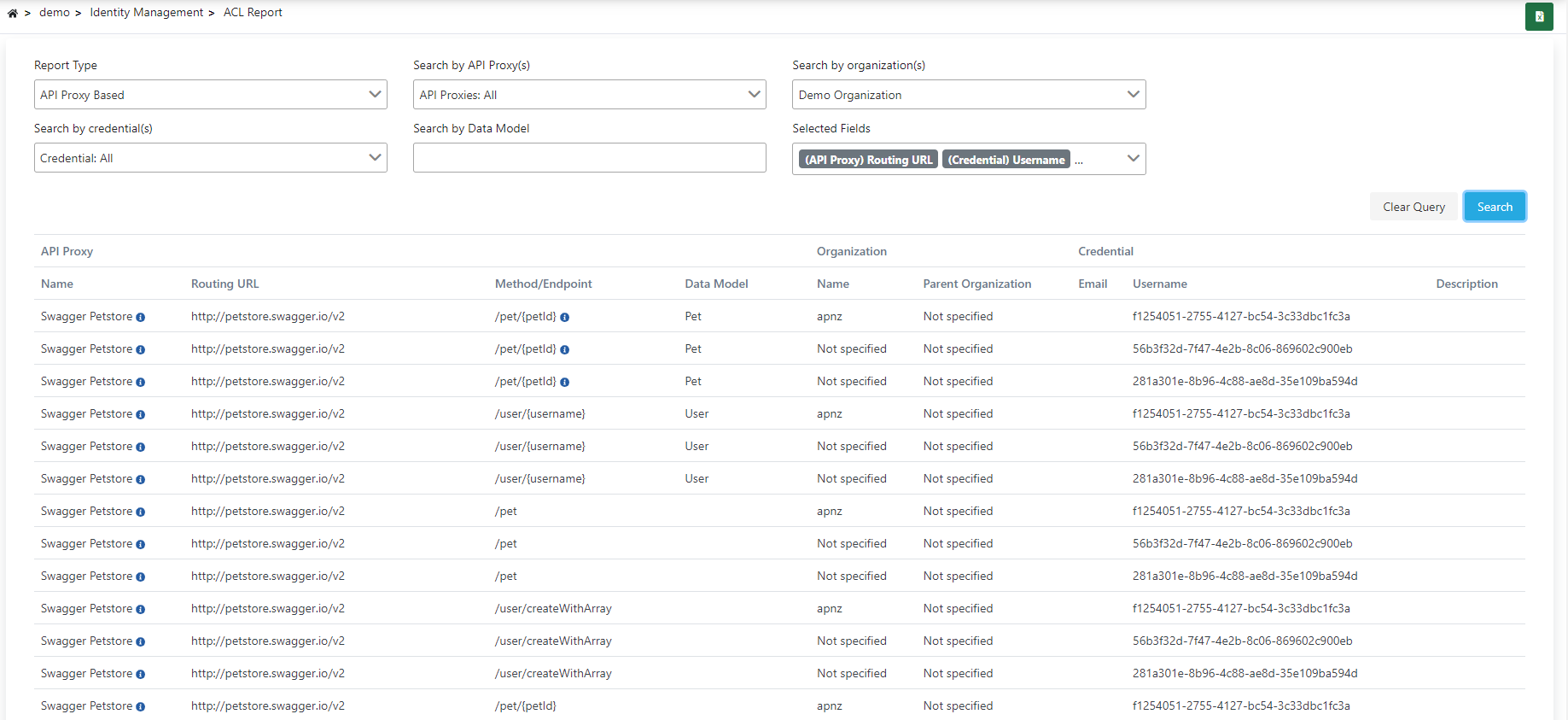 You can create more specific queries and customize reports by using filter fields.