> ## Documentation Index
> Fetch the complete documentation index at: https://docs.apinizer.com/llms.txt
> Use this file to discover all available pages before exploring further.
# Byte Array Content Types
> You can create a value set that will enable messages to be used as Byte Array according to Content-Type header value. You can configure incoming and outgoing message bodies to be evaluated as Byte Array.
Normally, the bodies (body) of incoming (request) and outgoing (response) messages are evaluated as text. If the Content-Type value is in this list, the content is handled as a Byte Array value.
## Creating a New Byte Array Content Type
Click the **+New** button from the **Management → System Settings → Predefined Values → Byte Array Content Types** screen.
**An image containing Byte Array Content Type creation settings is shown below:**
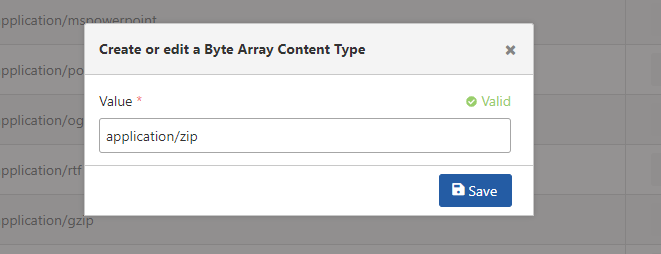 The fields used for Byte Array Content Type creation configuration are shown in the table below.
| Field | Description |
| --------------- | --------------------------------------------------------- |
| Value *(Value)* | Field where the Byte Array Content Type Value is entered. |
The fields used for Byte Array Content Type creation configuration are shown in the table below.
| Field | Description |
| --------------- | --------------------------------------------------------- |
| Value *(Value)* | Field where the Byte Array Content Type Value is entered. |