> ## Documentation Index
> Fetch the complete documentation index at: https://docs.apinizer.com/llms.txt
> Use this file to discover all available pages before exploring further.
# DB-2-API: Update Kullanımı
> Apinizer Platformu'nda DB-2-API üzerinde Update kullanımını sağlar. Veritabanında mevcut kayıtları güncelleme işlemlerini gerçekleştirebilir, SQL UPDATE sorgularını REST API endpoint'leri olarak yayınlayabilir.
Bu senaryoda Apinizer Platformu'nda DB-2-API üzerinde **Update** kullanımı anlatılacaktır.
DB-2-API oluşturmak hakkında daha fazla bilgi almak için [tıklayınız](/tr/develop/api-proxy-olusturma/api-creator-db-api-olusturma).
## 1. DB-2-API Oluşturma
Çalışan kayıtlarının yönetildiği bir API oluşturulmak istenmektedir.
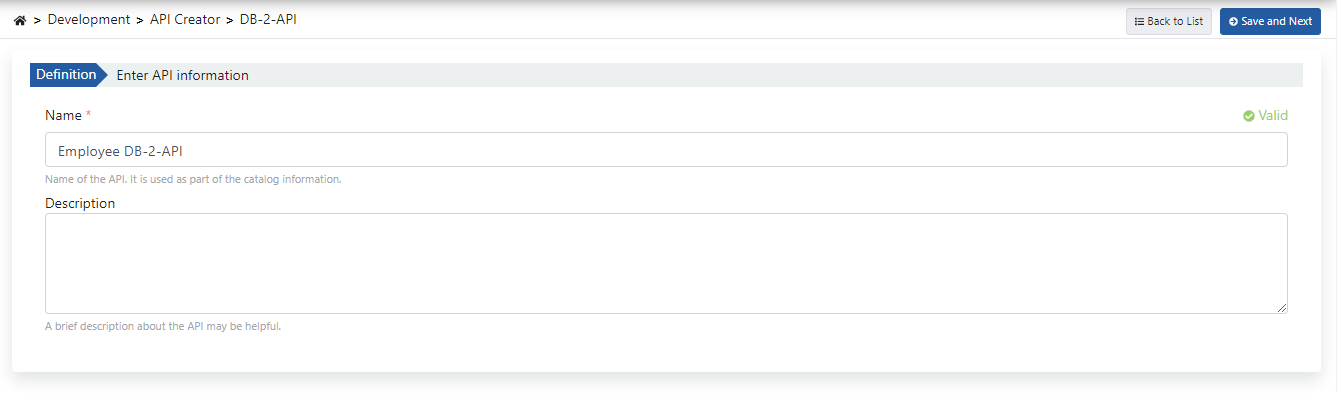
DB-2-API'nin ad ve açıklama alanları doldurulup **Kaydet ve İlerle (Save and Next)** butonuna tıklanır.
**DB-2-API ayarlarını içeren görsele aşağıda yer verilmiştir:**
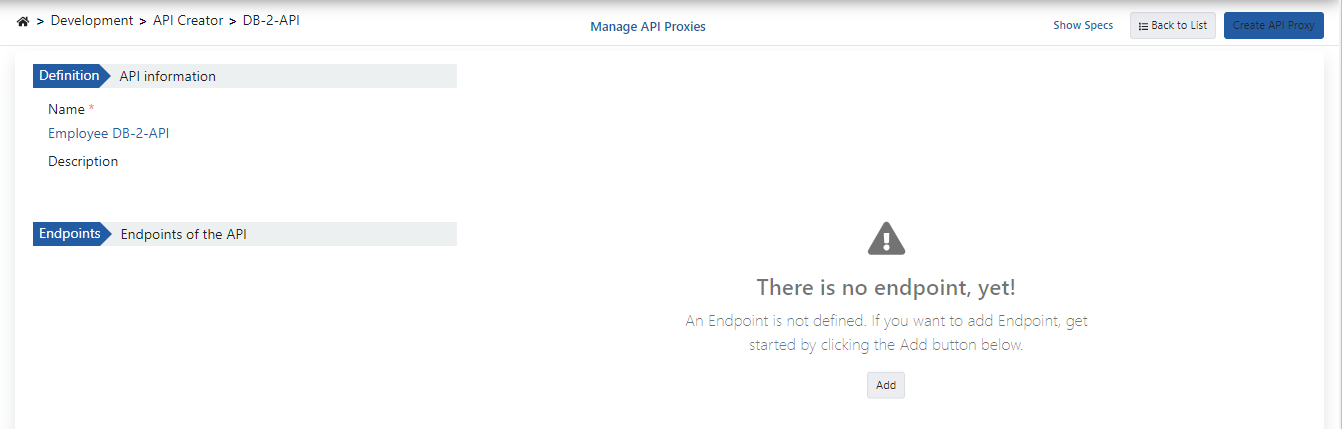
 DB-2-API oluşturulduğunda sol panelde API ve metot bilgileri, sağ tarafta ise seçili metodun tanım bilgileri yer alır.
 ## 2. Metot Oluşturma
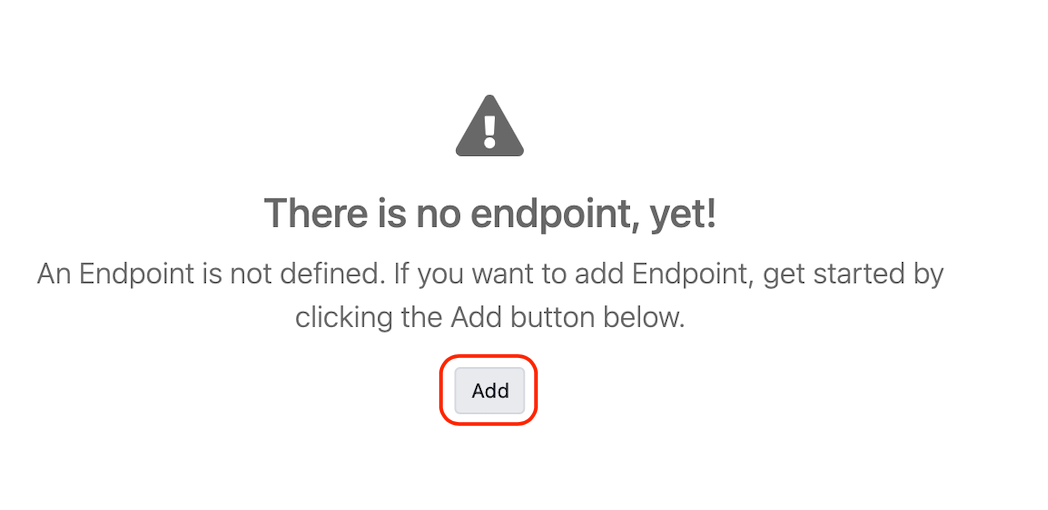
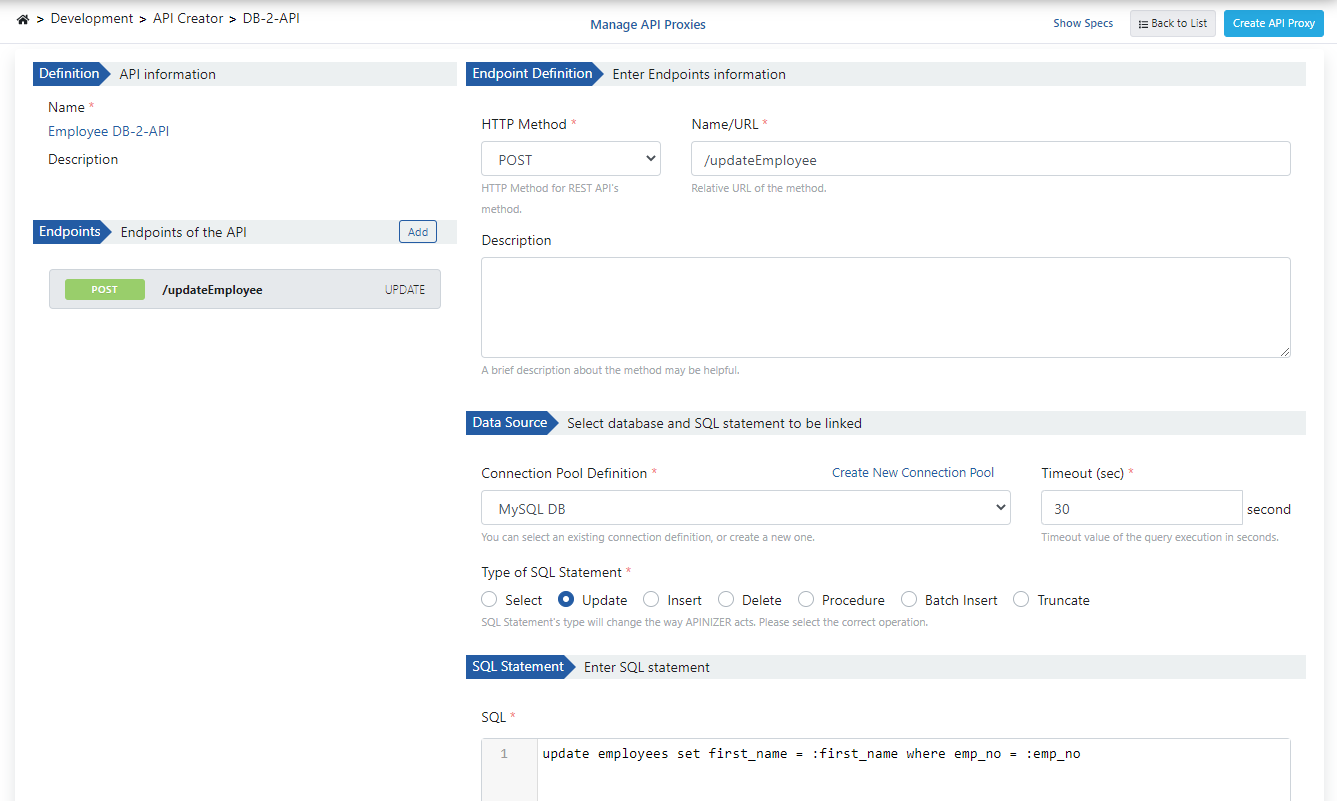
**Ekle (Add)** butonuna tıklayarak metot/endpoint oluşturma paneli açılır.
## 2. Metot Oluşturma
**Ekle (Add)** butonuna tıklayarak metot/endpoint oluşturma paneli açılır.
 **Metot oluşturma ayarlarını içeren görsele aşağıda yer verilmiştir:**
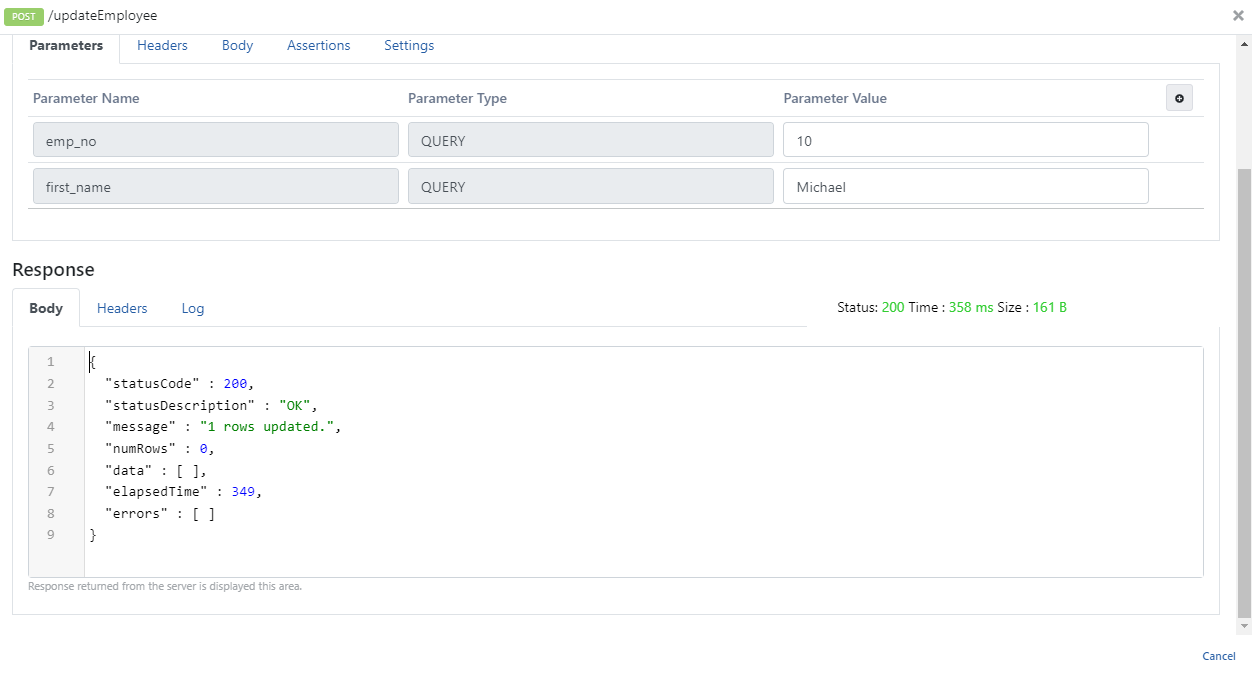
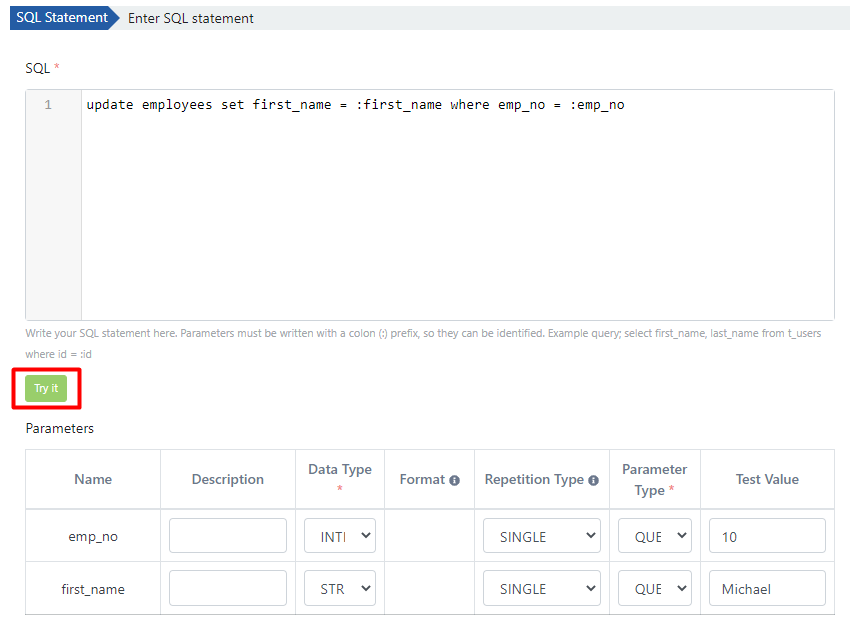
 Gerekli parametreler girilip **Dene (Try It)** butonu ile yazılan sorgu denenebilir.
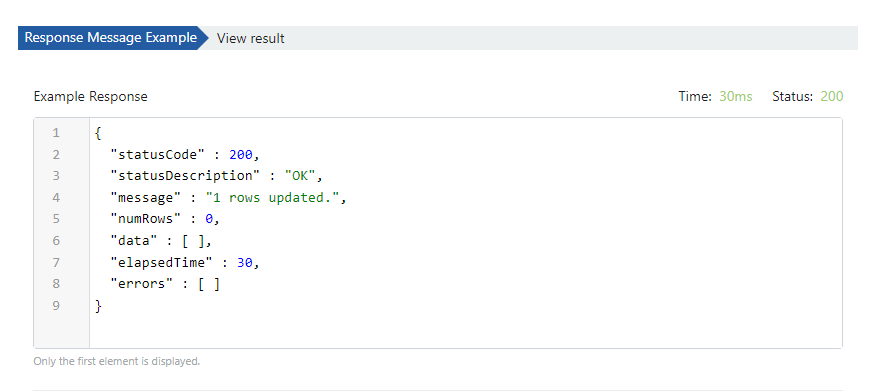
 **Test sonucu dönen mesajı içeren görsele aşağıda yer verilmiştir:**
 ## 3. API Tanım Belgelerini Görüntüleme
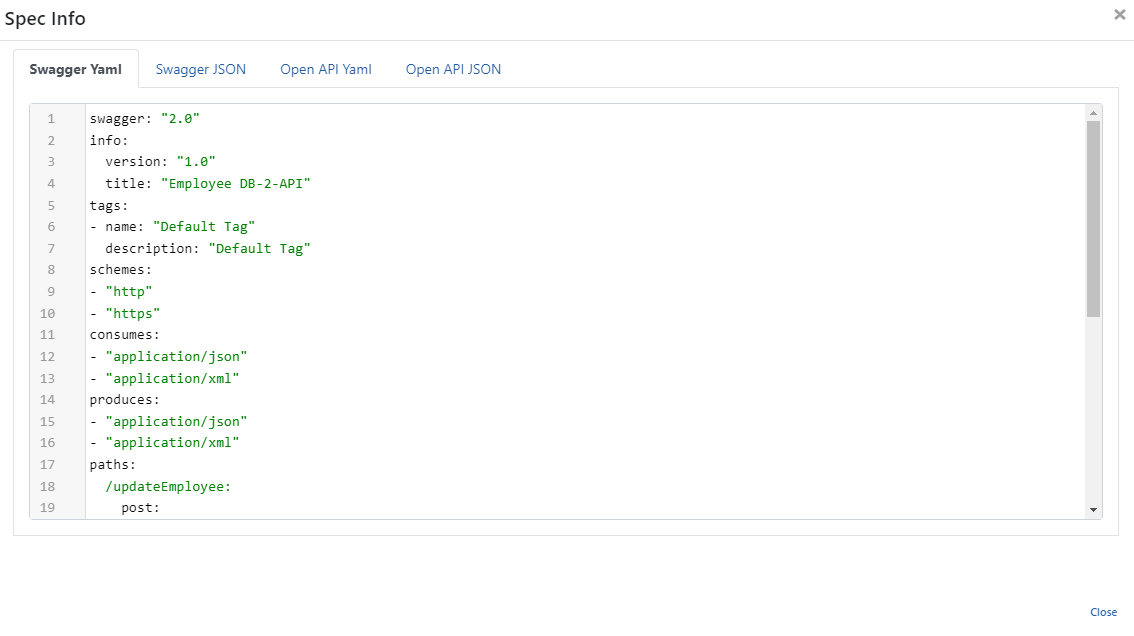
Employee Db-2-API'ye ait API tanım dosyalarına erişmek için **Spec'leri Göster (Show Specs)** linkine tıklanır.
## 3. API Tanım Belgelerini Görüntüleme
Employee Db-2-API'ye ait API tanım dosyalarına erişmek için **Spec'leri Göster (Show Specs)** linkine tıklanır.
 **Spec Bilgisi diyaloğunu içeren görsele aşağıda yer verilmiştir:**
 ## 4. API Proxy Oluşturma
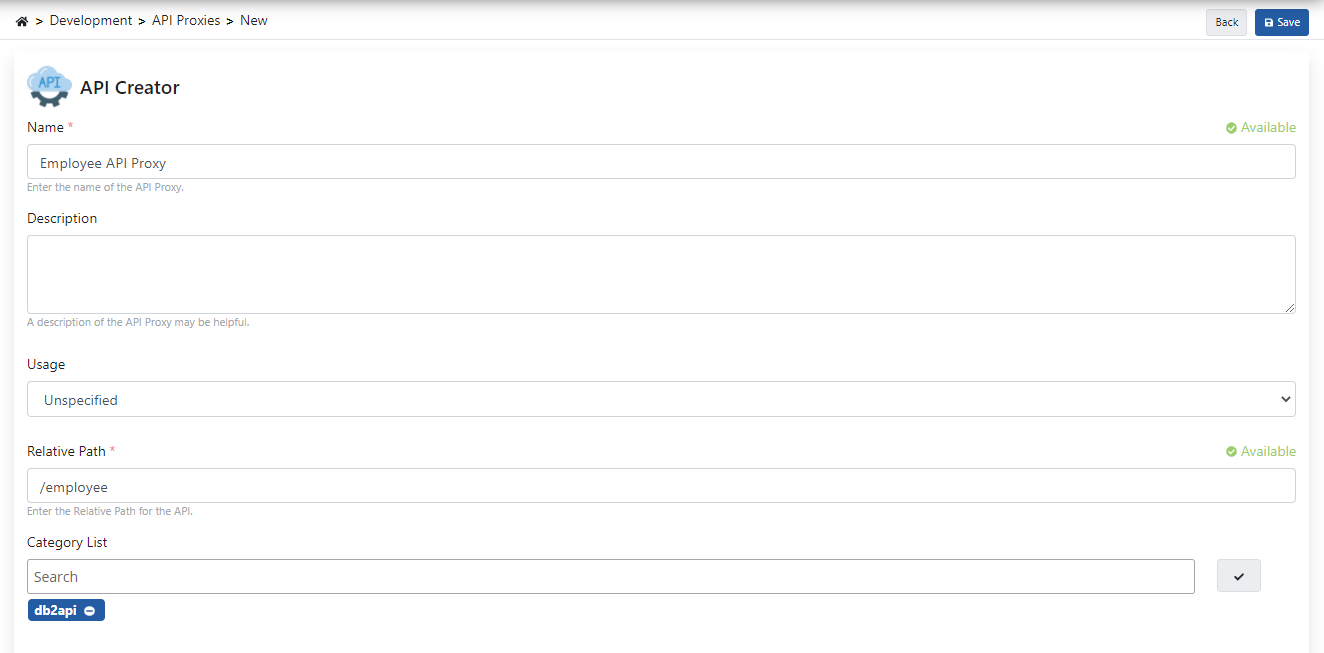
DB-2-API ekranından **API Proxy Oluştur (Create API Proxy)** butonuna tıklanarak anında API Proxy oluşturulabilir.
## 4. API Proxy Oluşturma
DB-2-API ekranından **API Proxy Oluştur (Create API Proxy)** butonuna tıklanarak anında API Proxy oluşturulabilir.
 API Proxy'i oluştururken aşağıdaki görselde bulunan alanlar doldurularak **Kaydet (Save)** butonuna tıklanır.
 ### 4.1 API Proxy'yi Canlıya Alma
Employee API Proxy, tanımı yapılmış ortam (environment) üzerine hızlı bir şekilde yüklenip (deploy), istemcilerin tüketimine açılabilir.
Bu işlemin yönetimi API Proxy ekranındaki **Yükle (Deploy)** butonuyla açılan diyalog üzerinden gerçekleştirilebilir.
### 4.1 API Proxy'yi Canlıya Alma
Employee API Proxy, tanımı yapılmış ortam (environment) üzerine hızlı bir şekilde yüklenip (deploy), istemcilerin tüketimine açılabilir.
Bu işlemin yönetimi API Proxy ekranındaki **Yükle (Deploy)** butonuyla açılan diyalog üzerinden gerçekleştirilebilir.
 ## 5. Test Etme
İlgili metodun beklediği parametreler eklenmeden gönderildiğinde aşağıdaki hata veren yanıt dönmektedir.
## 5. Test Etme
İlgili metodun beklediği parametreler eklenmeden gönderildiğinde aşağıdaki hata veren yanıt dönmektedir.
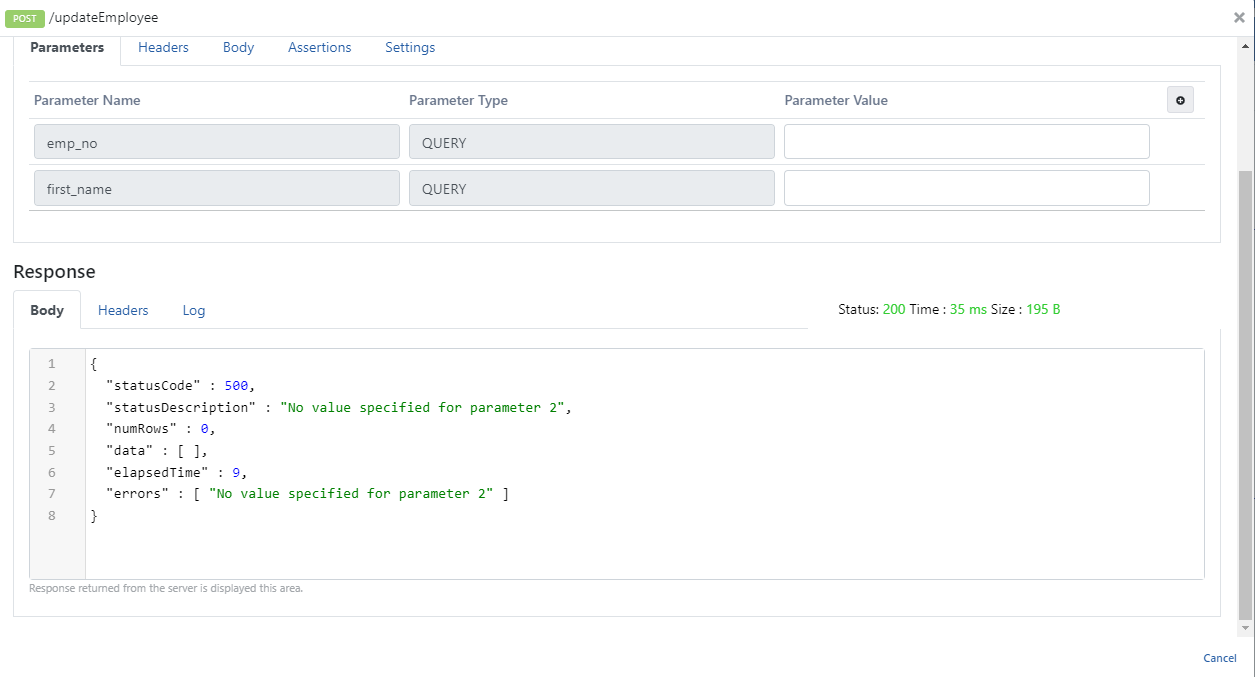 İlgili metodun beklediği parametreler isteğe eklenip çalıştırıldığında aşağıdaki yanıt dönmektedir.