


What is Kubernetes Ingress?
Ingress is a kubernetes object used to provide access to applications in the Kubernetes cluster from the outside world. It can route requests coming to a specific host name or path to a specific service. For example, it can route a request coming to example.com/app to a Kubernetes service namedapp-service.
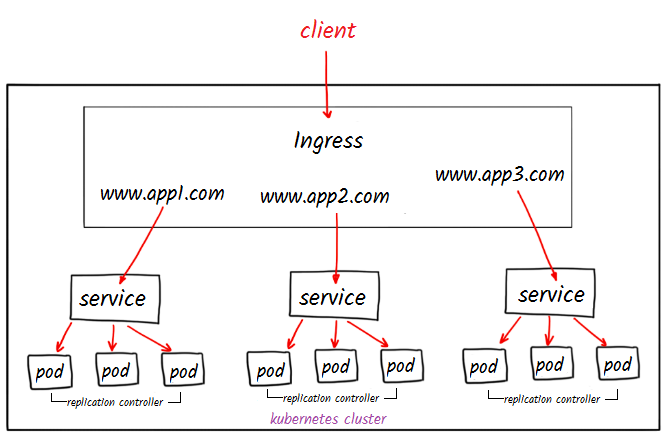
What is Nginx Ingress Controller?
NGINX Ingress Controller uses NGINX to route requests coming to applications running in a Kubernetes cluster. It watches Ingress objects and routes incoming requests to different services according to specific rules. In addition to NGINX in the Kubernetes ecosystem, there are various other Ingress Controllers. The most well-known of these are: traefik, HAProxy, Envoy, Ambassador.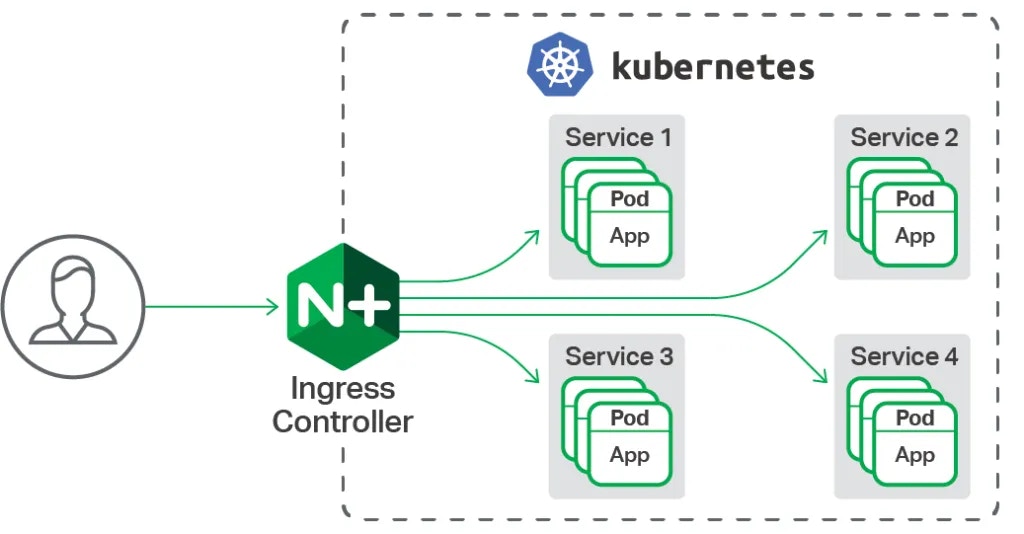
MetalLB Installation
MetalLB (Metal Load Balancer) is a network load balancer solution for Kubernetes clusters. You can perform the MetalLB installation to the kubernetes cluster with the following command.Creating External IP (external-ip) Pool
An IP address pool needs to be created for MetalLB usage. Create a yaml file and add the IPAddressPool type content below.Nginx Controller Installation
You can install nginx controller to the kubernetes cluster using Helm. The purpose of using Helm is to manage all configuration files needed to bring up applications in the Kubernetes cluster and facilitate the installation process. In this step, first install helm and then add the Nginx controller repo.

Apinizer Deploy Example
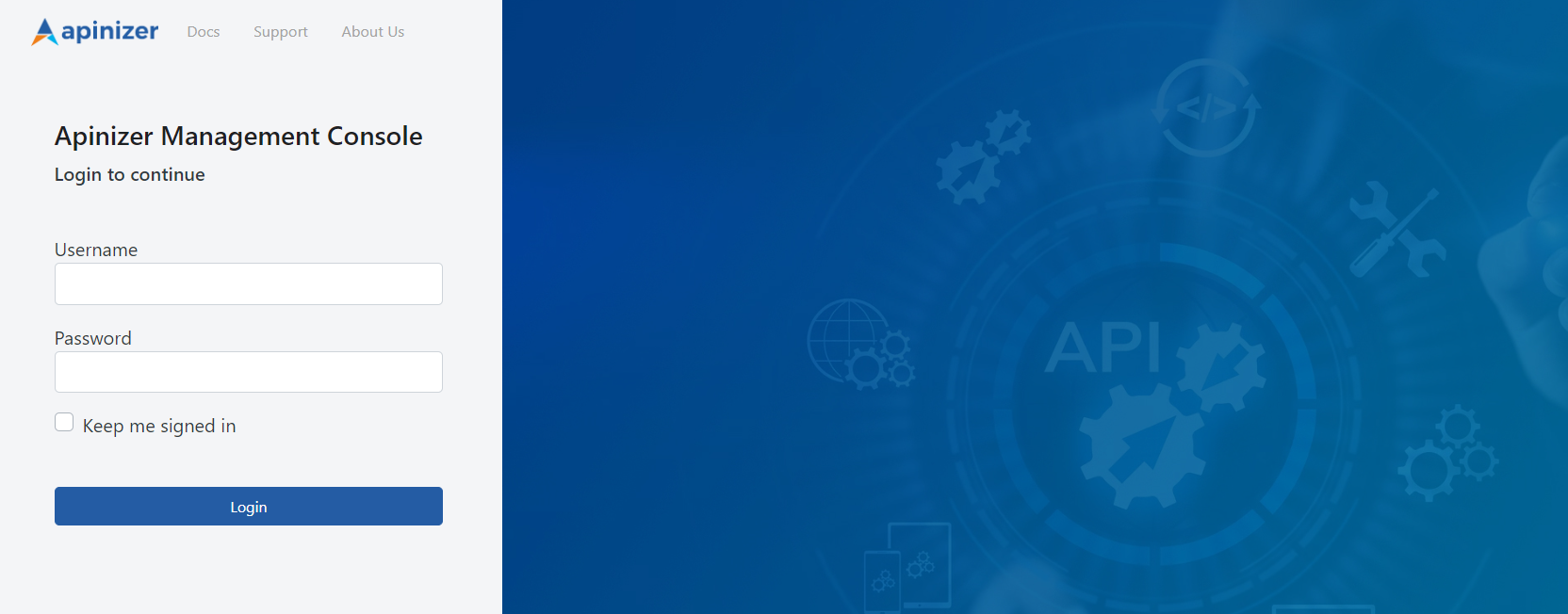
The namespace and POD where the Apinizer Management Interface runs are shown in the following command output.
Creating Ingress Object
Before using Ingress, an Ingress resource must be created to define how your application will be accessed at which URLs. The Ingress resource specifies rules that are watched by Nginx Ingress Controller and route incoming requests to targets. Create a yaml file and create an Ingress object in Kubernetes by editing the relevant configurations according to yourself.If You Are Using Certificate:
You can edit the key, cert and namespace fields below according to your environment.host: demo.apinizer.com In this field, Ingress rules are defined. The Host field specifies which DNS name incoming requests will be routed to.path: / In this field, it is specified which target incoming requests will be routed to according to a specific URL path. In this example, requests with the
/ path match this rule.pathType: Prefix In this field, it is specified that the specified path is a prefix. That is, requests with the / path match all paths starting with the / prefix.backend: service: name: manager In this field, the name of the target service to which requests will be routed is written.port: number: 8080 In this field, your service’s port number (8080) is specified.
DNS Definition
As a first step, open the/etc/hosts file with a text editor.
This file is a local DNS (Domain Name System) file where IP addresses and corresponding host names are matched.
Result
The curl command can be used in the test step or access can be provided through the browser. When a request is made to demo.apinizer.com/apinizer/management/health address, the result should be as follows: