Can explain step by step how Apinizer works on multi-region Kubernetes architecture. Provides installation and configuration of Apinizer components in Kubernetes clusters in different geographical regions. Provides necessary steps and configuration details for multi-region installation.
This document only describes operations specific to Apinizer that need to be done. Details about Kubernetes cluster and Apinizer installation are not within the scope of this document and are presented in a separate document.
Disabling Kubernetes Namespace and Resource Management Feature
In multi-region installation, the Kubernetes namespace and resource management feature through Apinizer Manager Console must be disabled.When the “Enable the management of Kubernetes Namespace and Resources with Apinizer” setting is disabled in the Apinizer interface, Apinizer no longer automatically creates or updates namespaces and resources on Kubernetes.In this case:
Management of Kubernetes resources (Deployment, Service, Secret, Role, etc.) must be performed manually through YAML files.
This method provides more flexibility and control in multi-cluster structures and facilitates Multi Region installation.
1
Go to Administration menu
Open the Administration menu in Apinizer Manager Console.
2
Open System Settings → General Settings tab
Go to General Settings tab under System Settings.
3
Disable Kubernetes management
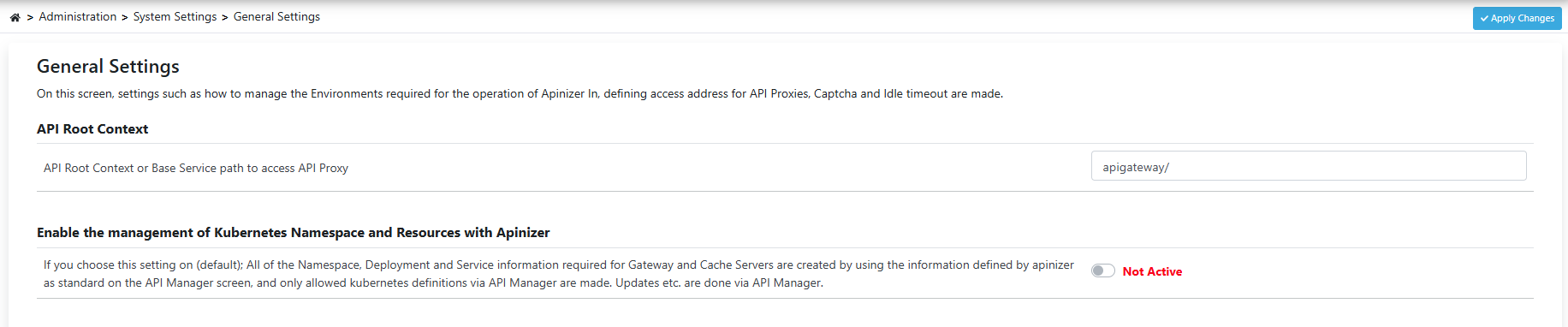
Disable (disable) the “Enable the management of Kubernetes Namespace and Resources with Apinizer” option.
4
Save changes
Save the changes made.
Kubernetes Namespace and Resource Management setting - General Settings page
Environment is created through Apinizer Manager Console for multi-region configuration. With this operation, information about which environment (namespace) and which clusters Apinizer should access and manage is defined.For example, you can define a new environment we installed in a different region to the cluster of an existing environment named prod with the following steps.
1
Go to Gateway Environments page
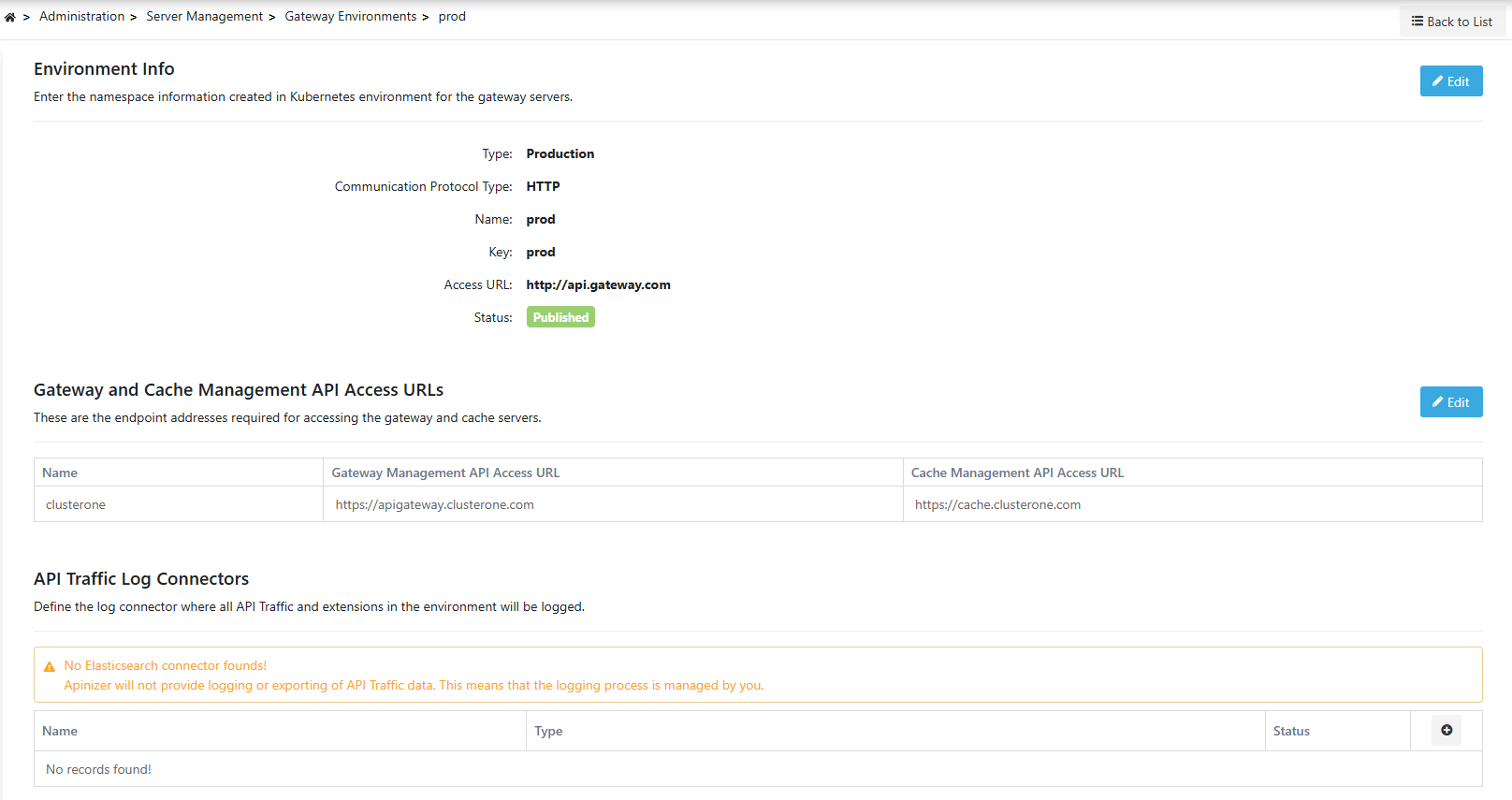
Open Administration > Server Management > Gateway Environments page.
Define Gateway and Cache Management API Access URLs
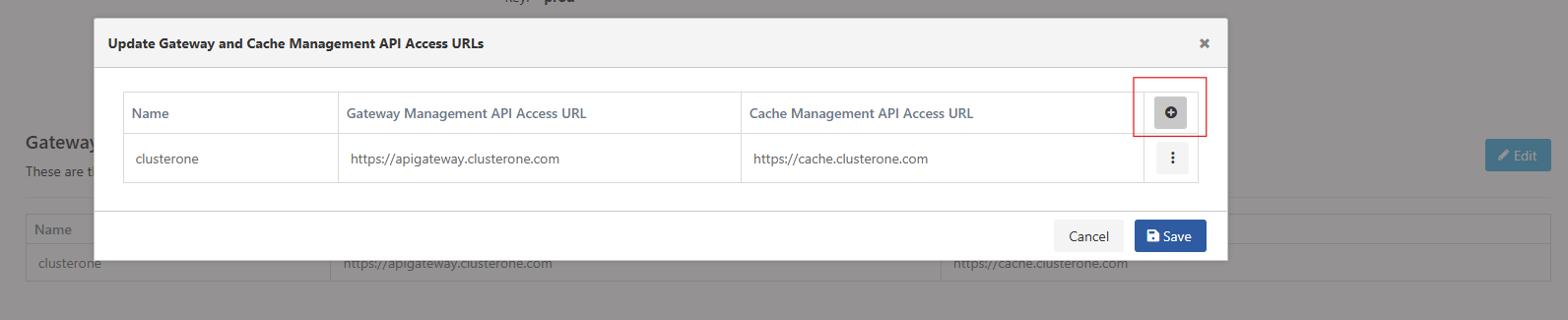
In the Gateway and Cache Management API Access URLs section, define the management API access information of Gateway and Cache components belonging to the newly added cluster.
Very ImportantIn this step, accessible Gateway and Cache addresses by Apinizer Manager Console must be entered for each cluster.
Gateway and Cache Management API Access URLs - Cluster access information
3
Test access and save
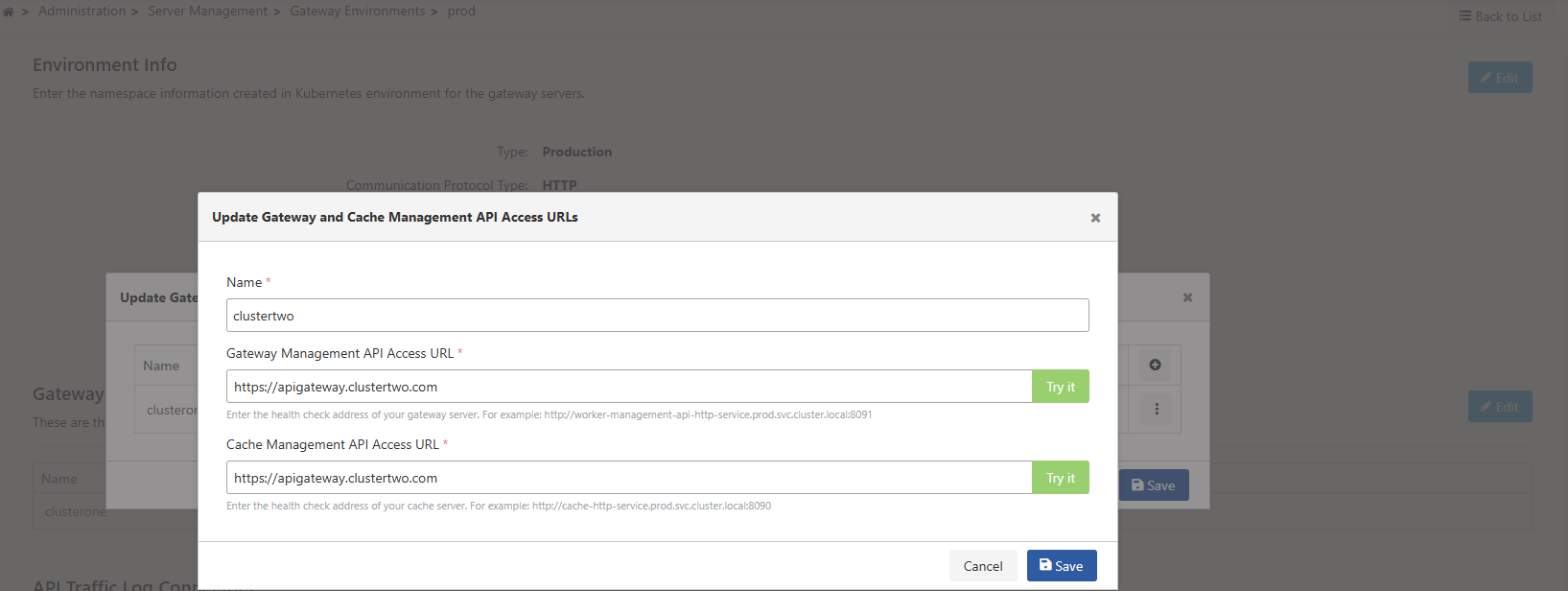
Test that access is provided using the “Try it” button. If access is successful, save.
Access test with Try it button - Connection verification
To specify which cluster Apinizer Worker and Cache applications running in the same environment (namespace) but in different geographical environments belong to, the following setting must be made. With this setting, which cache each worker will connect to is also determined.The following environment variable must be added to each Worker Deployment definition: