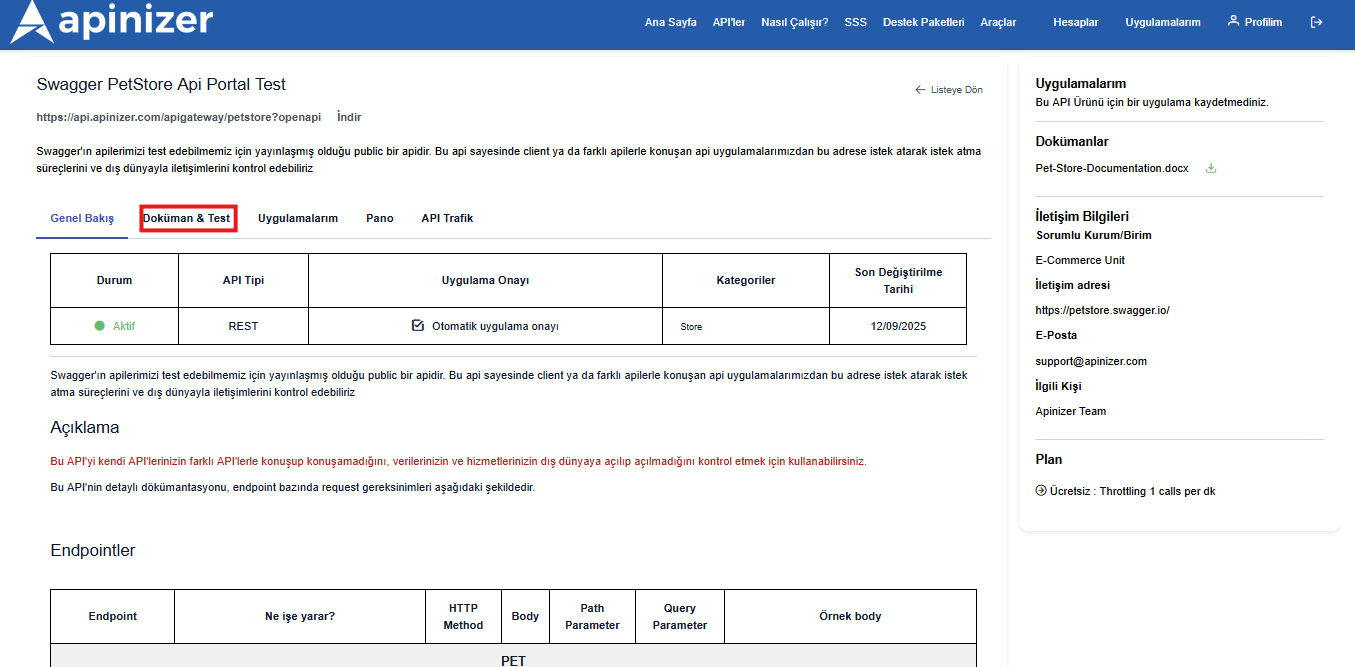
- How is it viewed?
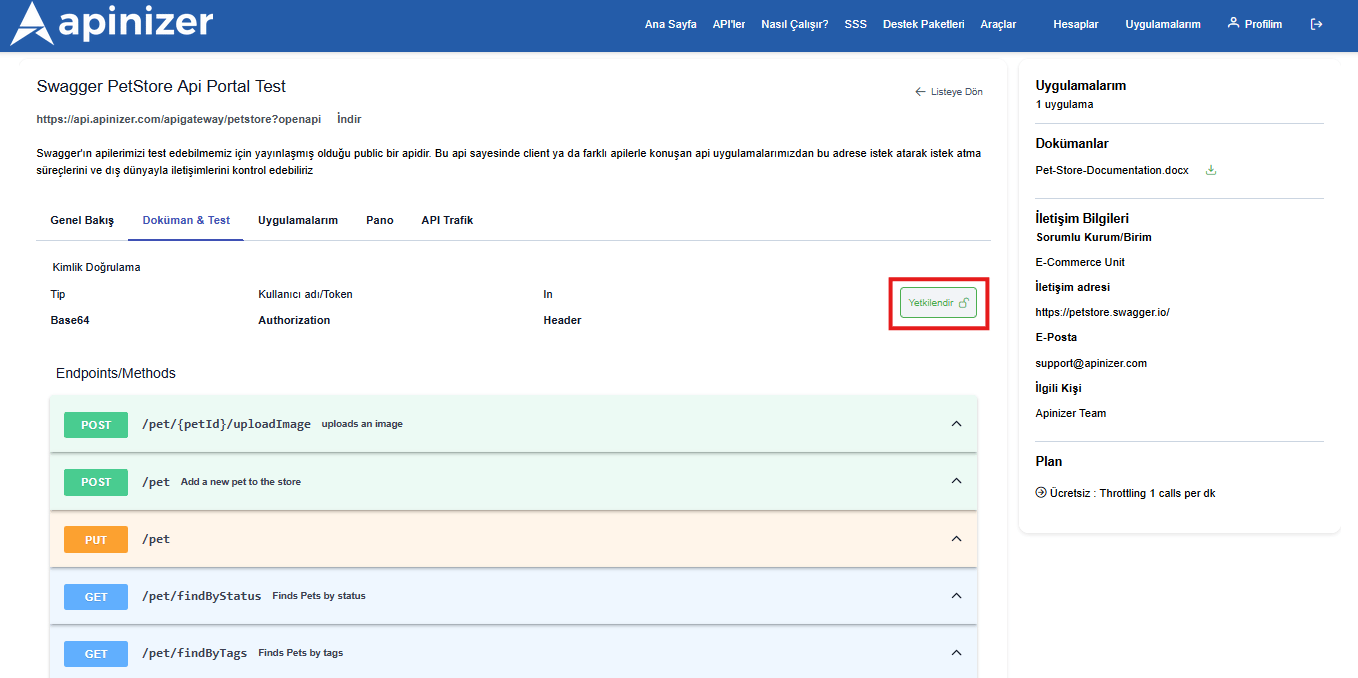
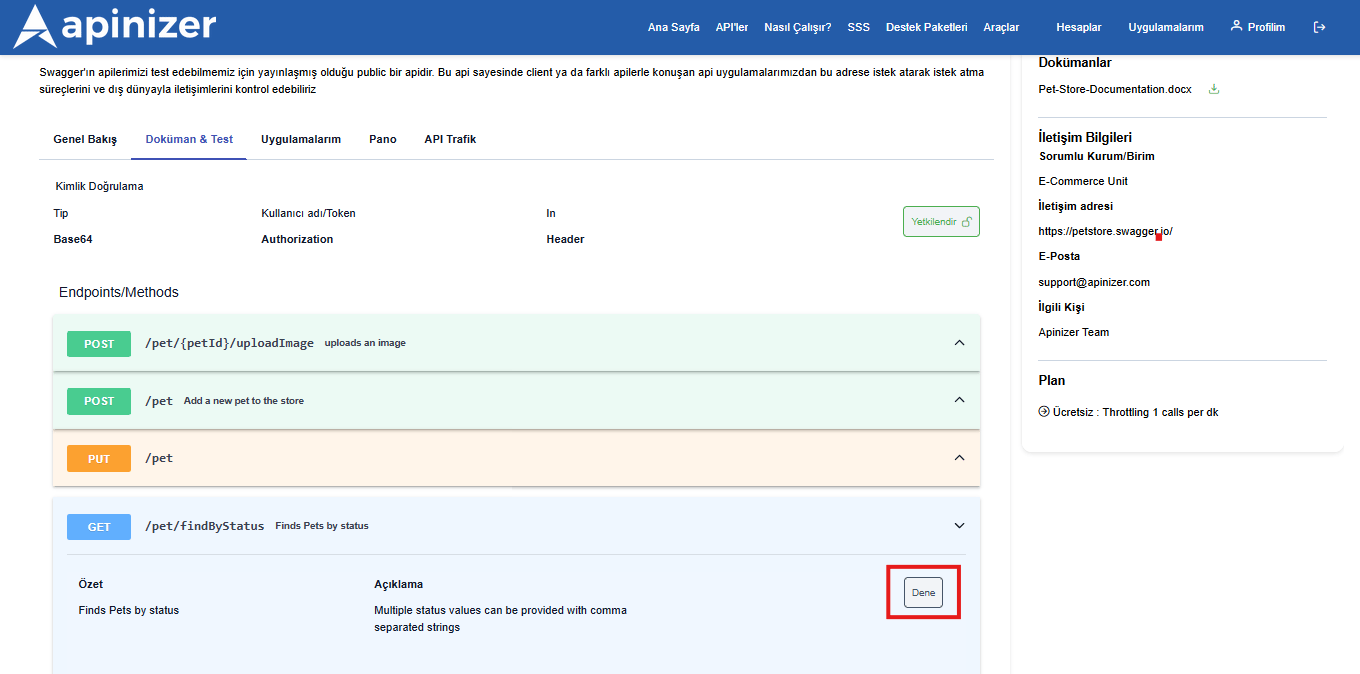
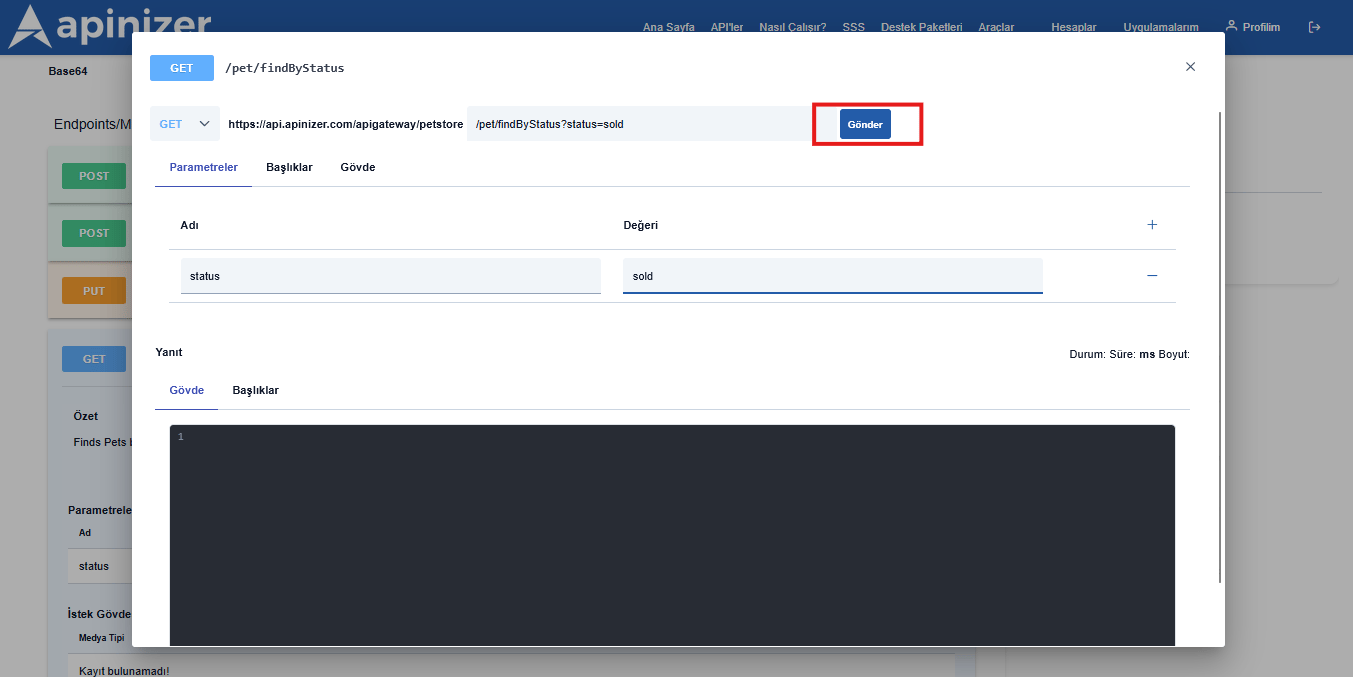
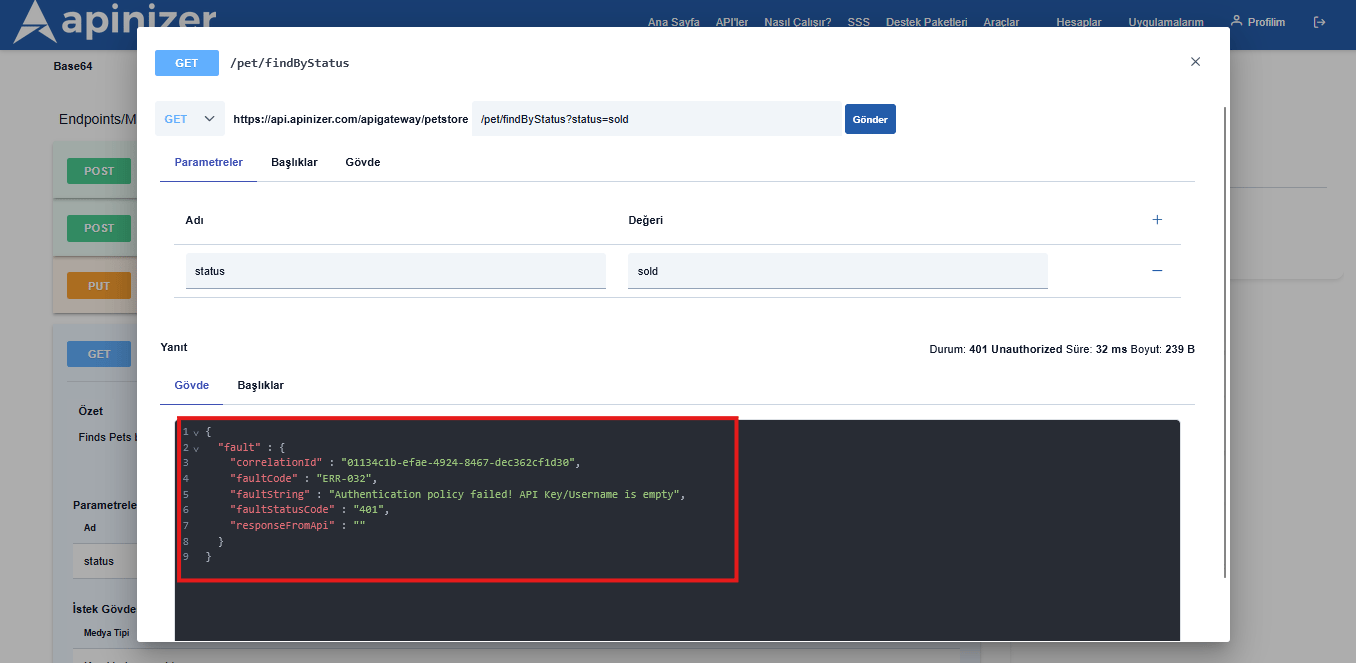
- How is it tested?
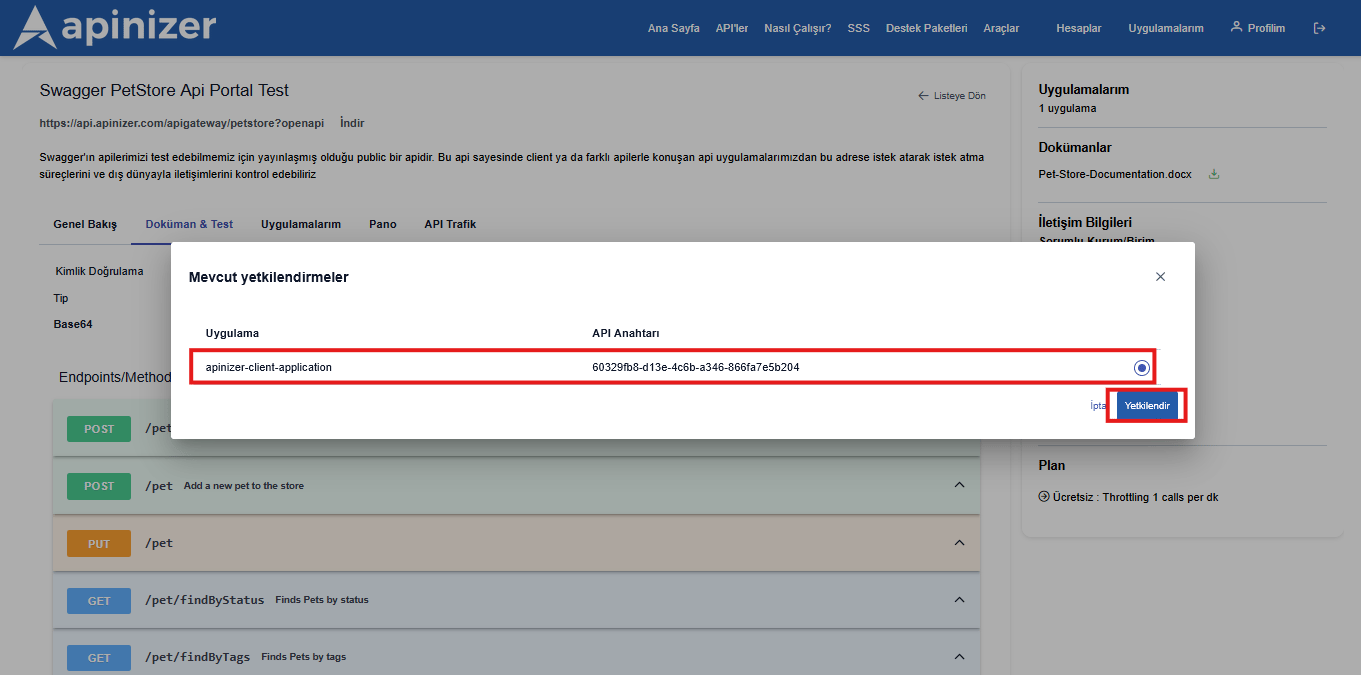
- How is it started to be used?
Creating API Developer Account
To create a new API Developer account, you can click the sign up button in the top right, or if you have an account, you can log in by clicking the login button.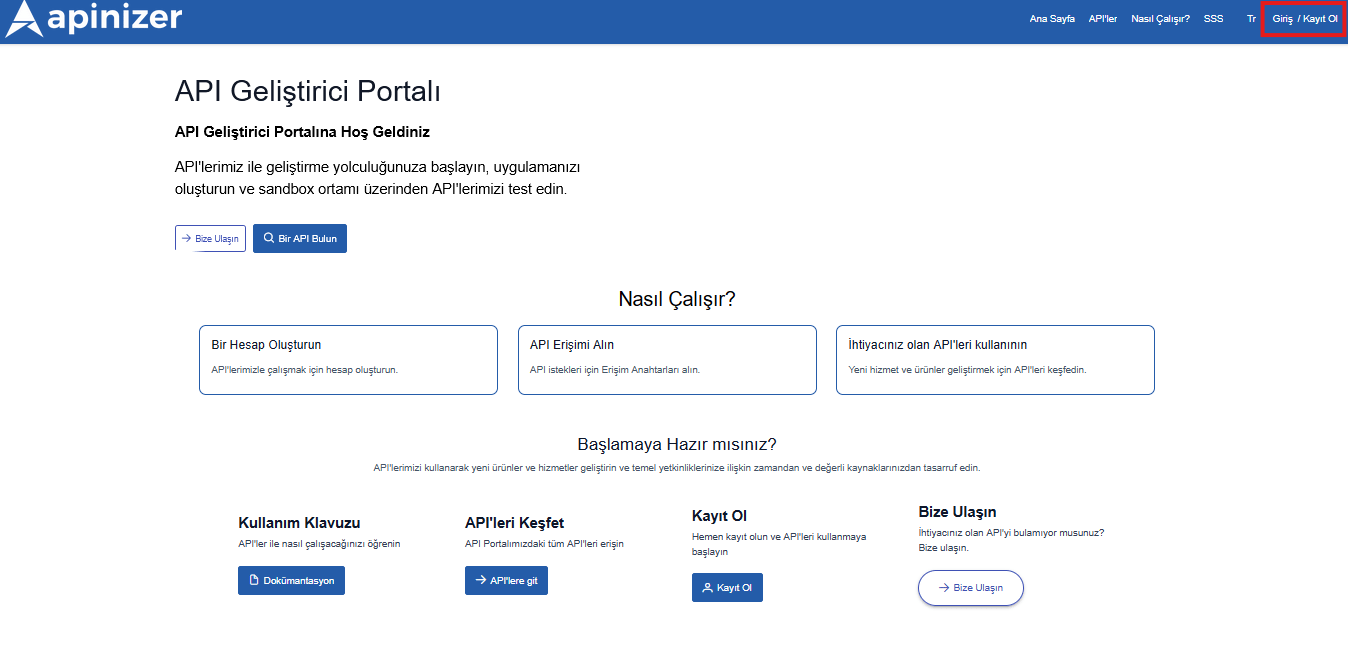
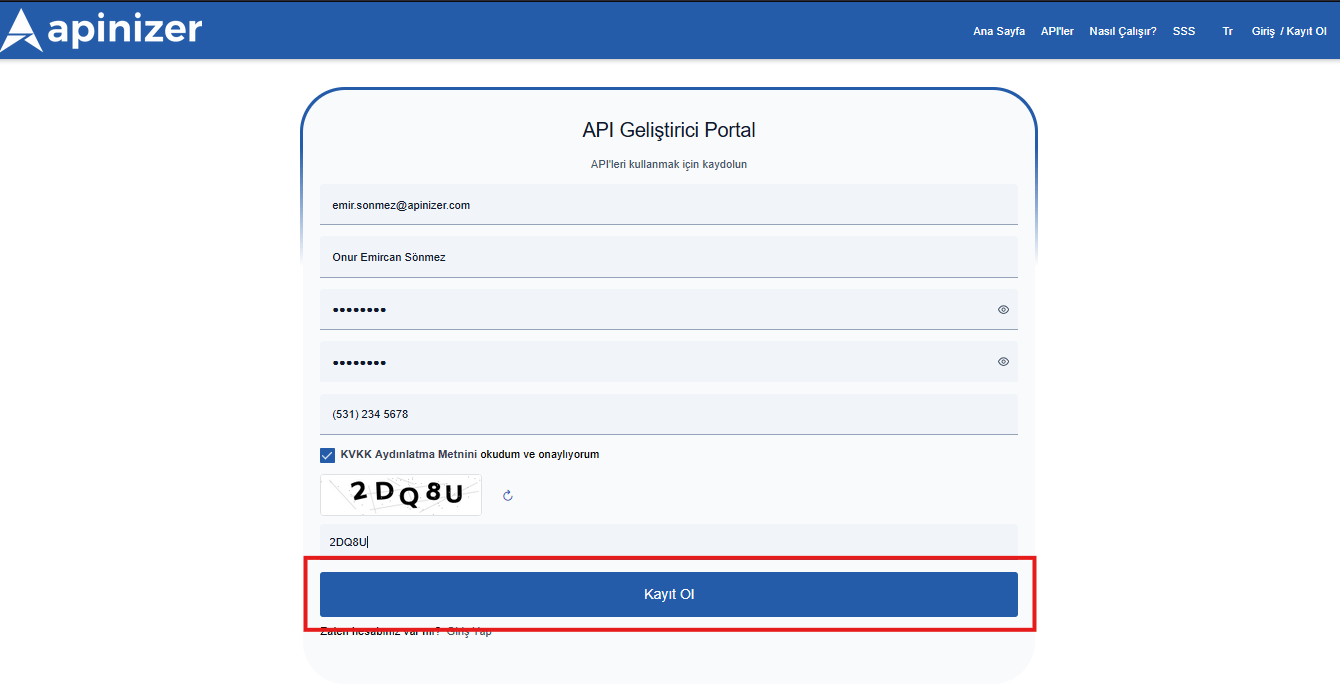
If the automatic user registration request approval option is not activated by the API Portal owner in the API Portal configuration, the API Portal owner must approve the registration request to be able to log in.
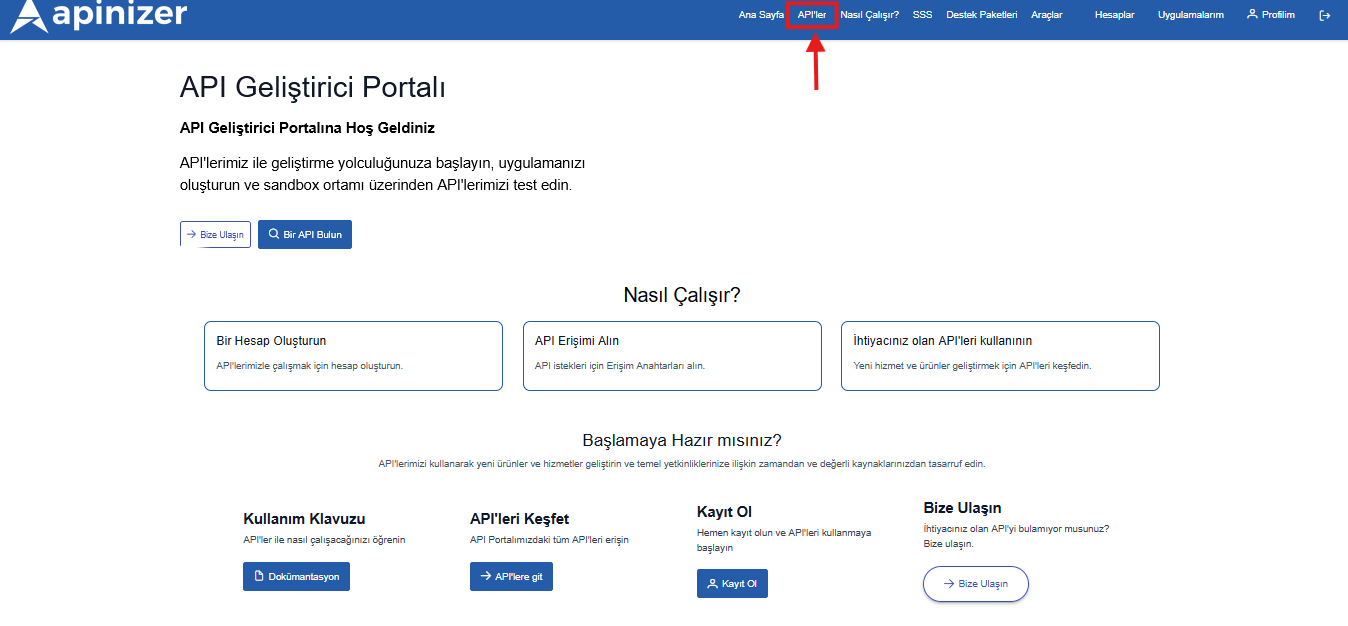
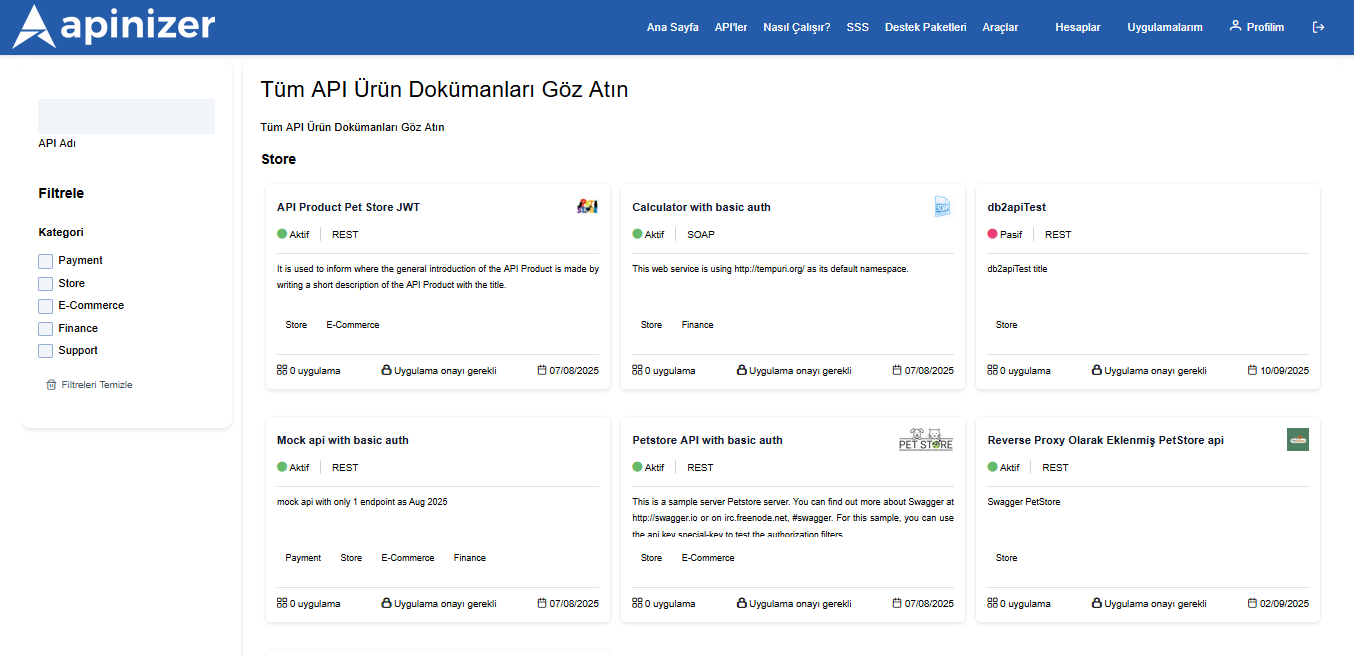
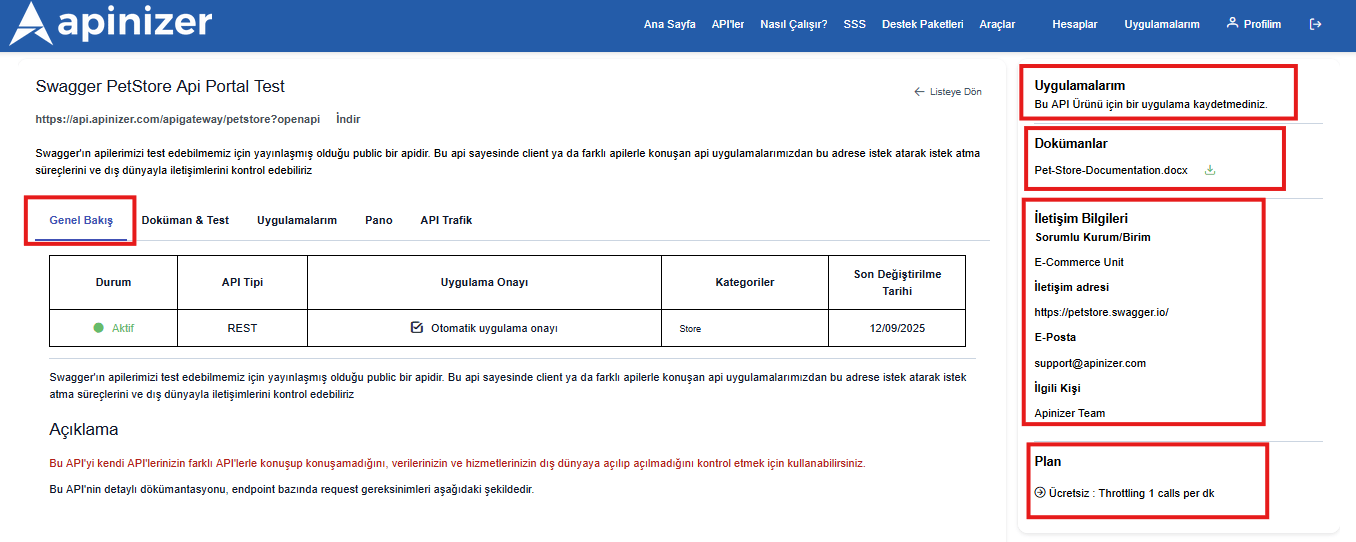
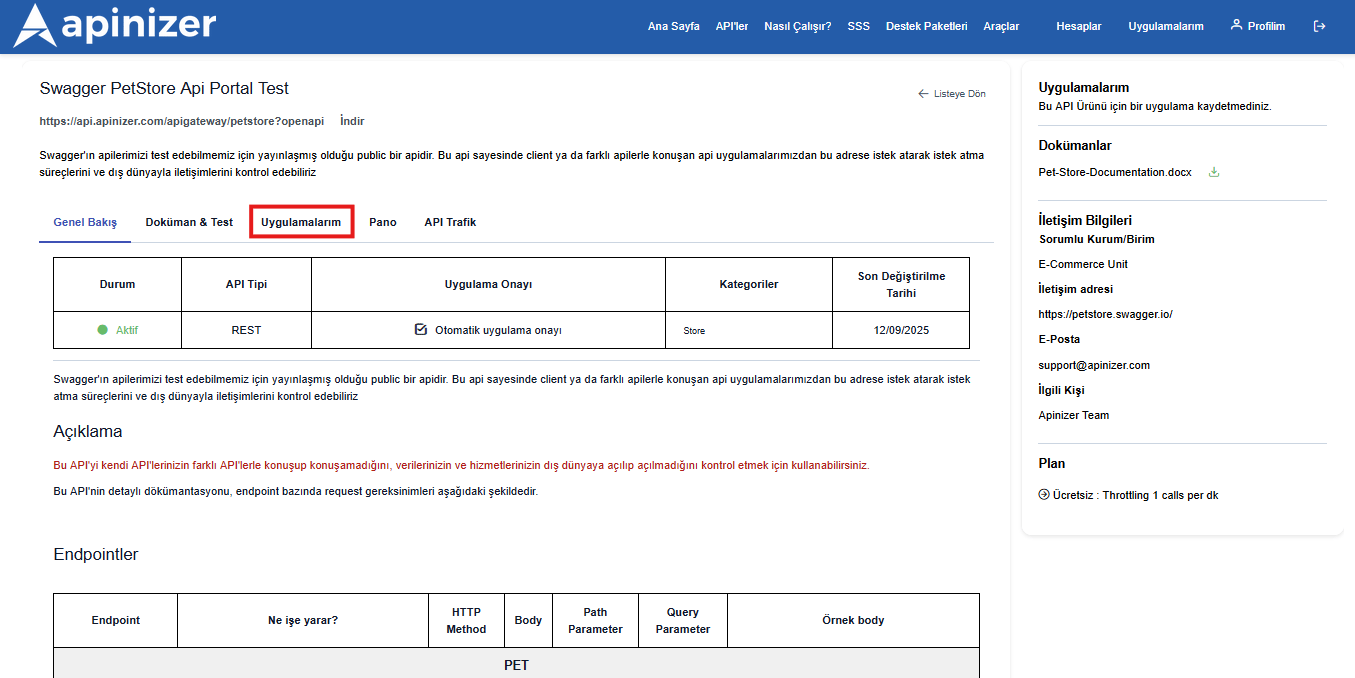
From the Overview page, you can get an idea about the relevant API, learn about the purposes of using the API, and learn the request structure of endpoints on the documentation & test page.
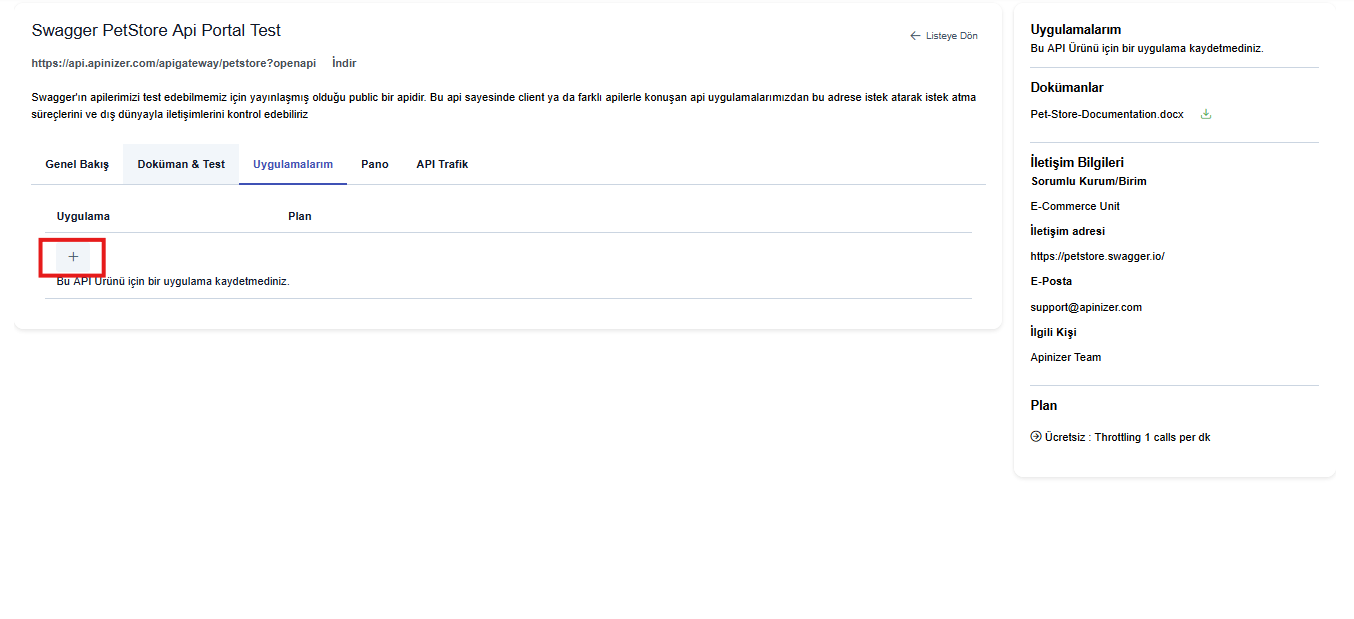
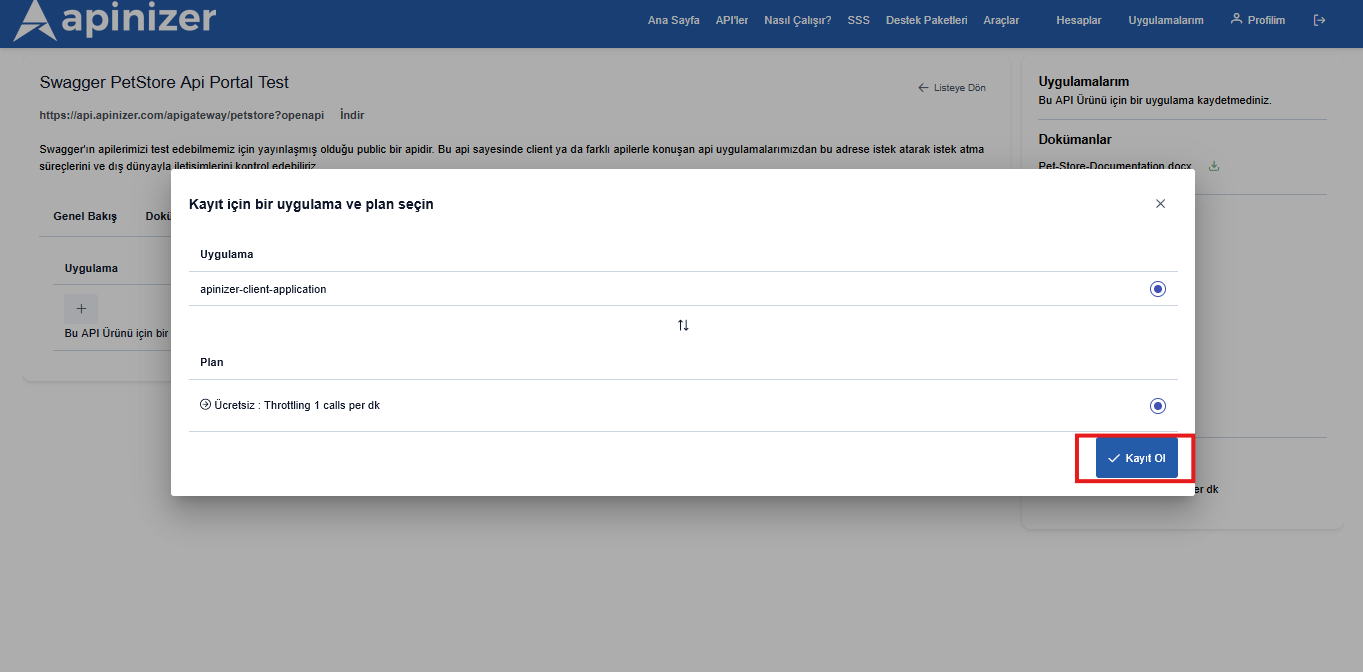
Creating Application and Registering Application to API
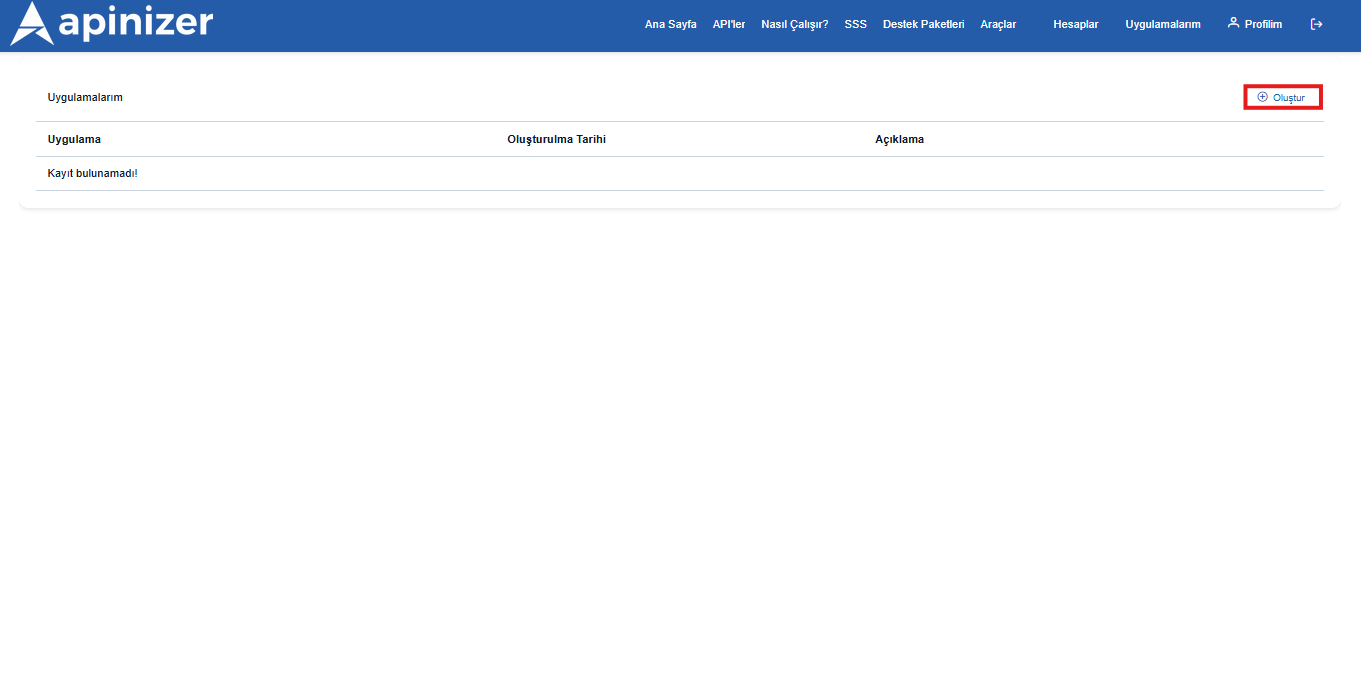
To create an application, we need to go to the application creation page by clicking the My Applications menu in the top right corner. From this page, you can view, edit, delete your registered applications, or add a new one.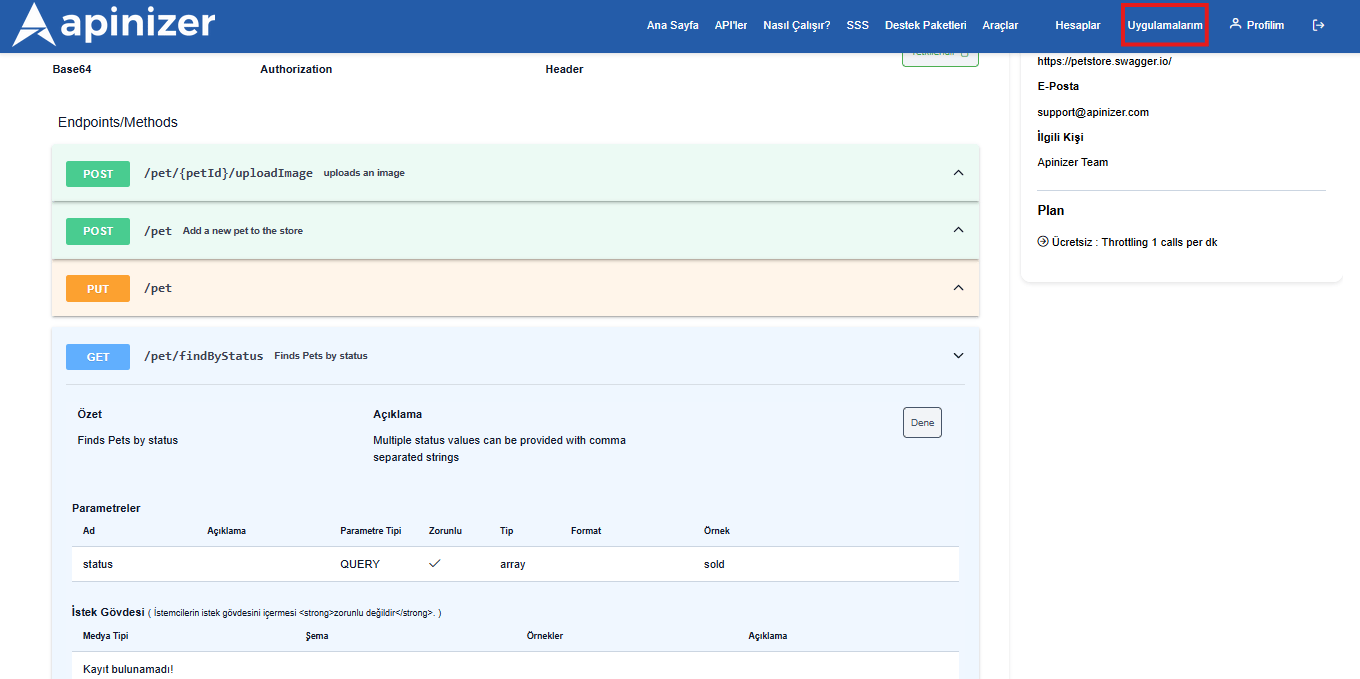
Application Authorization and Sending Test Request After Application Registration
After the application registration is successfully completed, the registered application will now be authorized to use the relevant API Product within the scope of the plan it has. After the application registration is made, to try the API Product by sending a test request, go to the relevant API detail and switch to the Documentation & Test tab.