- If the period is set to 5 minutes and for example the policy was saved at 12:00:00:
- Requests between 12:00:00 and 12:04:59 are counted in the same window.
- At 12:05:00, a new window starts and the counter resets.
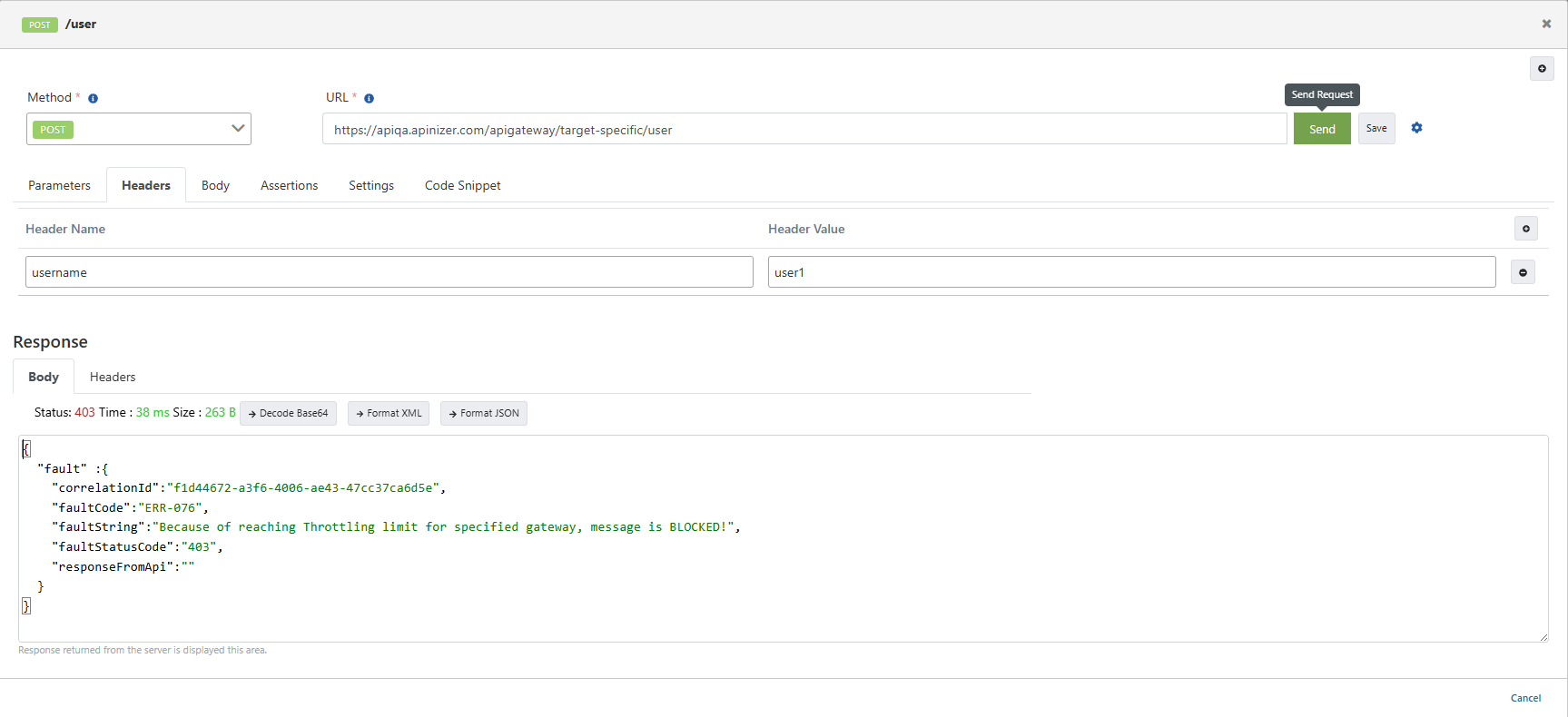
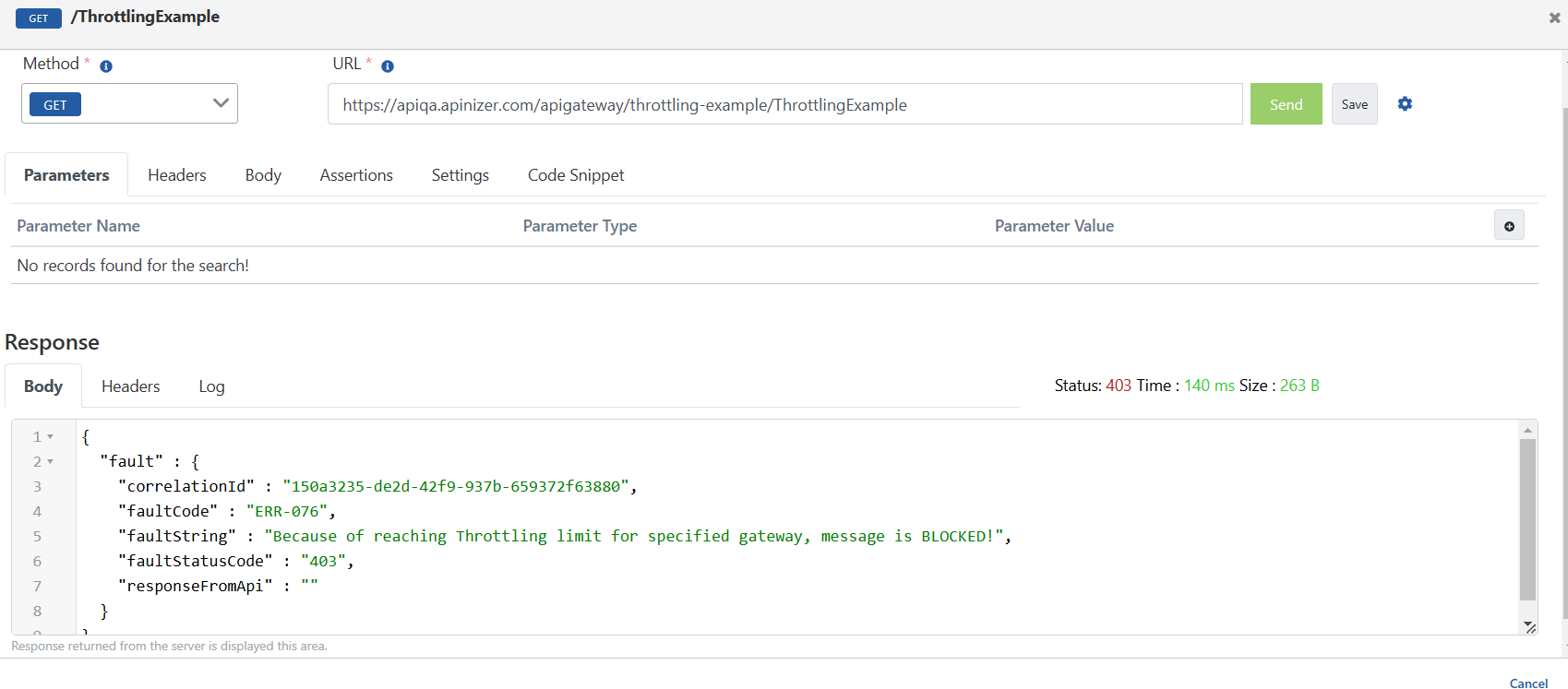
When we send a sample request from the test console, the message was blocked because the restriction limit was reached after the 10th request within the time range between 14:00:00 and 14:04:59 at the current time.
Target-Specific Throttling Rules (Target-Specific Throttling Rules)
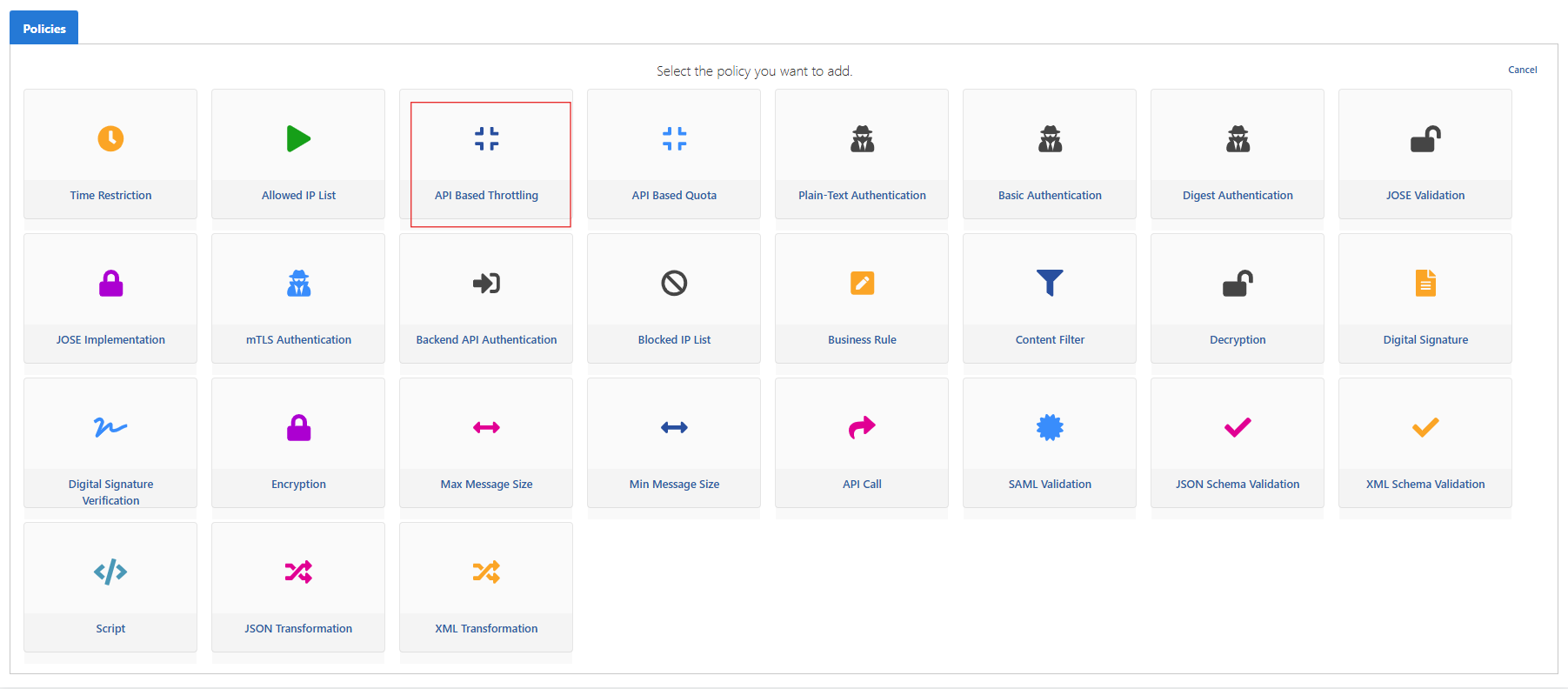
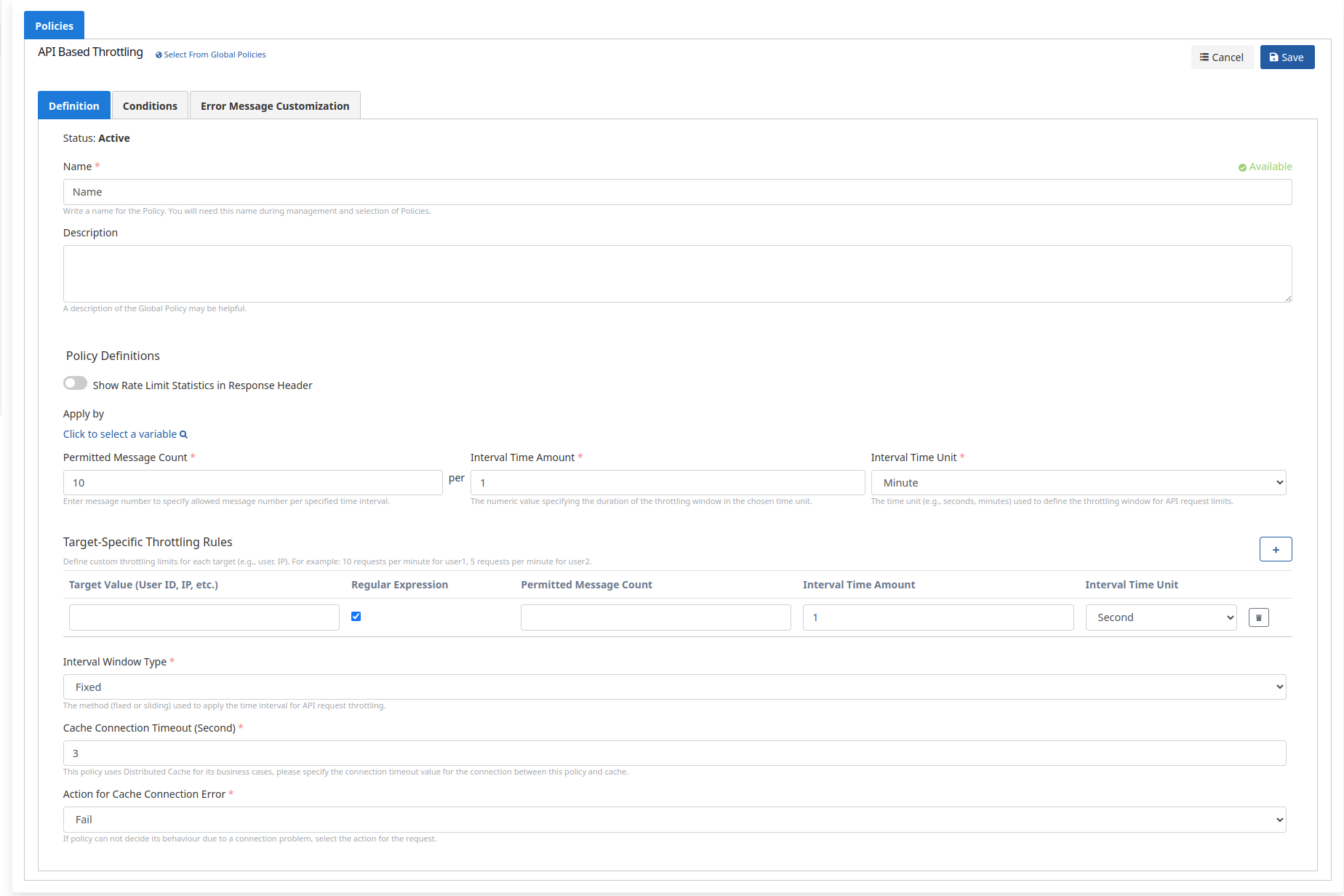
Thanks to this feature, you can define special throttling limitations for specific users or targets. We add API Based Throttling as a policy.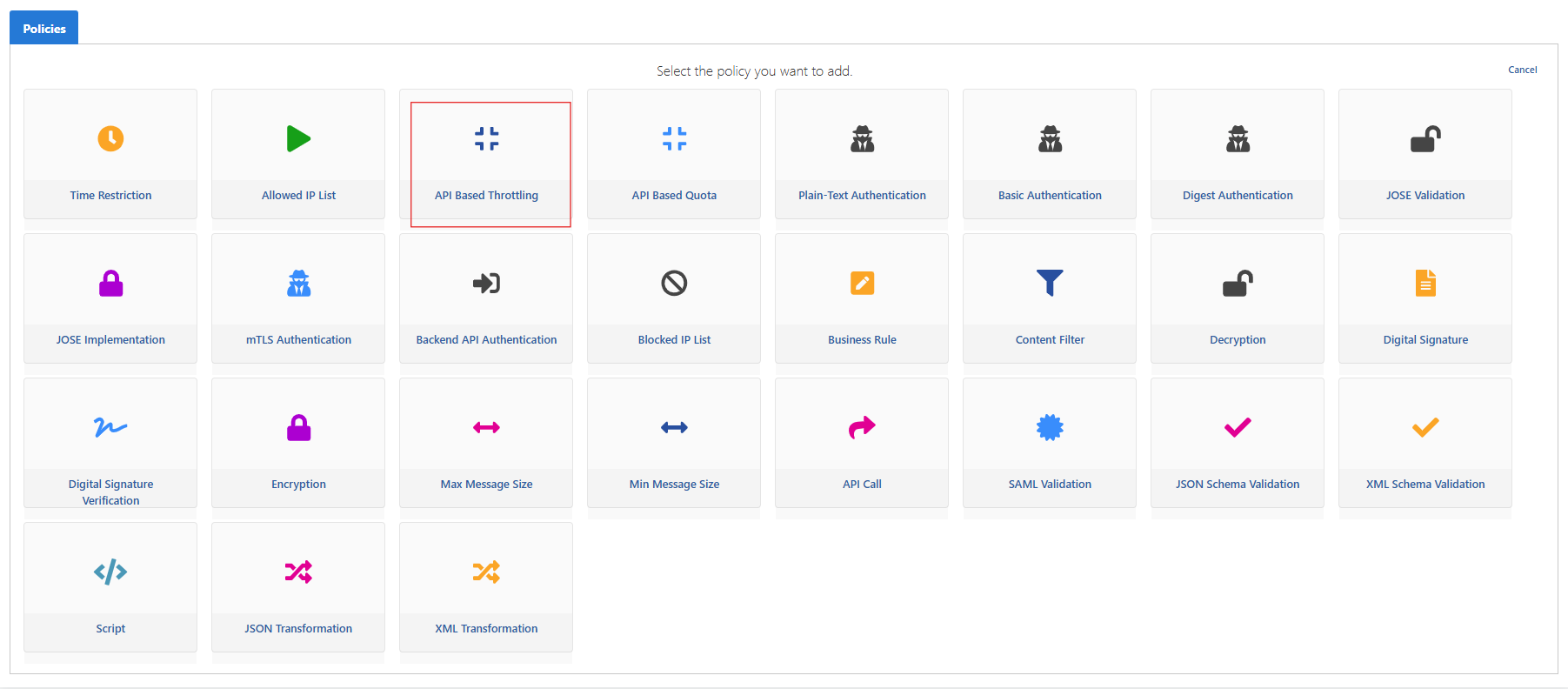
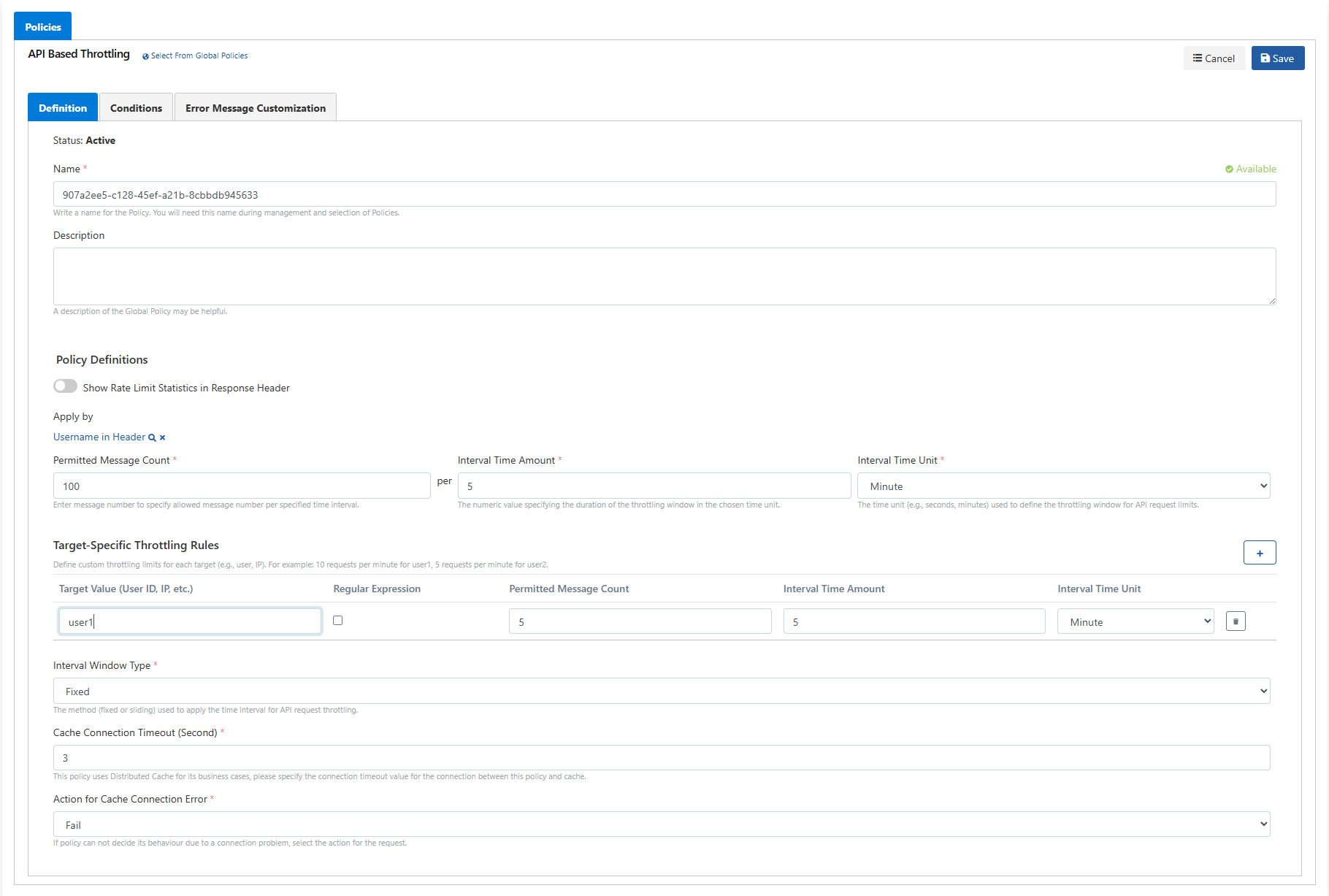
- Using Target-Specific Throttling Rules (Target-Specific Throttling Rules), special quota limits can be determined based on users (based on header, body, or another field). While limiting incoming requests to 100 requests for 5 minutes using the Fixed Window (Fixed Window) method in the general policy, a limit of maximum 5 requests in 5 minutes can be defined for the user1 user at the same time.
- In the Fixed Window method, if the period is set to 5 and minute is selected:
- For example, if the policy was saved at 12:00:00, this policy will be valid between 12:00:00 and 12:04:59 within the current day, and 100 requests can be made as a general rule during this period.
- For the user1 user we defined with Target-Specific Quota Rules, a minute-based limit has been determined. If a 5-minute period starts at 12:00:00, this covers the period between 12:00:00 and 12:04:59, and the user1 user can make a maximum of 5 requests in this time range. In the next 5-minute period (12:05:00), the counter resets.
- In the next 5-minute period (for example between 12:05:00 and 12:09:59), while a new 100 request right is defined for the general policy, 5 request rights will be redefined for the user1 user as well.