ArgoCD Installation
Follow the steps below to install ArgoCD on the Kubernetes Cluster.1
Creating namespace
Create a namespace for ArgoCD:
2
ArgoCD installation
Apply ArgoCD manifest files from GitHub repository:
3
Monitoring pod status
Monitor the startup of pods: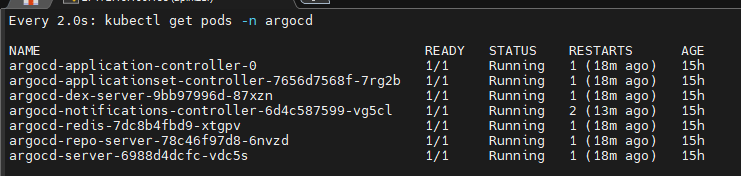
4
Configuring service type
Configure the service type as NodePort to access the ArgoCD interface:
5
Accessing interface
Access the ArgoCD interface using the port address your service exposes externally: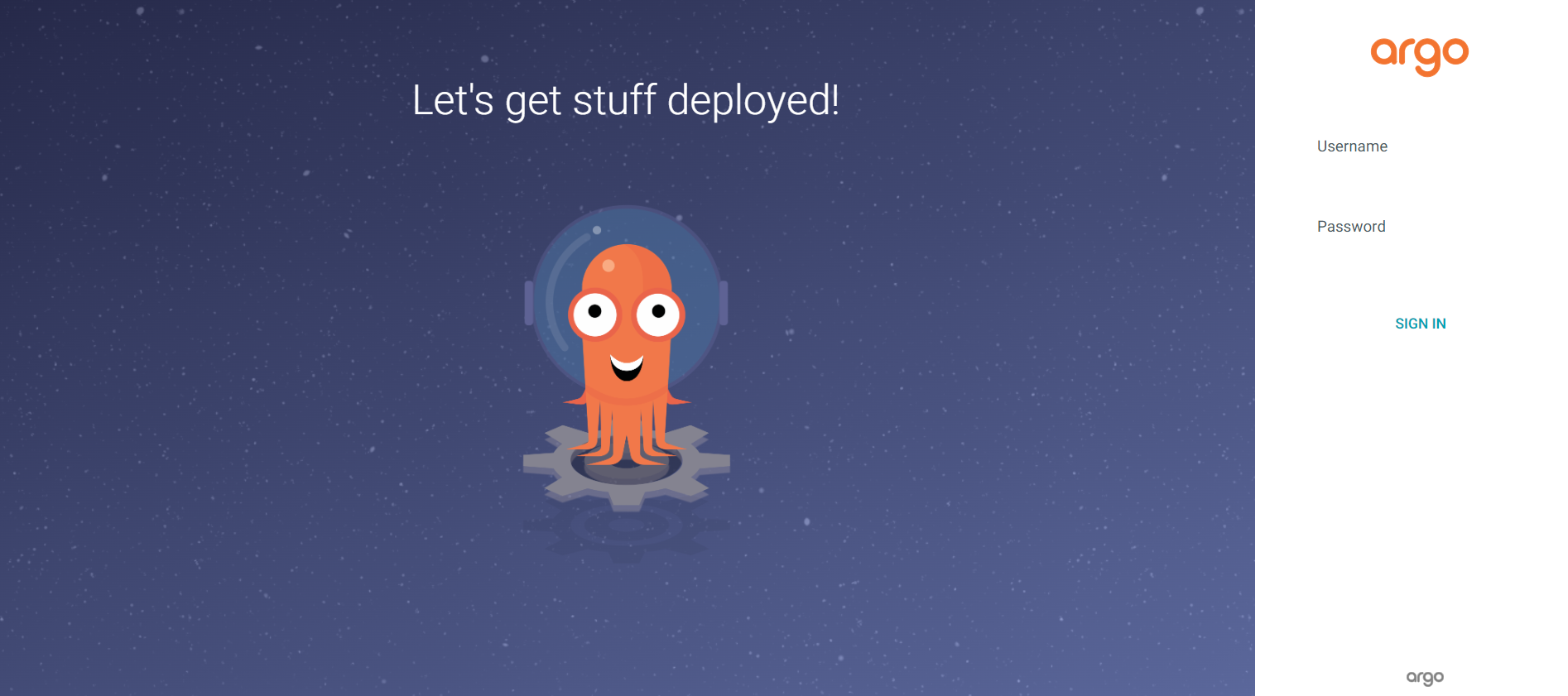
6
Getting password
Decode and display the password encoded in Base64 format:
The default username is admin. You can log in to the ArgoCD interface using this information.
Git Installation and Repository Configuration
Perform Git installation and configure the repository to push deployment files to GitHub.1
Git installation
Install the Git package:
2
Creating GitHub repository
Create a repository on GitHub to store your deployment files.
3
Configuring remote address
Add it to the git system as a remote address to be able to add files to the GitHub repository.
4
Pushing deployment files
Add the Apinizer Manager deployment yaml file to the git version system and push it to the remote repository:
Adding Git Repository to ArgoCD
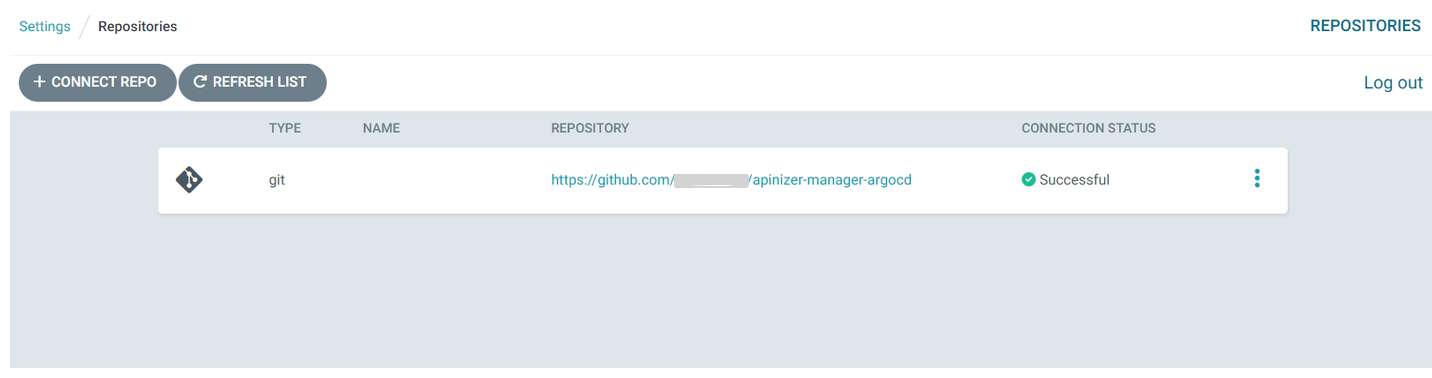
After adding YAML files to the GitHub repository, you need to add this repository address from the ArgoCD interface. There are many connection methods. For the HTTPS method, you need to fill in the following fields.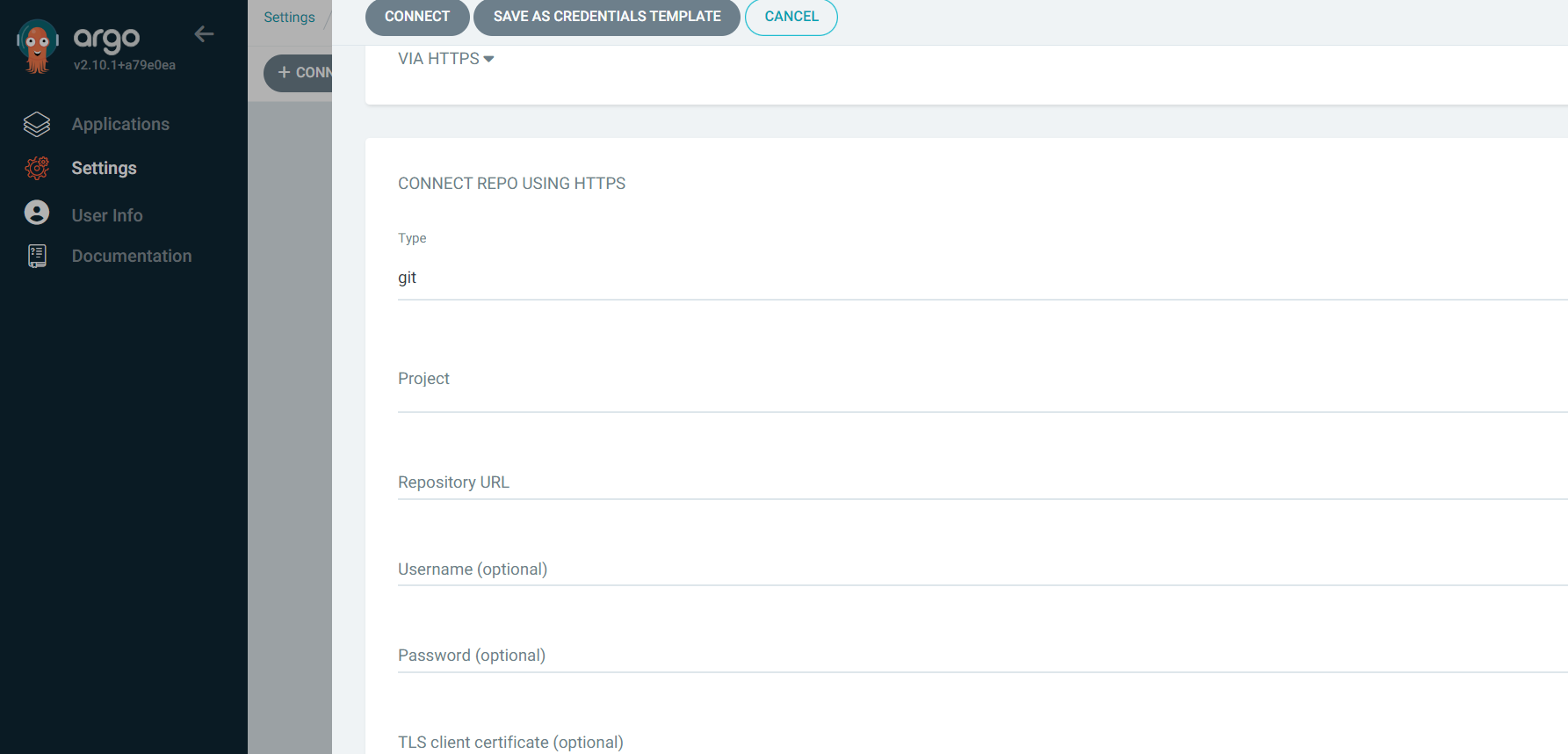
Creating ArgoCD Application
You can automate your deployment processes by creating an application on ArgoCD.1
Determining application name
Give a name for the application.
2
Sync Policy configuration
If you want ArgoCD to automatically check for updates in the repository, set the SYNC POLICY option to Automatic.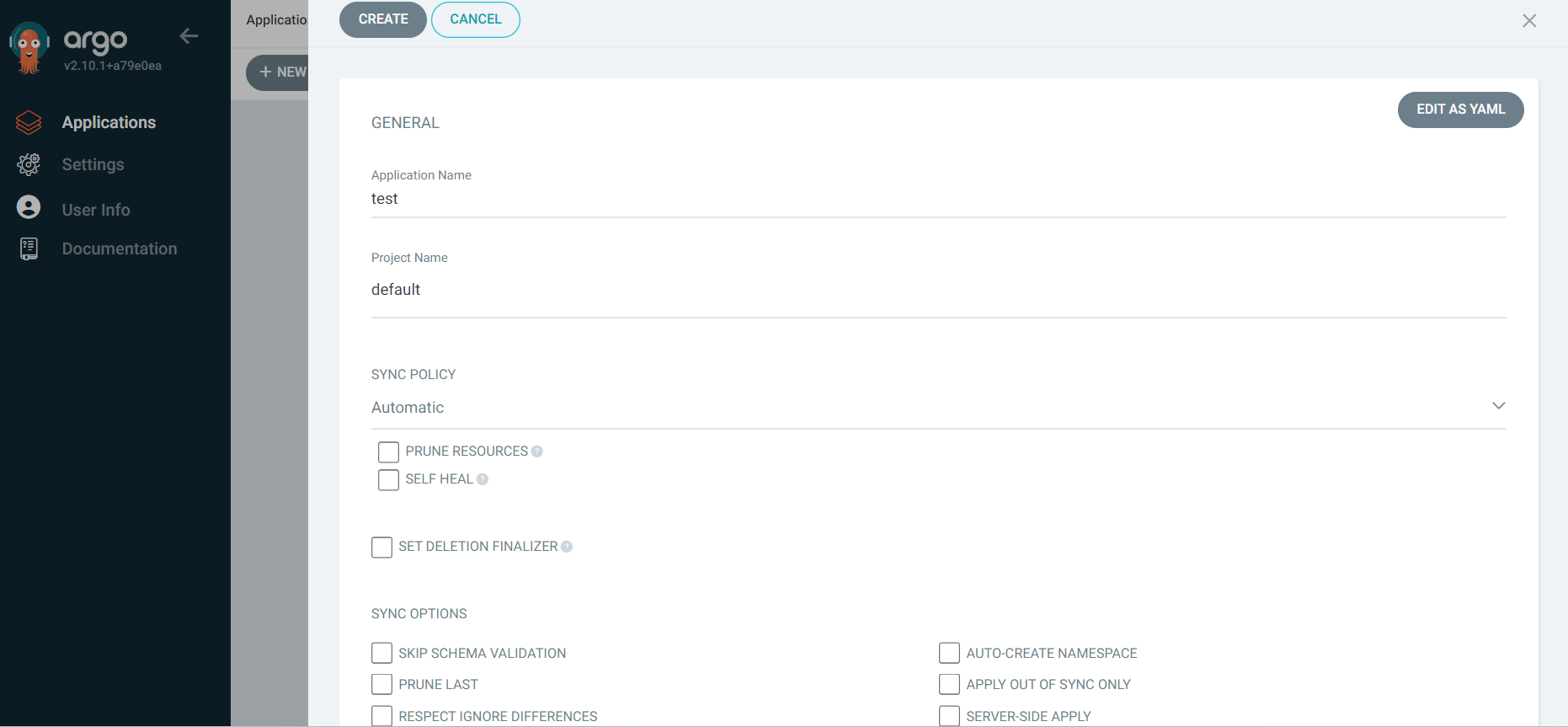
When Automatic sync policy is active, ArgoCD checks every 3 minutes on your behalf.
3
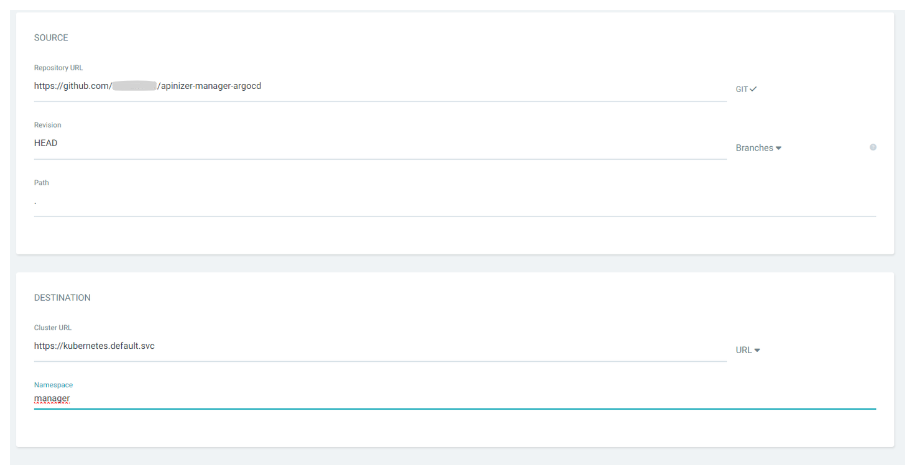
Automatic namespace creation
When you need a namespace that has not been created before in your Kubernetes Cluster, ArgoCD creates a namespace in your Kubernetes cluster with the AUTO-CREATE NAMESPACE option.
Application Management
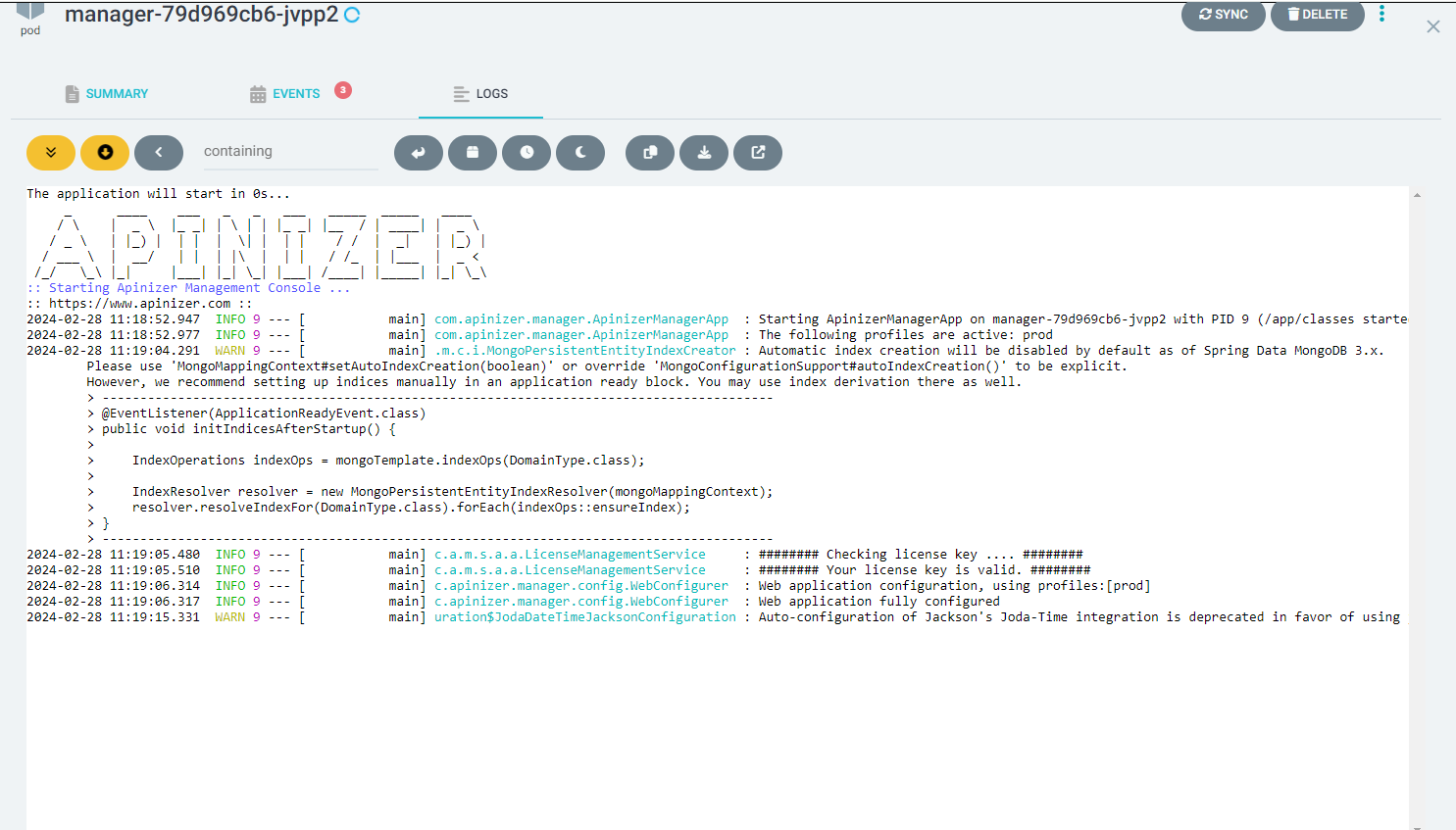
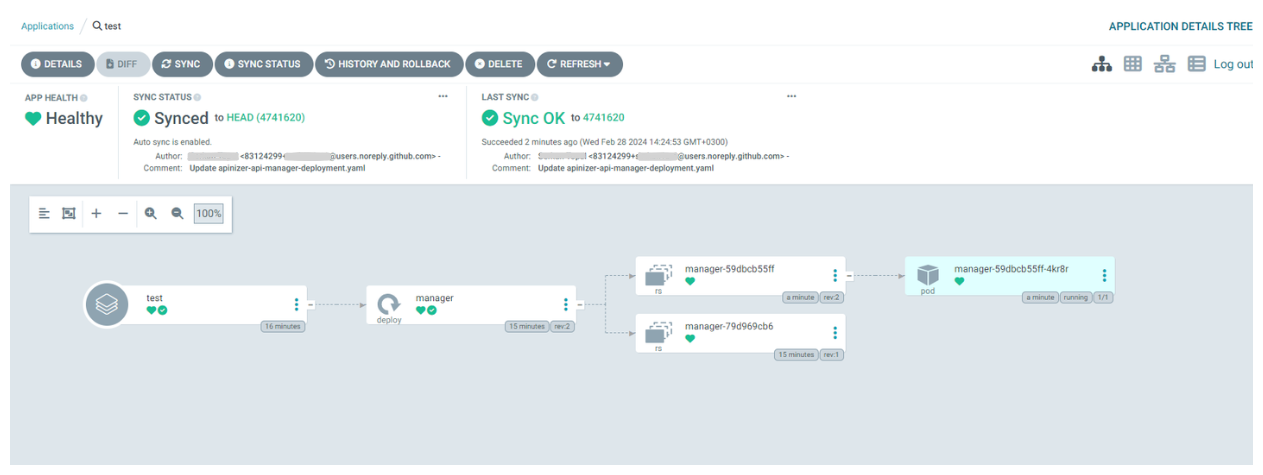
ArgoCD visually shows you deployments, replica sets, and pods. You can view real-time log data of pods.