You can visit the Settings Tab (Settings Tab) page for settings details.
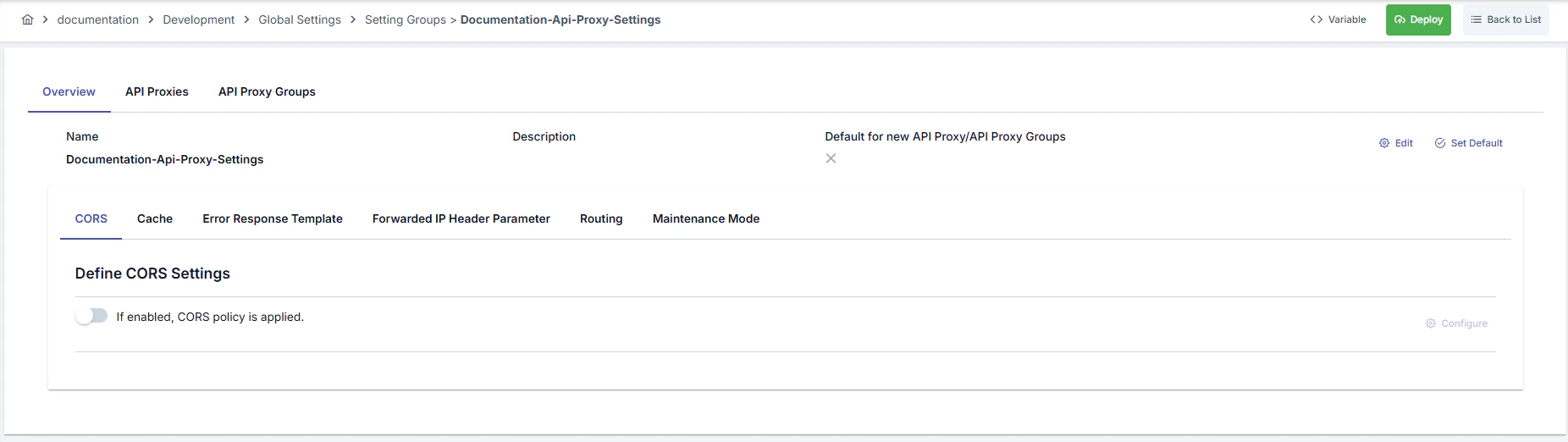
Settings created on the API Proxy Settings screen can be assigned to proxies and proxy groups. This operation is performed through a selection screen as shown in the image.
Settings for adding API Proxy settings to Proxy and Proxy Group are shown in the following images:

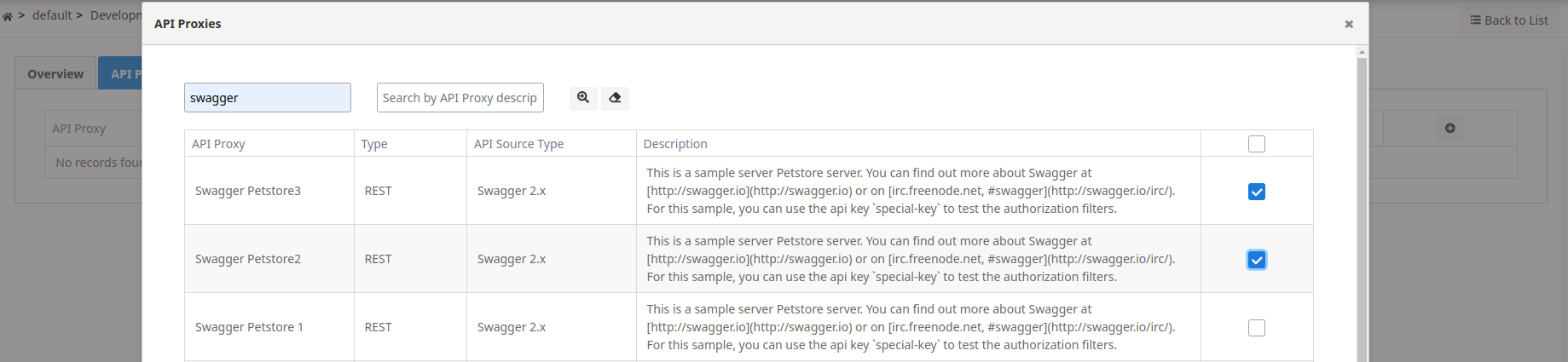
- The user can select one or more of the listed API Proxies.
- Similarly, API Proxy Settings can also be assigned to Proxy groups from the same screen.
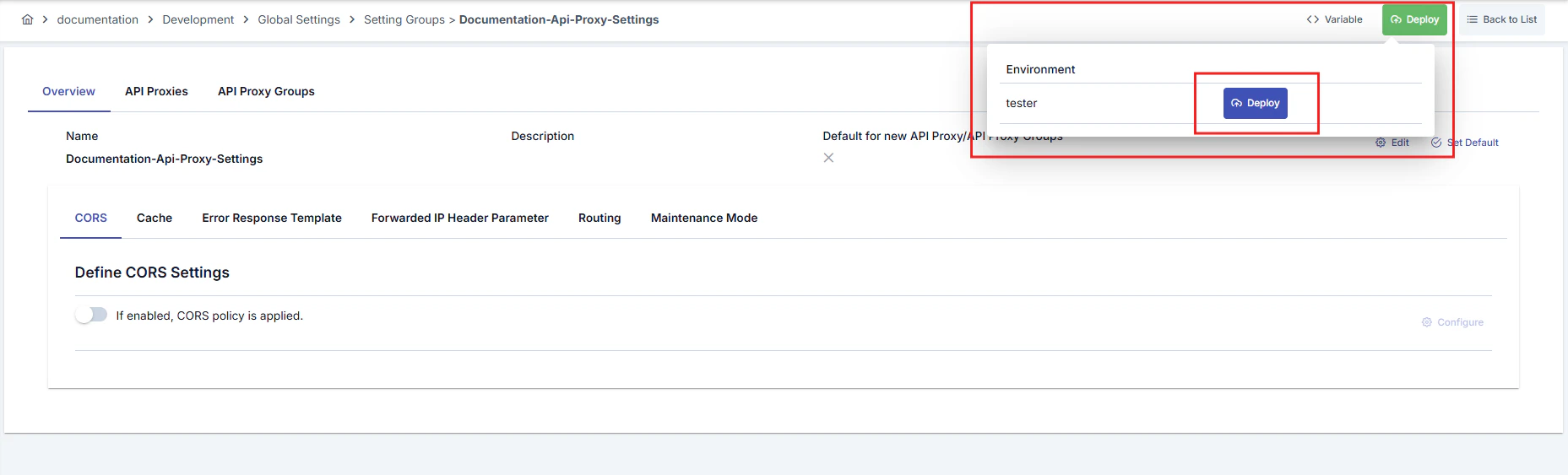
Settings Group Deploy Operation
When any change is made to a settings group, the status of API Proxies and API Proxy Groups using this group changes to “Redeploy Required”. Instead of deploying them one by one, the “Settings Group Deploy” feature enables bulk deployment of all API Proxies and API Proxy Groups using this settings group to a specific working environment (environment). When the deploy operation is initiated, a confirmation dialog opens. This dialog contains the following information and options:- Policy/Settings Group Name: The name of the settings group to be deployed is displayed. This information is shown in the confirmation mechanism since it is a bulk operation.
- API Proxy and API Proxy Group Selection: You can select whether the deploy operation will be applied to API Proxies, API Proxy Groups, or both. Both options can be selected.
- Filter Option: You can select one of the following options to filter which API Proxies and API Proxy Groups will be deployed:
- All: All API Proxies and API Proxy Groups using this settings group are deployed.
- Only deployed ones: Only API Proxies and API Proxy Groups that are deployed in the selected environment and do not require redeploy are deployed.
- Only deployed and redeploy required ones: Only API Proxies and API Proxy Groups that are deployed in the selected environment and require redeploy are deployed.
- Deployable Object Counts: The number of API Proxies and API Proxy Groups to be deployed is displayed according to the selected filter option.