Quick API Creation
An API can be instantly created through API Documentation or containing default CRUD operations, and instantly opened to users’ access as an API Proxy.
Conditional Responses
Apinizer enables obtaining different responses according to conditions based on request header, body, or parameter values thanks to conditions added to the response.
API Documentation
API definition documents of Swagger and OpenAPI types for created Mock APIs can be accessed on the fly in JSON and YAML formats.
Creating New Mock API
1
Go to Mock API Page from Menu
Development → API Creator → Mock API item is selected in the main menu.
2
Create New API
The +Create button at the top right of the opened interface is clicked.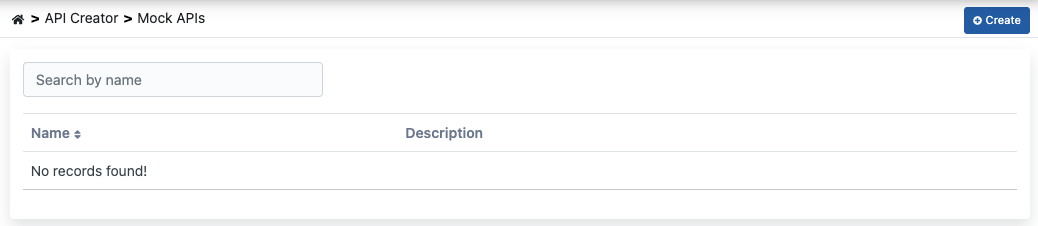
3
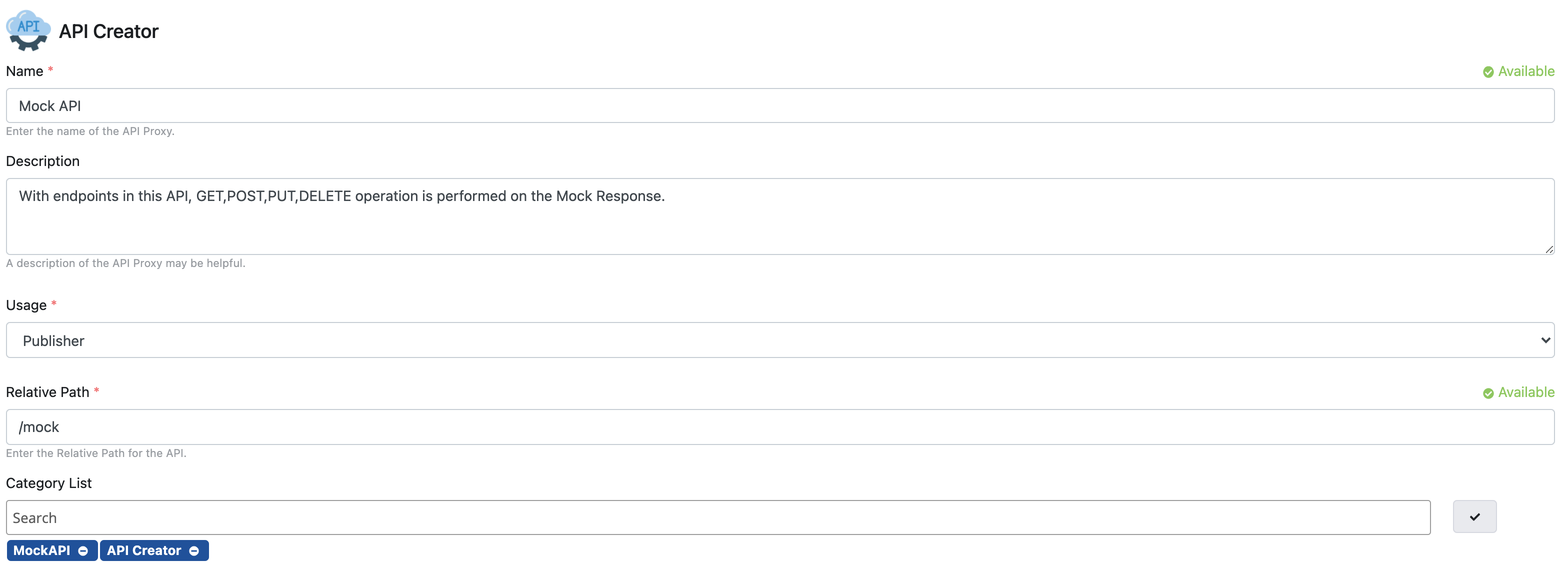
Fill API Information
Required fields for the new API to be created are filled and the →Save and Next button at the top right is clicked, starting the API creation process.
Creating Mock API of Blank Type
Creating Mock API of Blank Type
Creating an API of this type means that API endpoints will be designed by the user.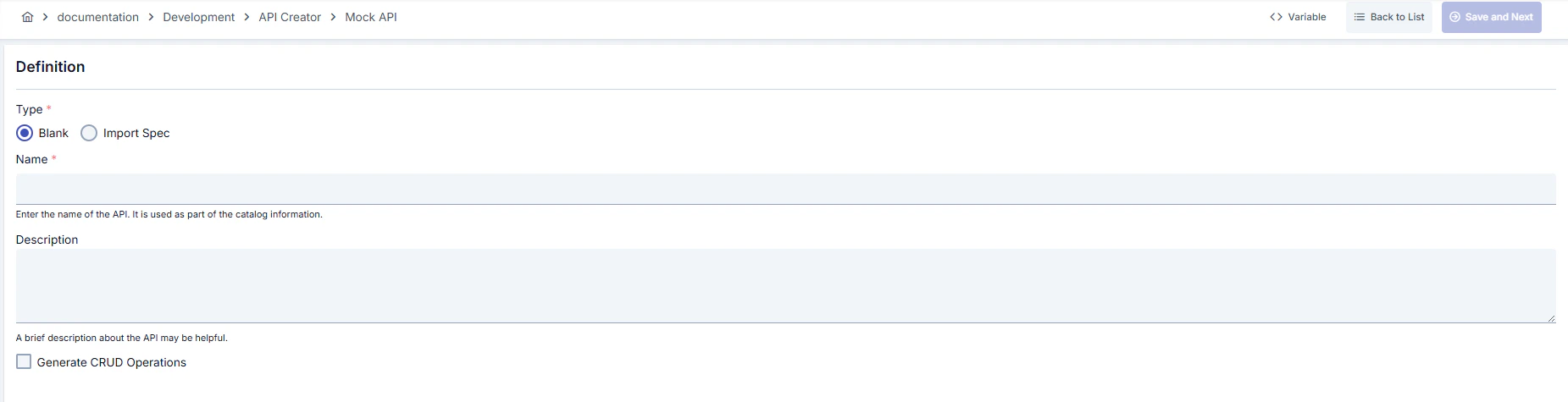
If the Generate CRUD Operations option is enabled, GET, POST, PUT, DELETE endpoints are automatically added to the API.
Creating Mock API from Open API or Swagger
Creating Mock API from Open API or Swagger
Creating an API of this type means that the API will be created from its definition document.The type of API document to be imported or whose link will be given must be Swagger or Open API.
Mock API Definition Fields
Fields used for Mock API definition are shown in the table below.Endpoint Creation
If the Generate CRUD Operations option is selected, method/endpoints of GET, POST, PUT, DELETE types will come ready by default.
1
Add Endpoint
A new method/endpoint is added by clicking the Add button.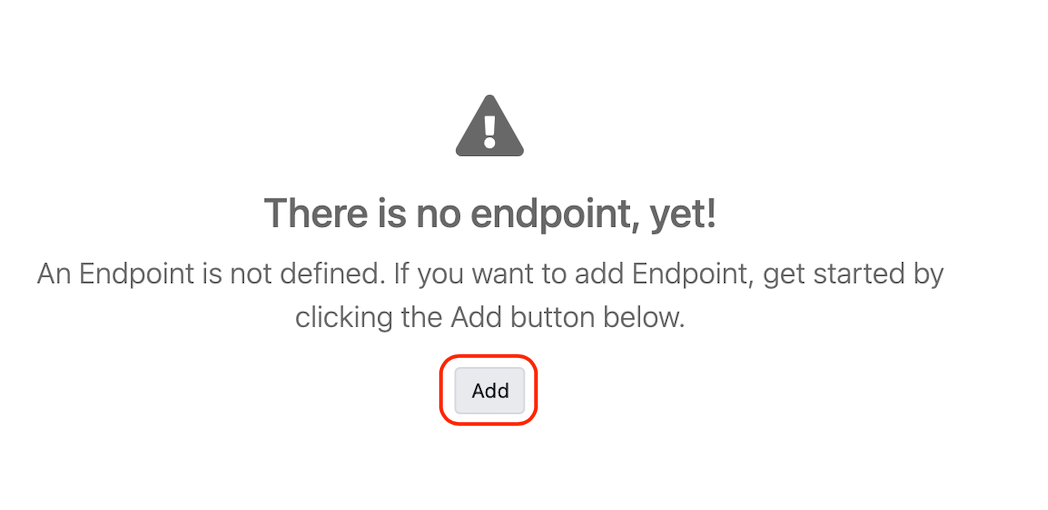
2
Fill Endpoint Information
Method/endpoint is added to the API by clicking the Add button on the screen that appears. Fields in the Method/Endpoint definition screen are filled and the Save button is clicked.
Adding or Editing Response
Responses belonging to method/endpoint are managed from the Response Information section.Response definitions are created grouped according to Status Code information. Multiple example responses based on conditions can be created within each response definition.
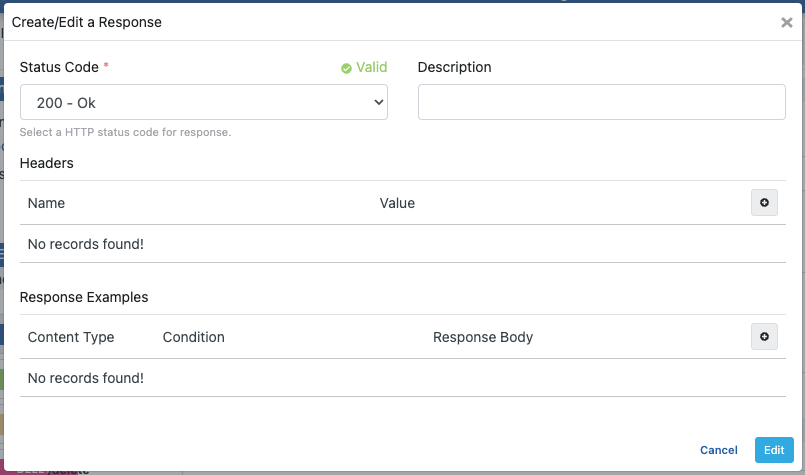
Adding or Editing Response Examples
Examples can be added by creating multiple body and condition definitions for a response definition. Thus, when a request comes to the same method, different responses can be sent to the client under different conditions.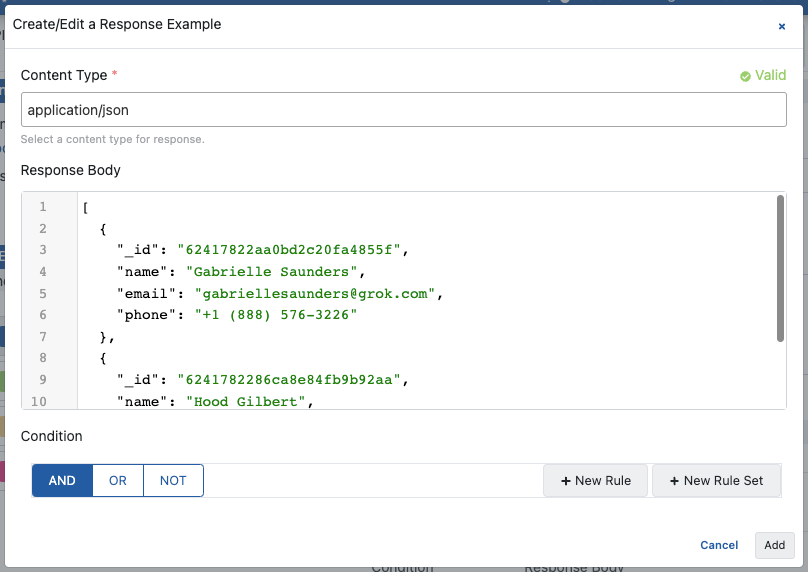
Creating API Proxy from Mock API
When there is at least one method/endpoint, an API Proxy is created for Mock API by clicking the Create API Proxy button.At least one method/endpoint must exist to create an API Proxy from Mock API.
Deploy/Redeploy
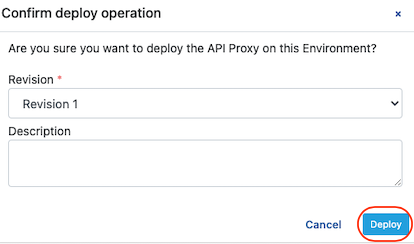
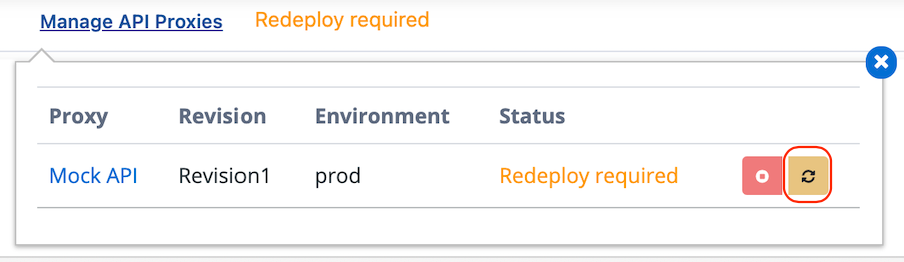
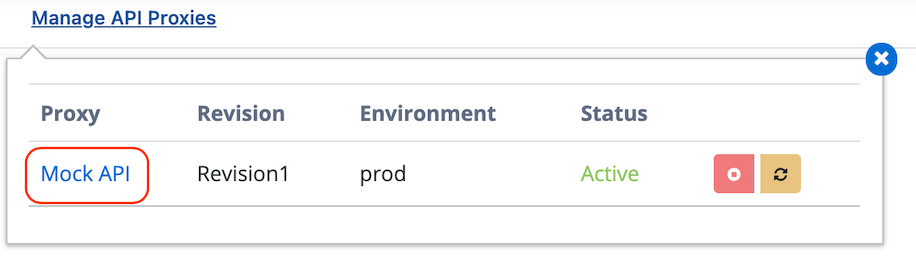
The window opened by clicking the Manage API Proxies link is used to view and manage deployment statuses of API Proxies in Mock API. In the opened window, Deploy/Undeploy and Redeploy operations for API Proxies created with Mock API are performed in this section. You can refer to the Deployment, Redeployment, Undeployment, Deployment History and Rollback page for details. To deploy the API Proxy, the following steps are followed.