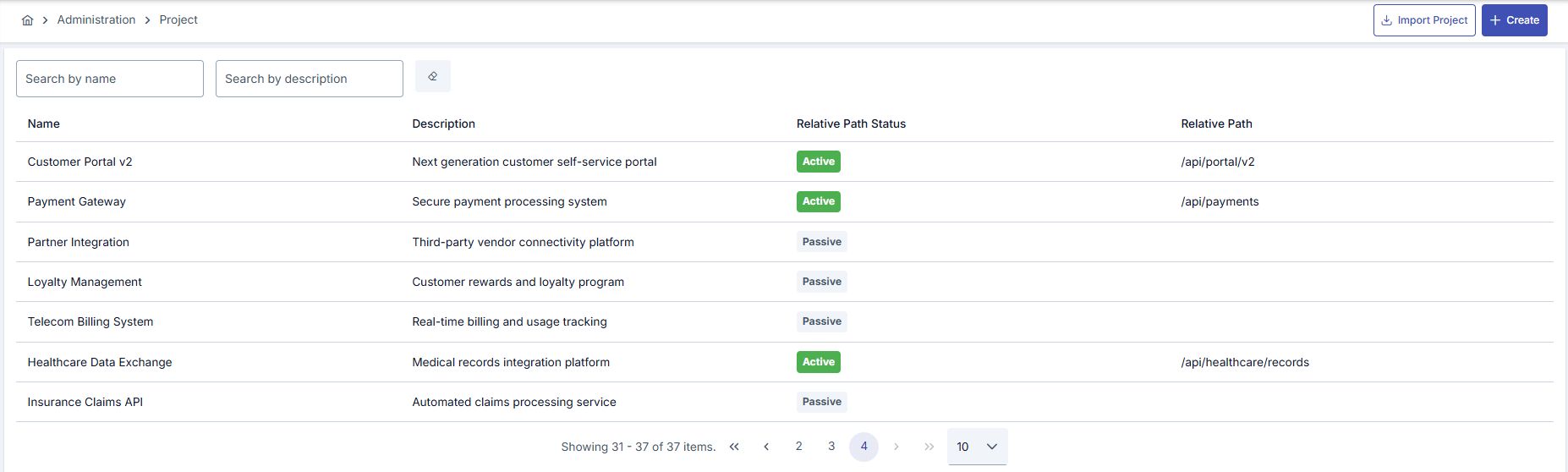
Projects
The function of a project is to group and manage all entities related to designing, publishing, developing, and analyzing a group of APIs. Therefore, the project structure is one of the most important structures in Apinizer. API Proxies categorized under a purpose framework and their related connections and configurations make management related to the API lifecycle easier. Apinizer provides a Default project on first installation. This Default project cannot be edited or deleted. After project definition is made, members are generally defined according to their roles. Click here for detailed information about member definition.Project Creation
All projects in Apinizer can be viewed from the Management → Projects screen or a new project can be created. A project can be created in two ways:- A new project definition can be made with the New (Create) button.
- A project can be created by loading an existing project configuration file by clicking the Import Project link.