

Project Update
Creating a new project is done through the admin menu. Editing and deleting existing projects are done from the project menu. The image containing project settings is shown below: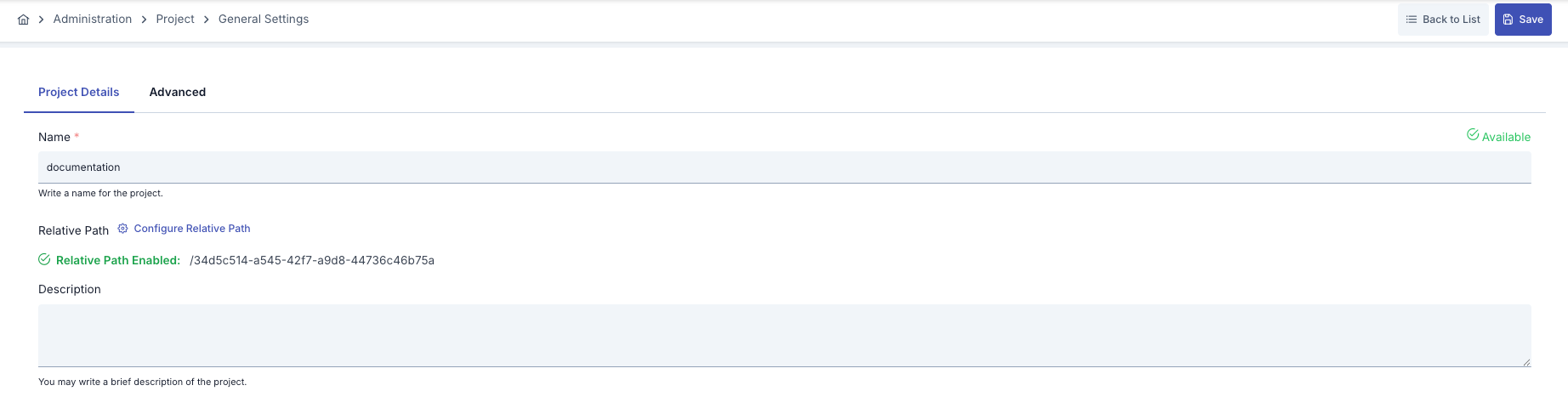
Project Deletion
Click the Delete Project button from the Advanced tab of the project. After confirming the operation in the opened dialog, the project and all information connected to the project are deleted.