

Application registrations are defined as public by default and do not require extra approval.You can visit the API Product Access Settings link to enable the relevant setting to manage application registration requests by admin.For detailed information on how to make application registration through the Portal, you can visit the Usage in Portal Interface link.
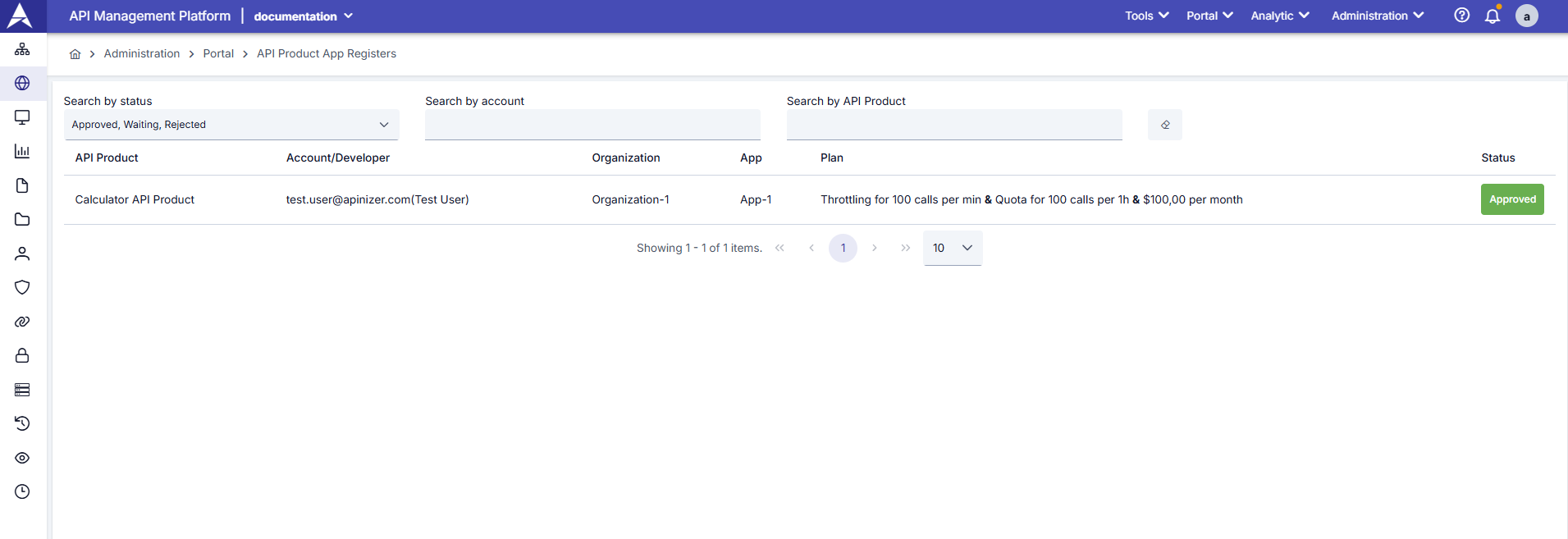
API Product Application Registrations Screen
Filtering Options
The page has three main filtering criteria:Registration List
The following information is displayed for each registration on the page:Status Management
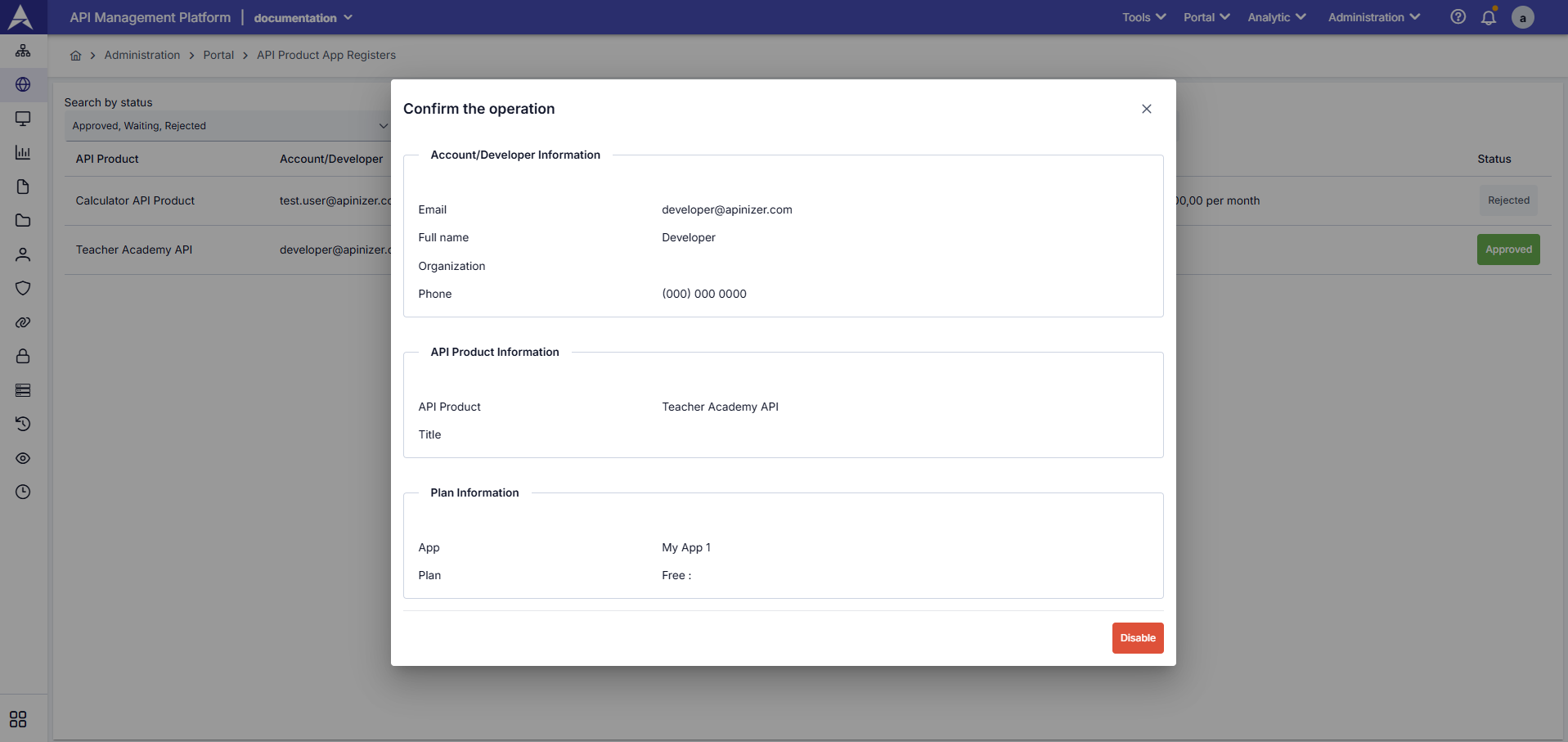
Status Management Screen
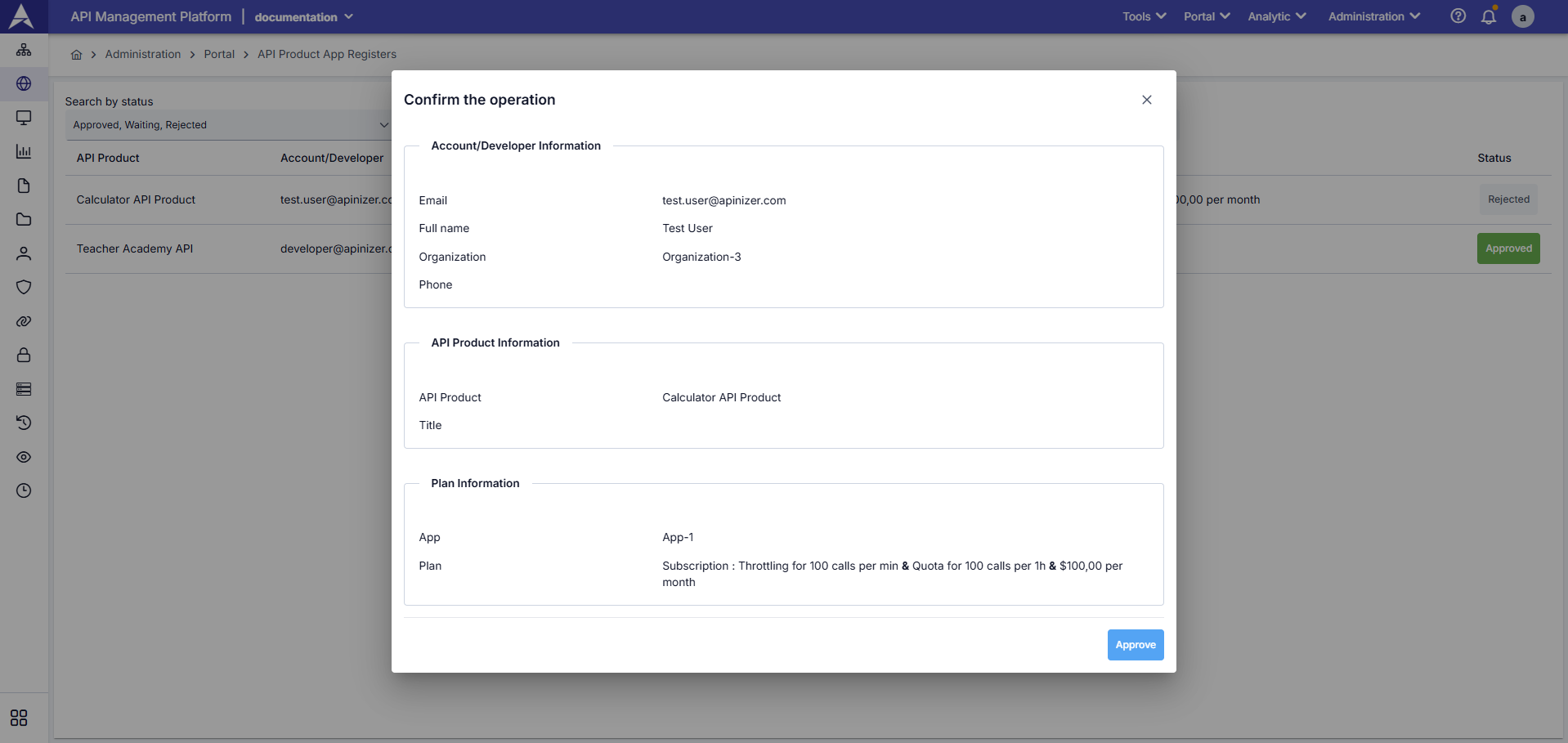
Status Management Detail
- You can view detailed information of the application registration.
- You can approve or reject registrations in Waiting status.
- You can cancel registrations in Approved status.
- You can reprocess registrations in Rejected status for re-evaluation.
- Automatic notification email is sent to the user with each status change.
You can review the Email Templates link to customize automatic notification emails.