

SOAP Method Configuration
In this tab, policies, protocol conversion settings, and SOAP method management operations can be performed for the selected API Proxy.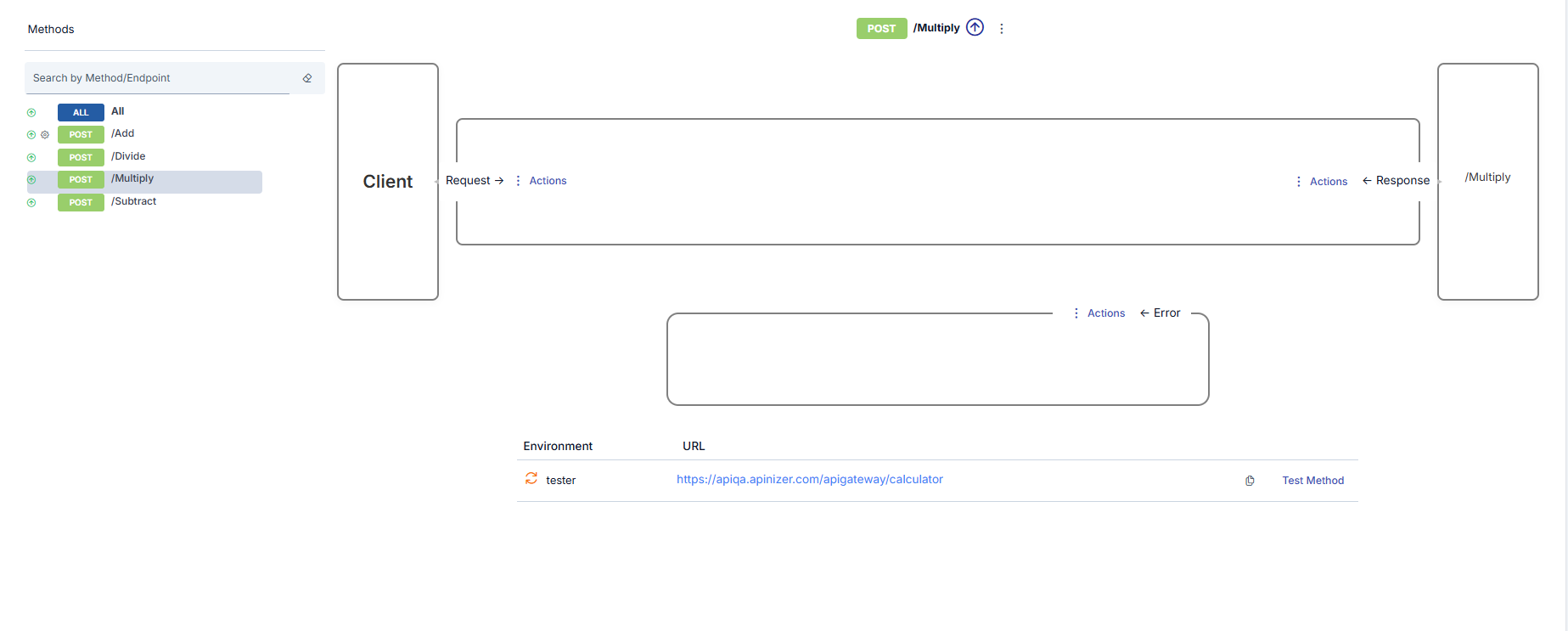
SOAP Method Operations
Each API Proxy has its own methods that act as proxies for the methods of the Backend API placed in front of it. If the API Proxy has been created by providing the address of a WSDL file or by uploading such a file, a method with the same name is automatically created in the API Proxy for each method that exists in that file.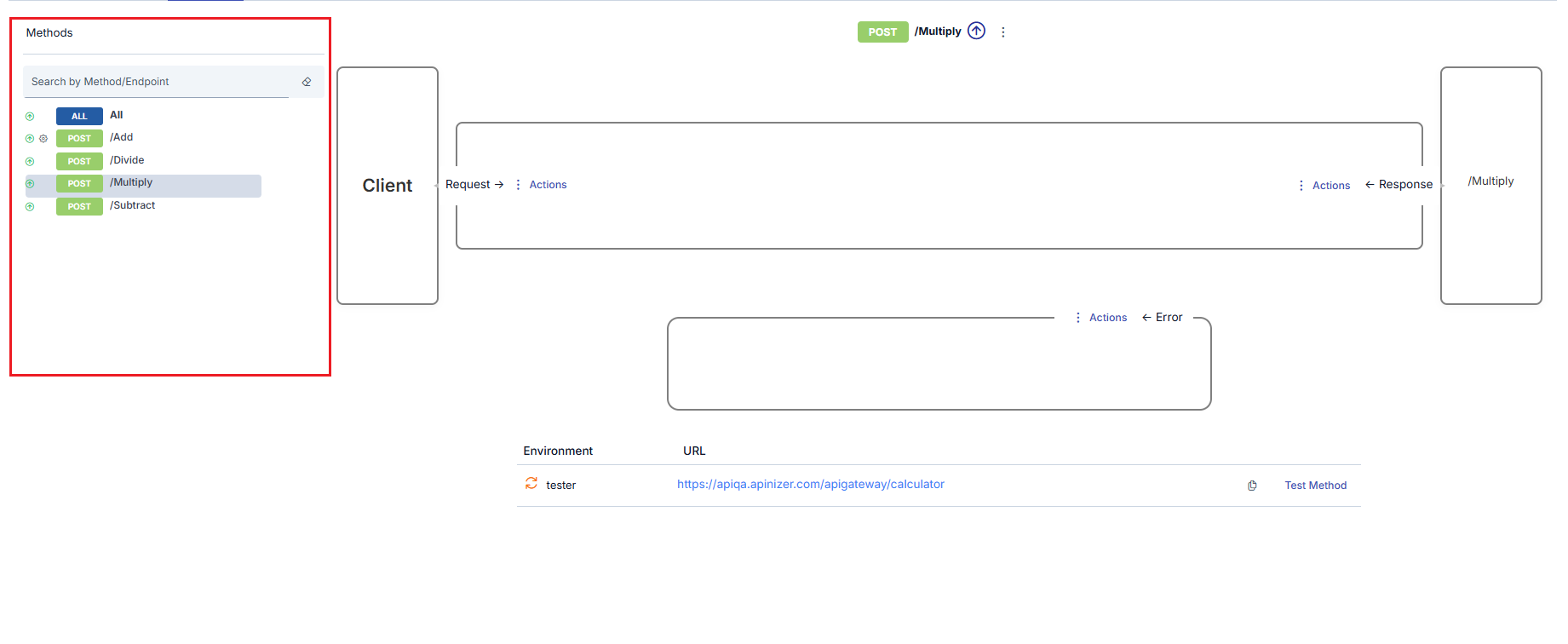
- One or more new methods have been added to the Backend API
- One or more methods have been deleted from the Backend API
- The name of one or more methods in the Backend API is desired to be hidden from clients
- One or more methods in the Backend API are desired to be completely or temporarily closed to client access
Selecting SOAP Method
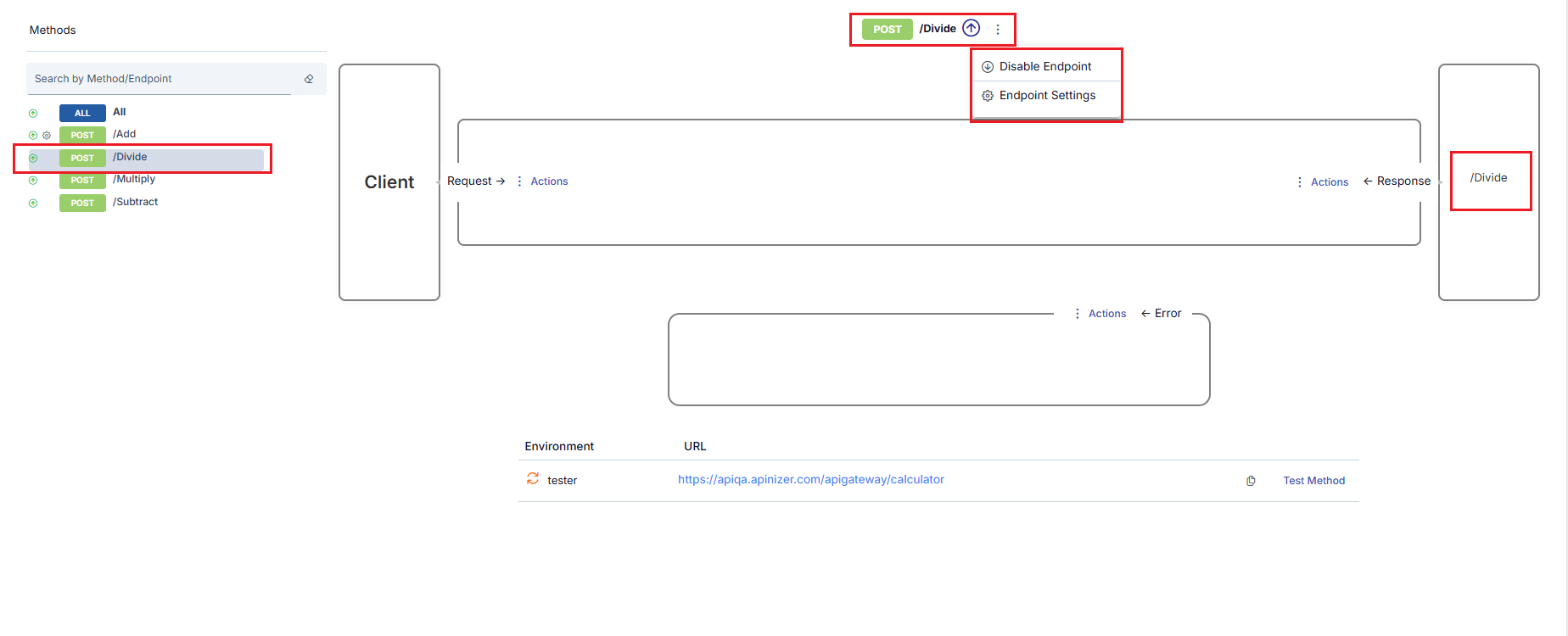
When the name of any method in the method list is clicked, that method is selected and the interface is updated accordingly.- In the list, the color changes to indicate which method is selected.
- In the upper middle section, which method is selected is shown.
- In the lower middle section, links to operations that can be performed for this method are displayed.
- On the right side, which method of the Backend API the selected method is related to is visible.
Updating SOAP Method Settings
Only method update operations can be performed in SOAP type API Proxies. The settings that can be made for methods of SOAP type API Proxy are different from REST type settings, and an image containing these settings is shown below: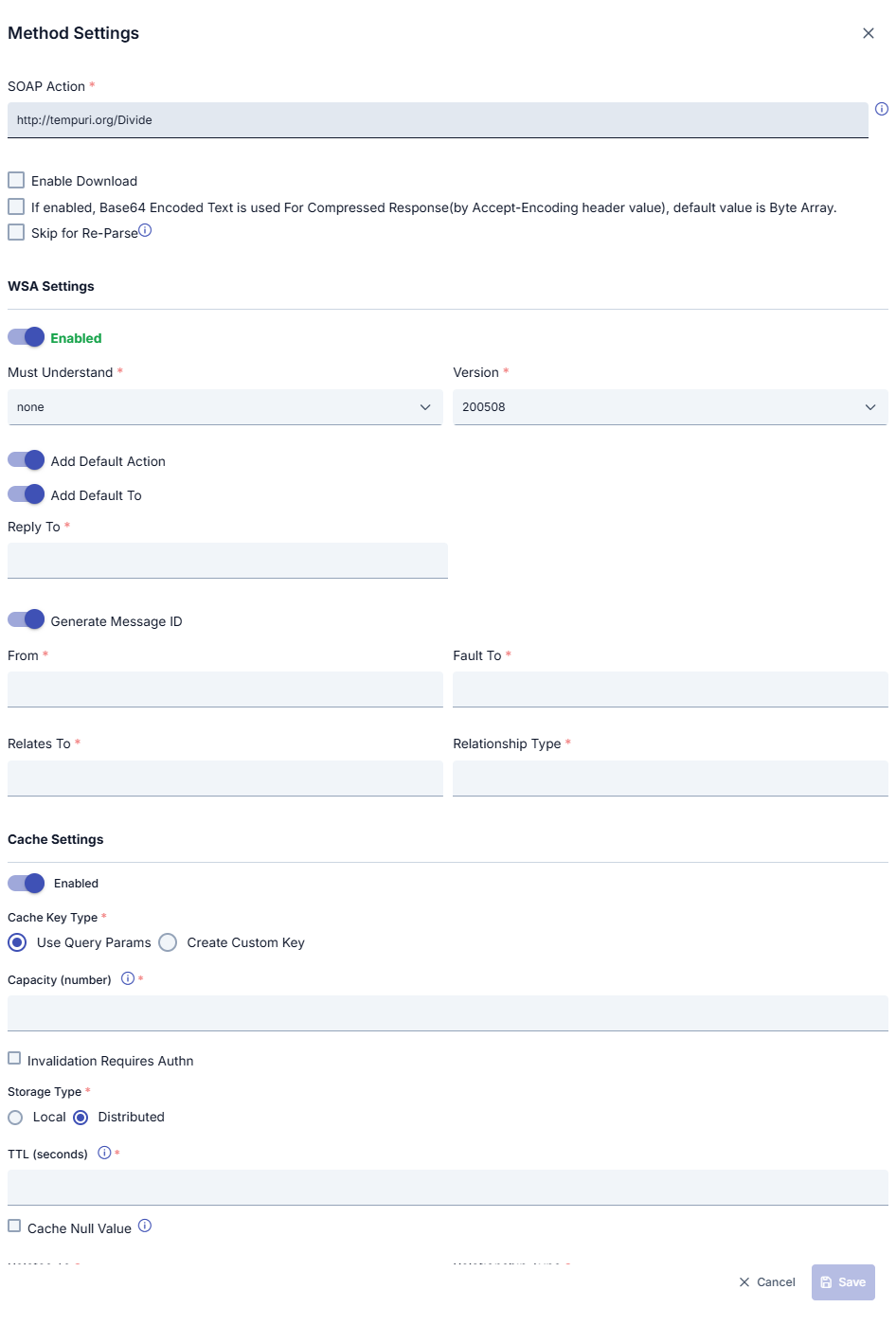
SOAP Method Settings Fields
Deleting SOAP Method
The Delete Method link is clicked. After the confirmation process, the method is deleted.Temporarily Disabling SOAP Method
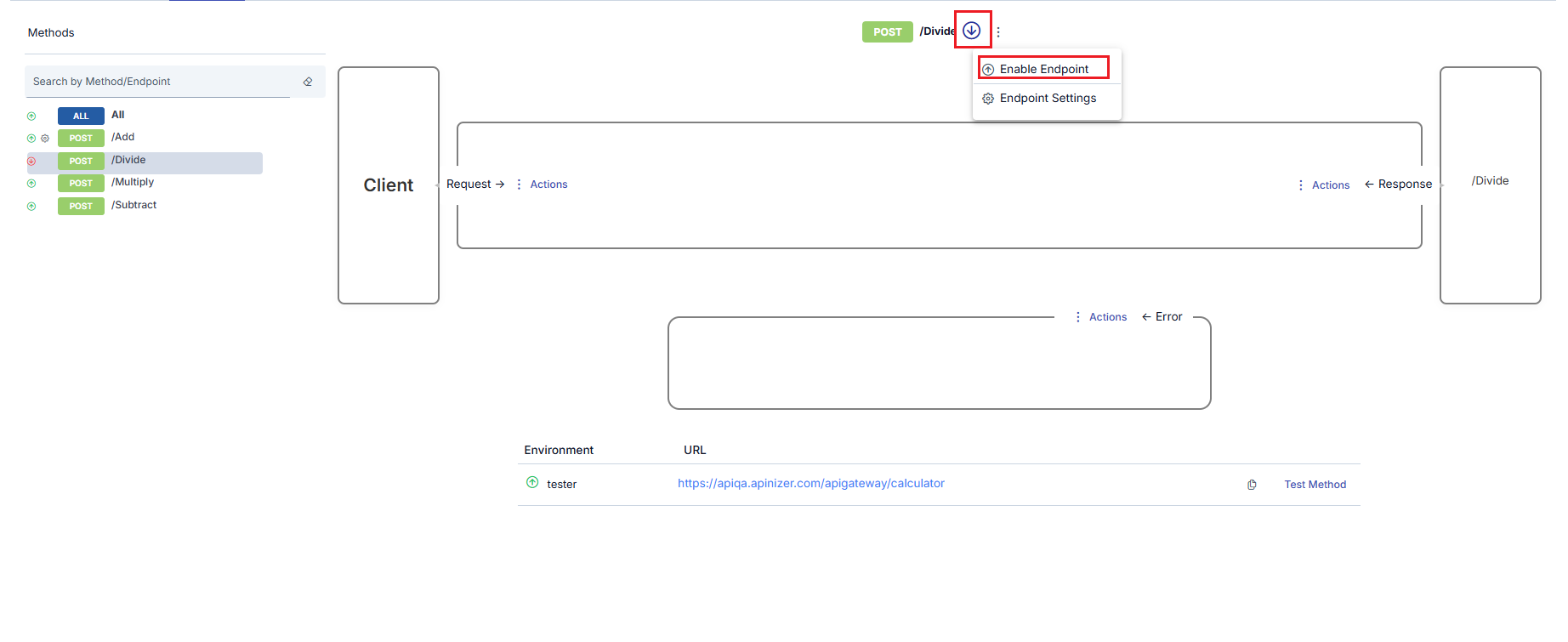
It is possible to close a method to access without deleting it. For this, the Disable Method link is clicked. When the link is clicked, the method is disabled, and along with this, the following changes occur in the interface.- The icon next to the method changes to show that the method is out of use.
- The Disable Method link disappears. Instead, the Enable Method link appears.
Testing SOAP Methods
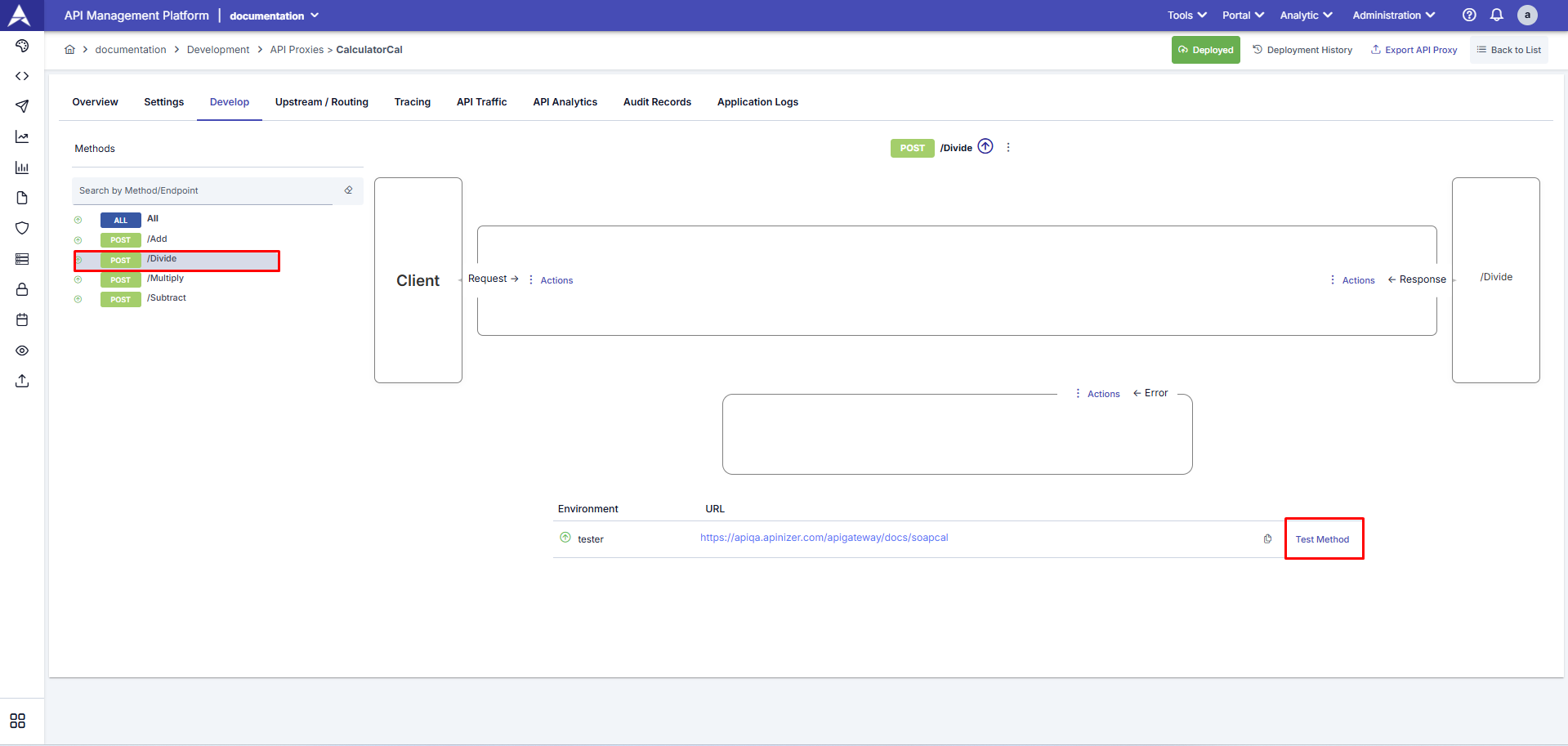
- Endpoints Are Displayed
Using the (Test Method), the relevant SOAP endpoints can be displayed and tested.
- Test Method
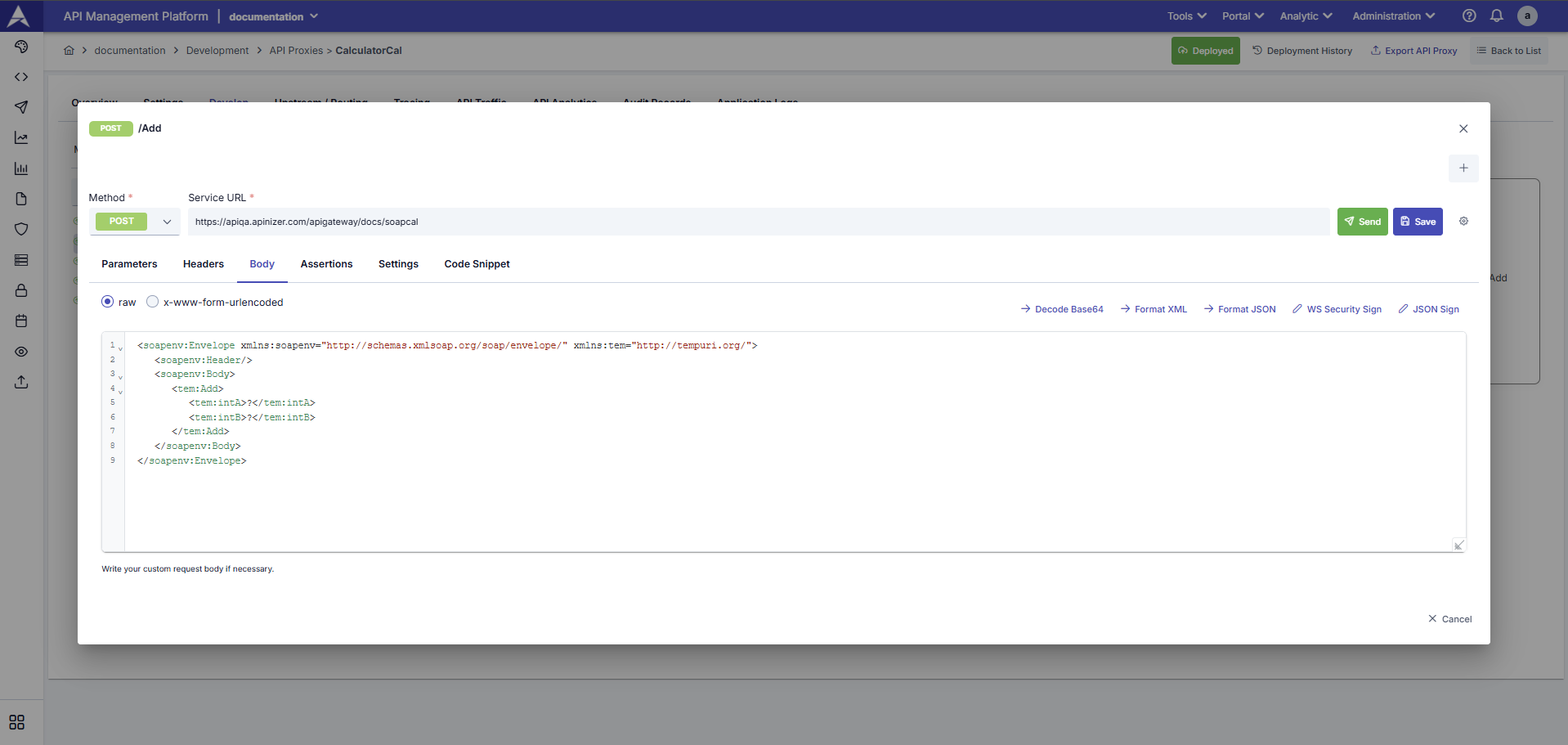
Using the Test Method, SOAP services can be manually tested in XML (SOAP Envelope) format.
Next Steps
Endpoint Configuration
REST endpoint configuration
General Information Tab
API Proxy general information
Settings
API Proxy settings
Test Console
API Proxy test operations