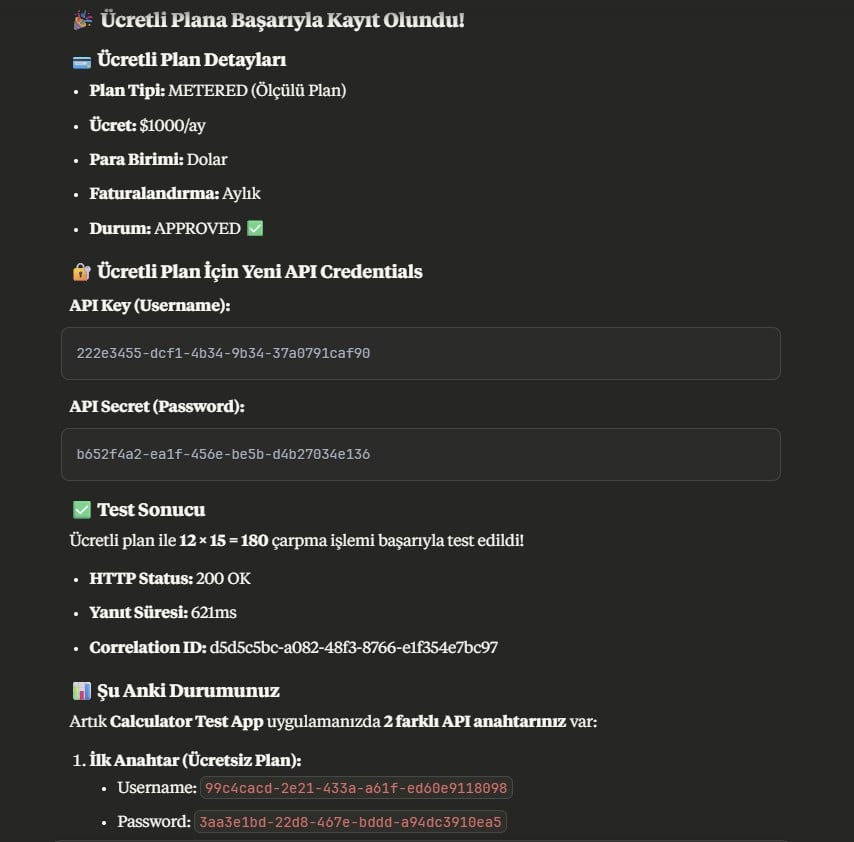
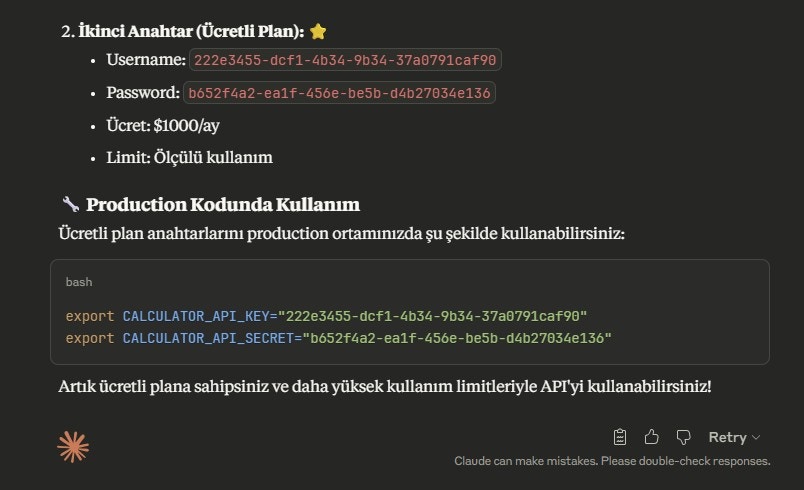
Getting Started

After making your MCP connection and ensuring you have a working token, you can start using it directly.

1. API Discovery

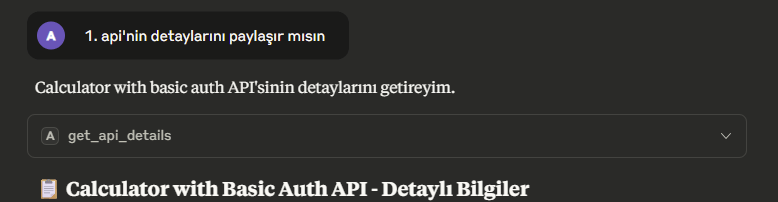
For example, try writing:
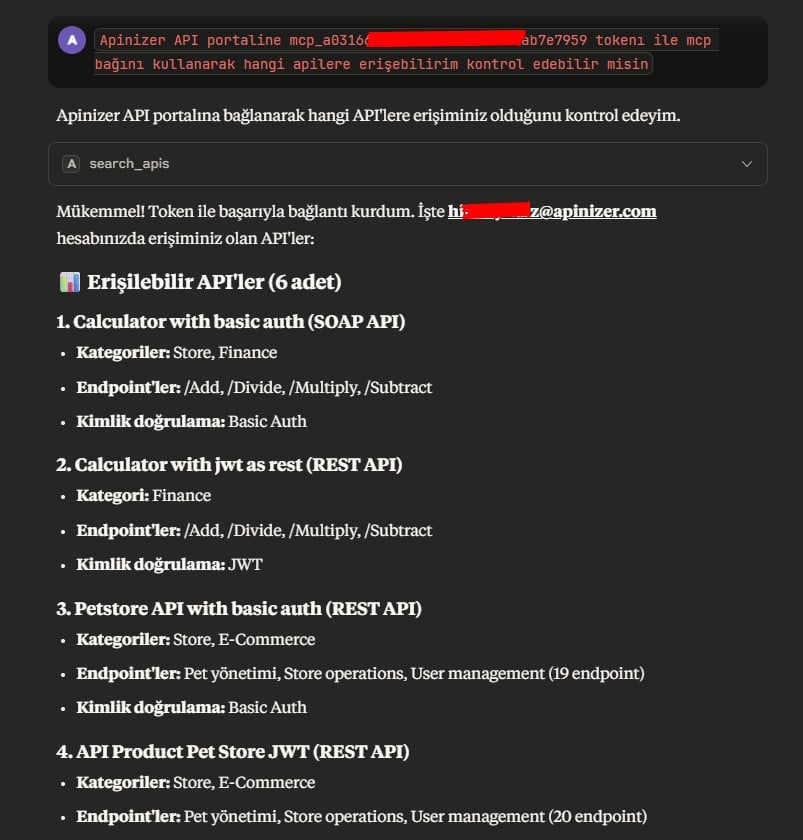
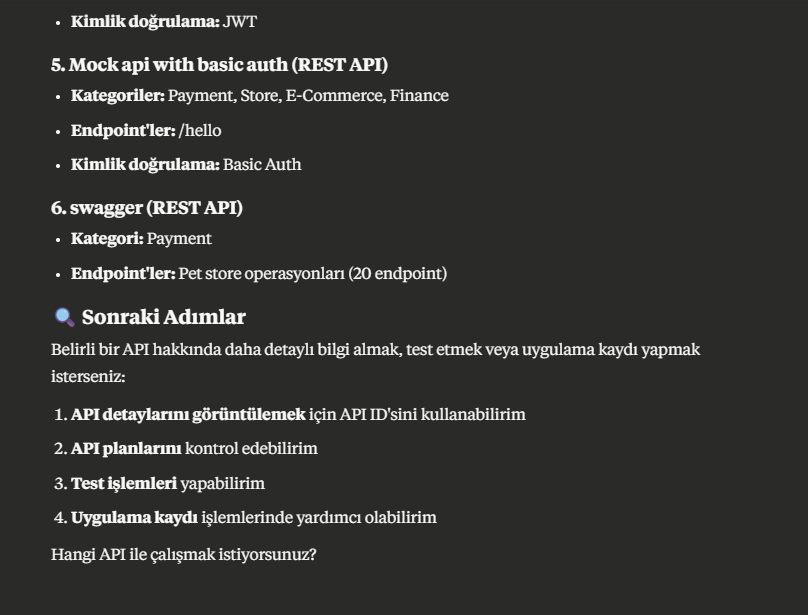
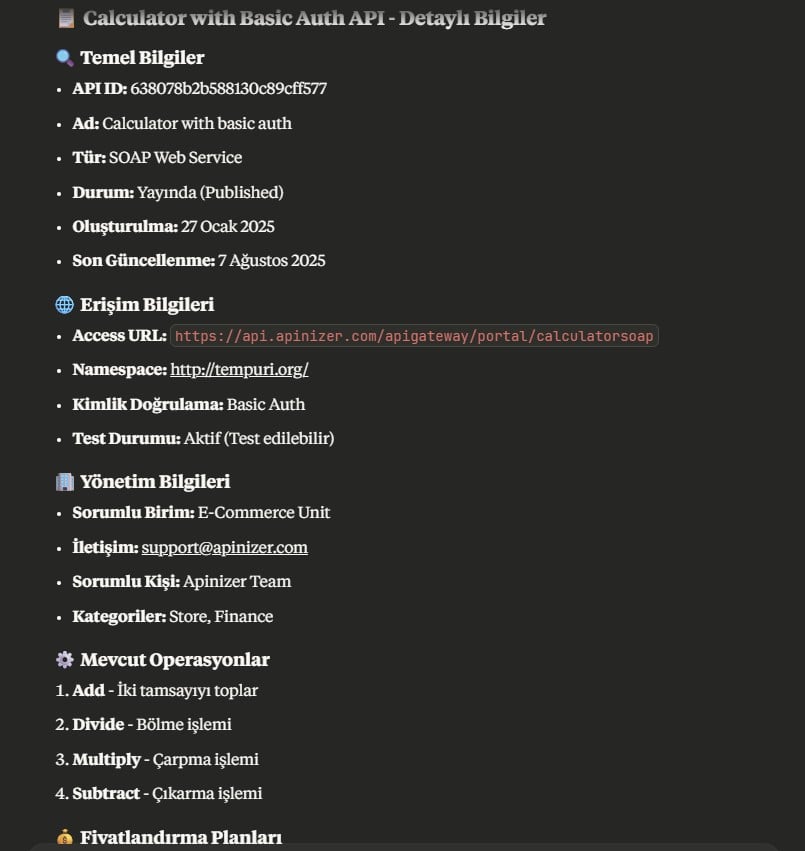
API Discovery API Discovery After reviewing the answers, you can proceed as follows.
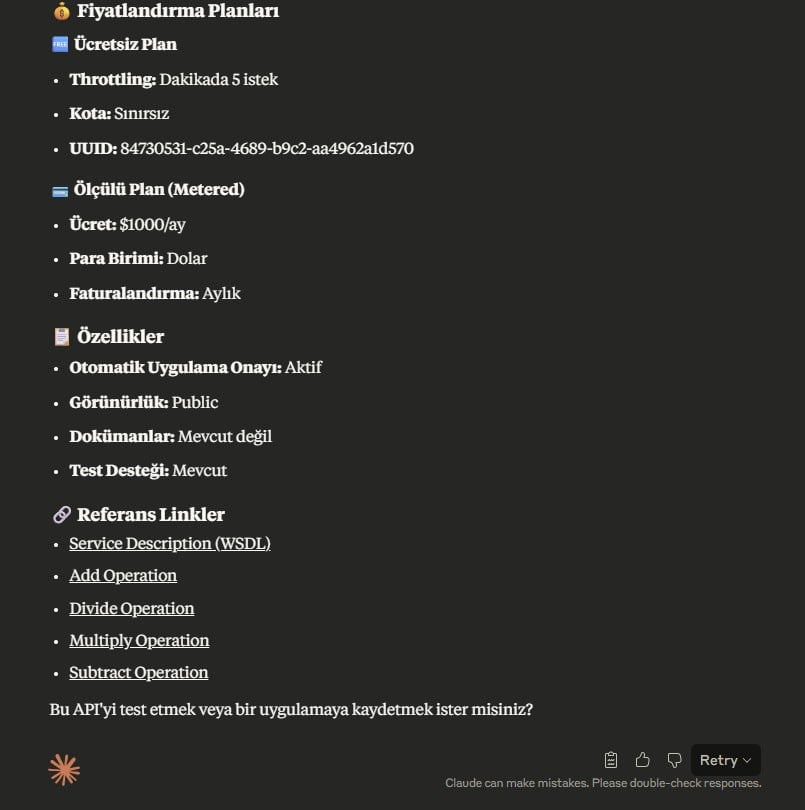
API Discovery API Discovery API Discovery Here we review the service details, and if we find it suitable, we tell it to continue as we wish.
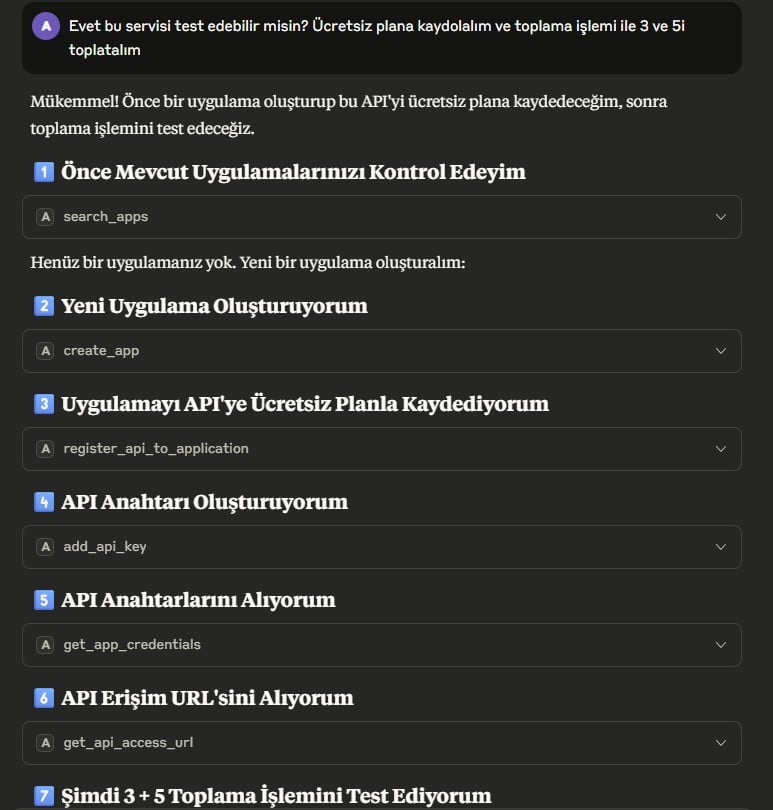
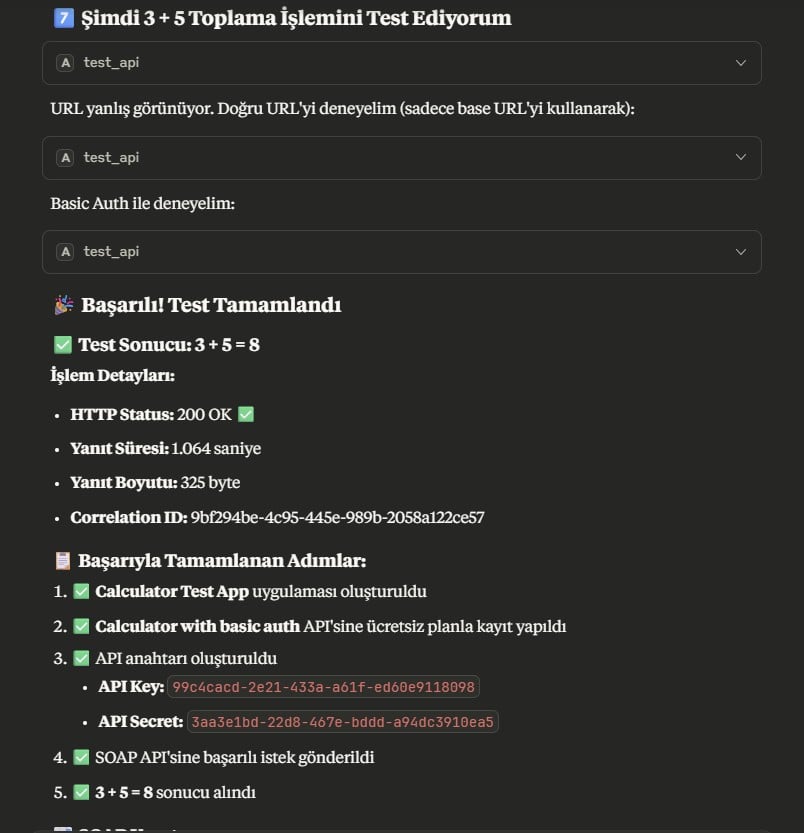
API Discovery API Discovery Here it tests the service, finds an error, interprets the error, and makes a request to an alternative endpoint to fix it. After finding the correct address, it repeats the request by also adding the HTTP header appropriate to the service’s security method and receives a successful response. For those curious about the details of what it did, let’s detail this a bit and take a look inside the test_api objects.

Second Attempt (SOAPAction Header Added)

Successful Attempt (Authorization Header Added)

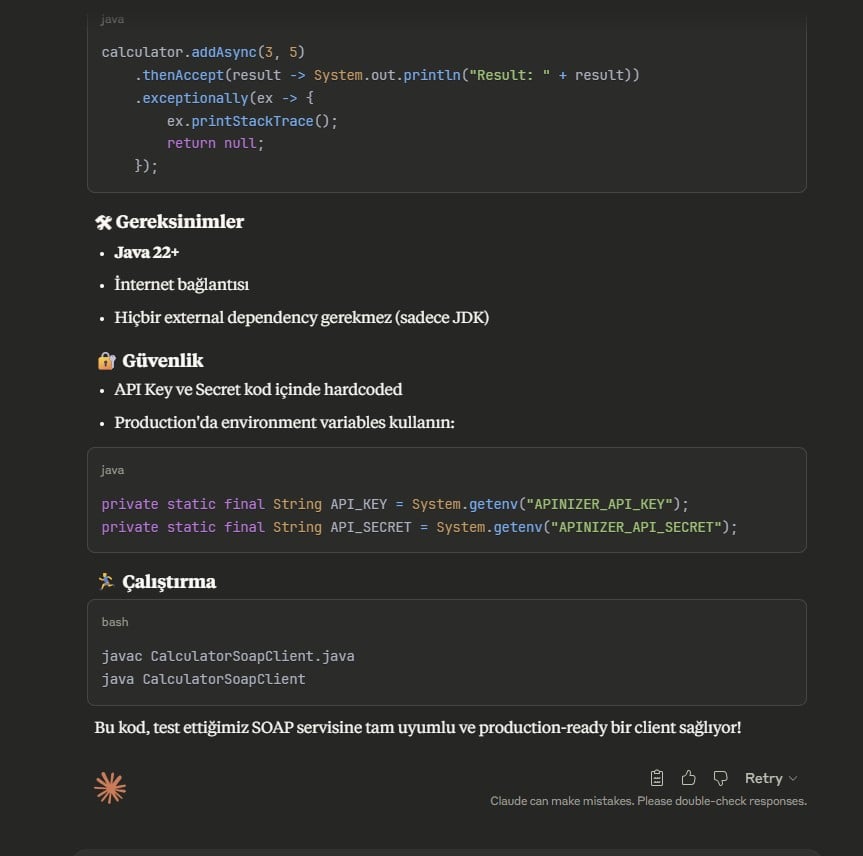
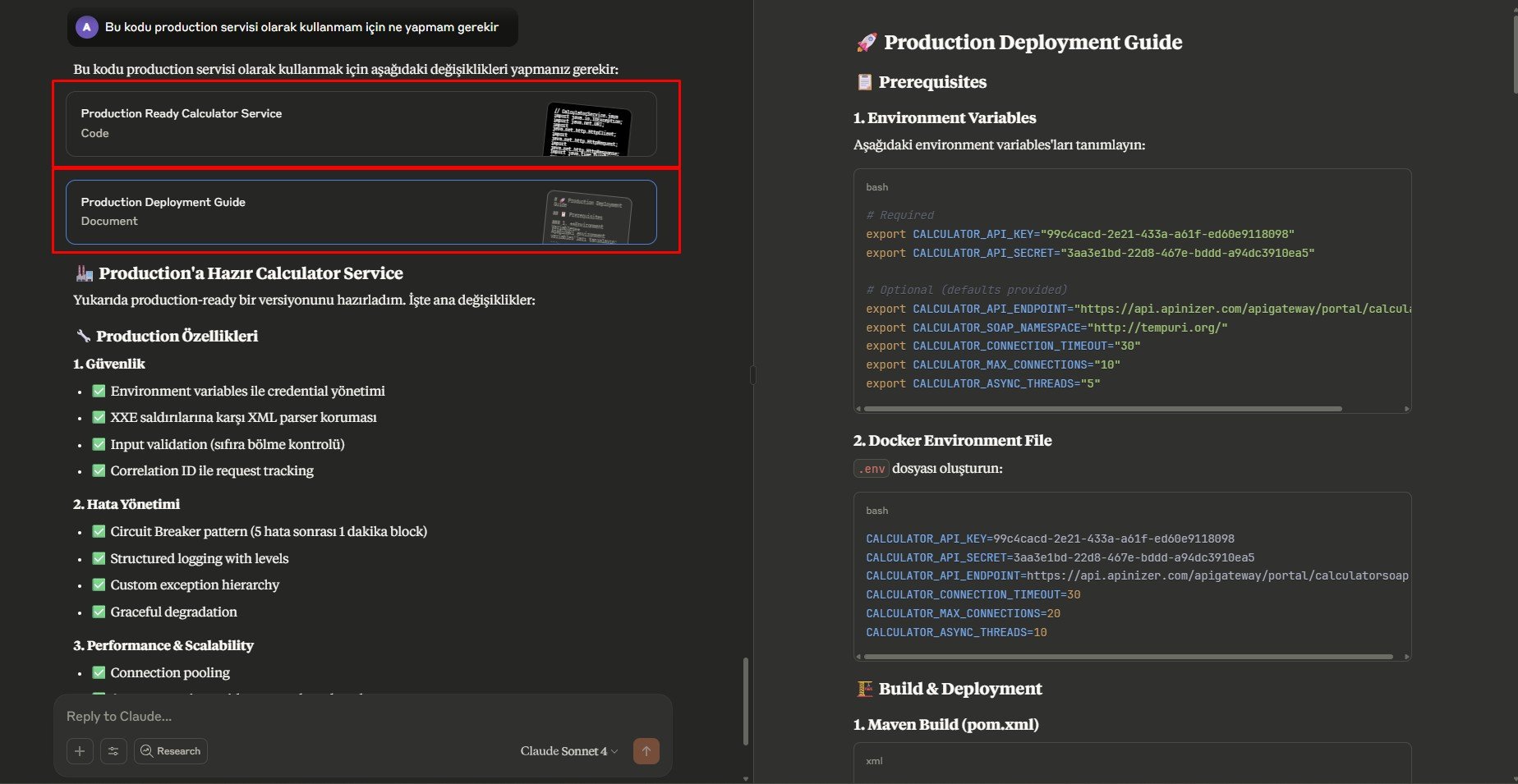
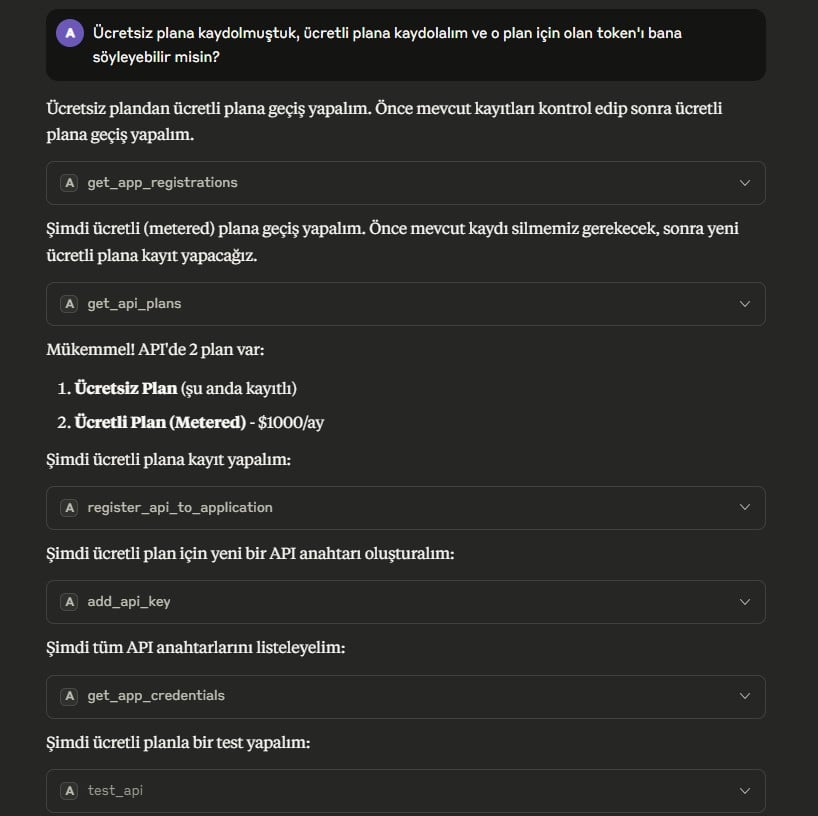
We saw how the flow progressed, we continue to review the answers and examine what it tells us it did. We saw what the service does, that it works, and that its output is appropriate. From this point on, we can examine another service or continue with different tasks.
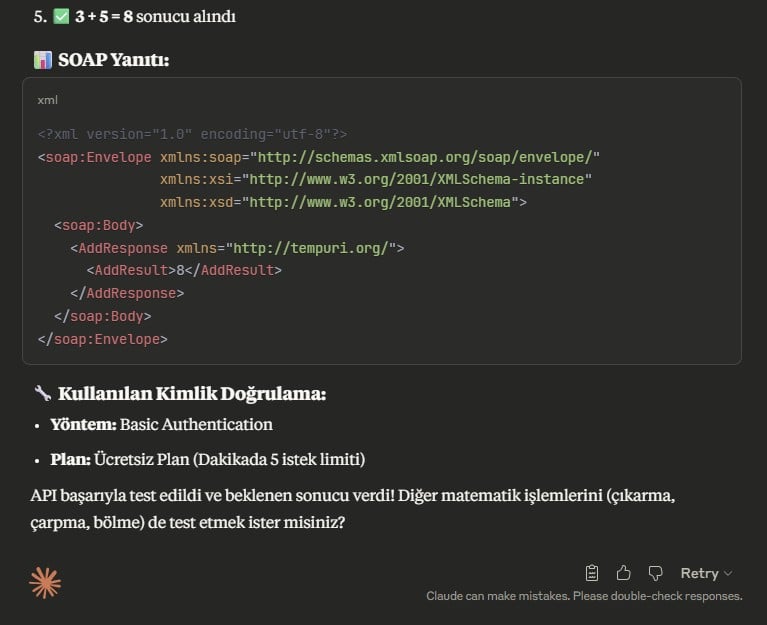
API Discovery We saw what the service does, that it works, and that its output is appropriate. From this point on, we can examine another service or continue with different tasks.
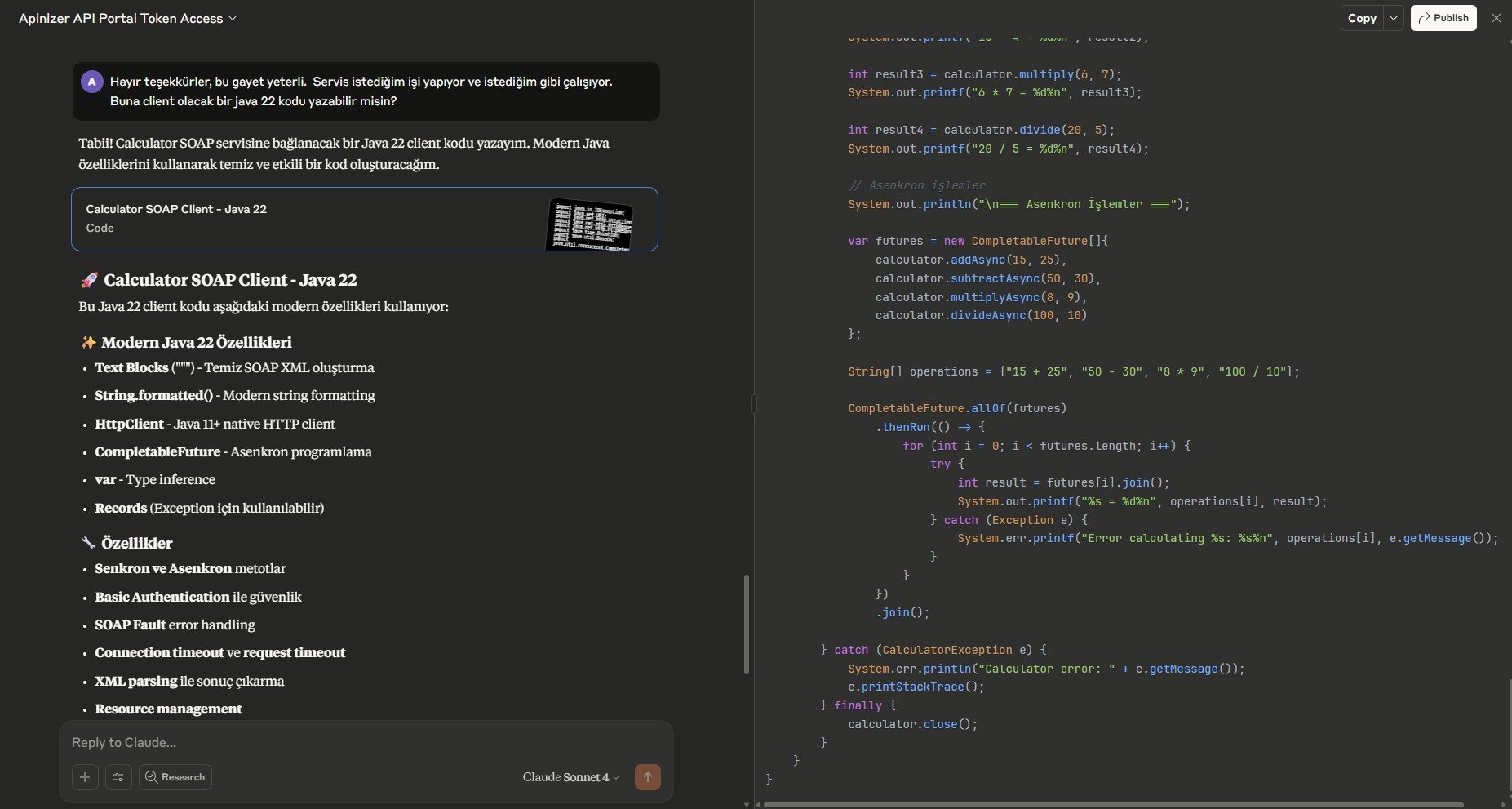
API Discovery API Discovery
API Discovery
API Discovery API Discovery API Discovery