

Credential access permission alone is not sufficient for API Proxy Group access.For the settings in the credential and access permission to be valid, one of the authentication policies must be added on the API Proxy Group and the Security Manager option must be selected as the authentication method in this policy.
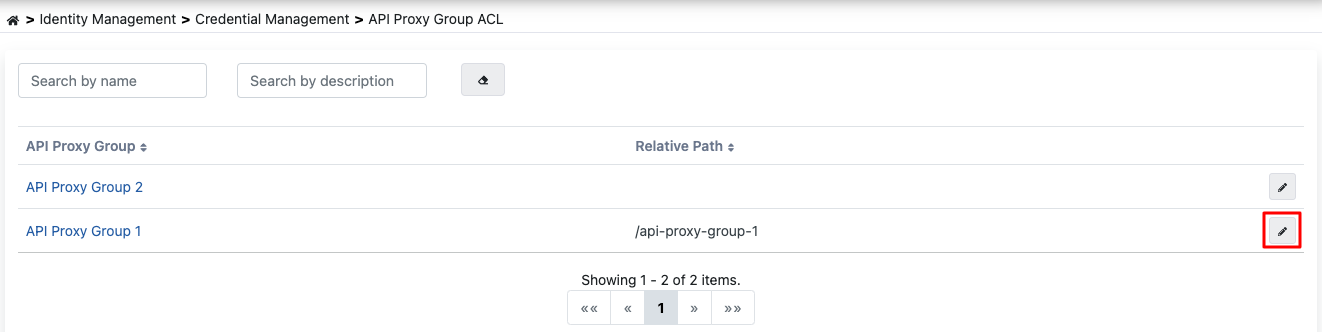
On this page, all API Proxy Groups belonging to the project in which the authorized application user is included are listed, and can be filtered optionally. API Proxy Group List

API Proxy Group Detail Screen

To perform operations on an API Proxy Group, go to the detail screen by selecting the relevant group from the list. This screen contains the list of Credentials that have been previously granted access permission for the API Proxy Group. To add a new Credential, press the Add button. API Proxy Group Detail Screen
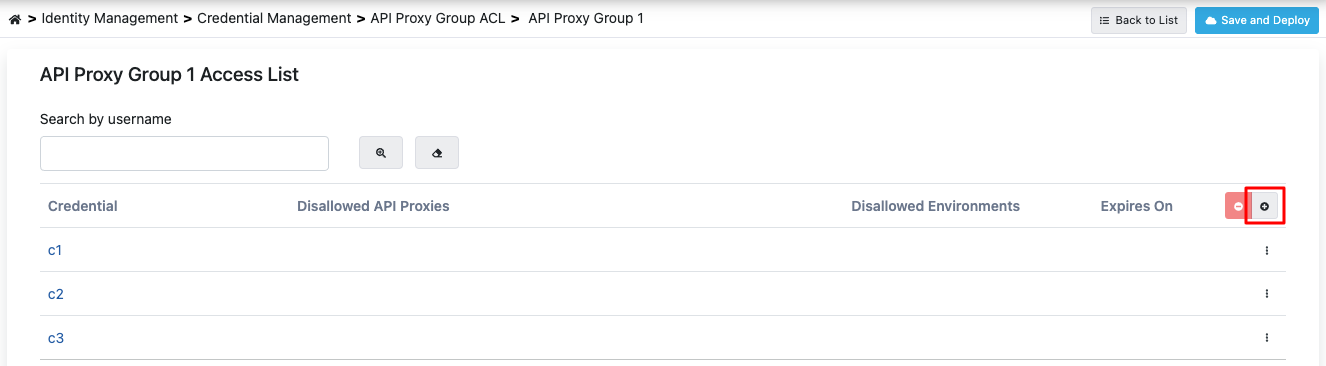
Adding Credential

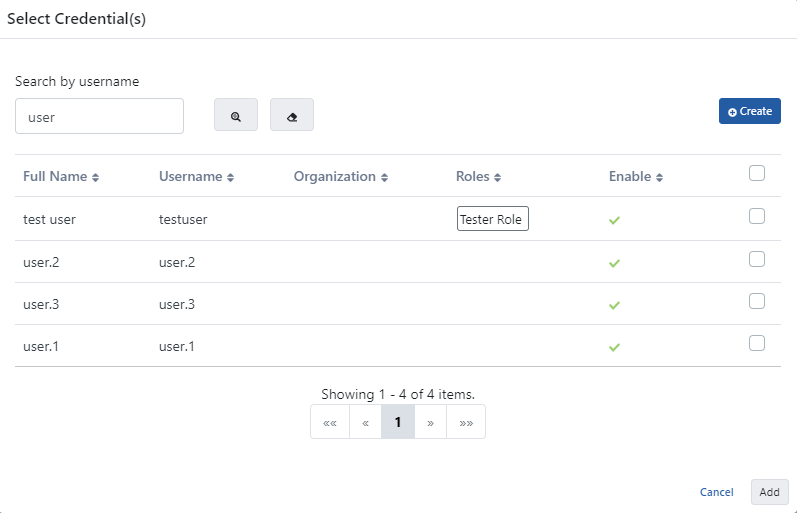
When the Add button is pressed, credentials defined within the project or defined from the management menu are listed. Adding Credential On this screen, access permission for one or more credentials to the API Proxy Group can be granted at the same time. After granting access permission to the credential for the API Proxy Group, return to the page with the list of credentials that have been granted access permission to the API Proxy Group: Access Configuration
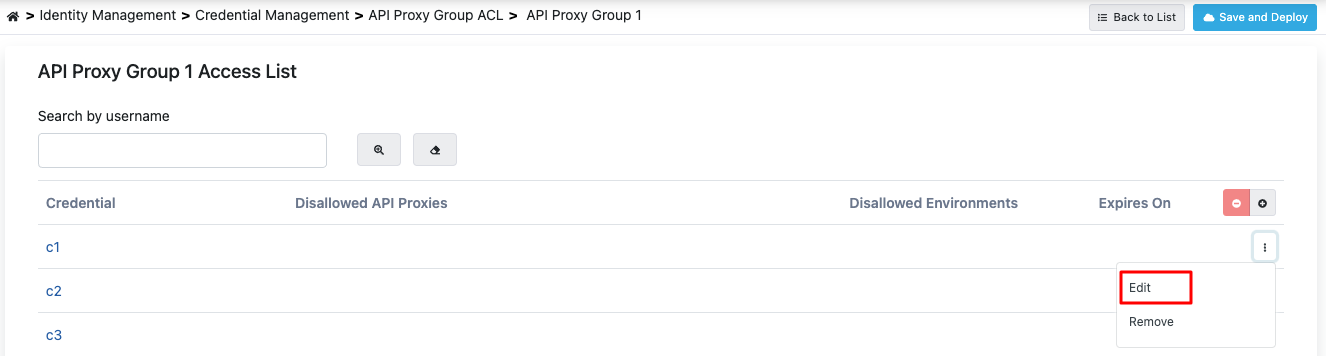
Access Configuration

To make API Proxy Group-specific settings for the credential, press the Edit button. Credential Editing
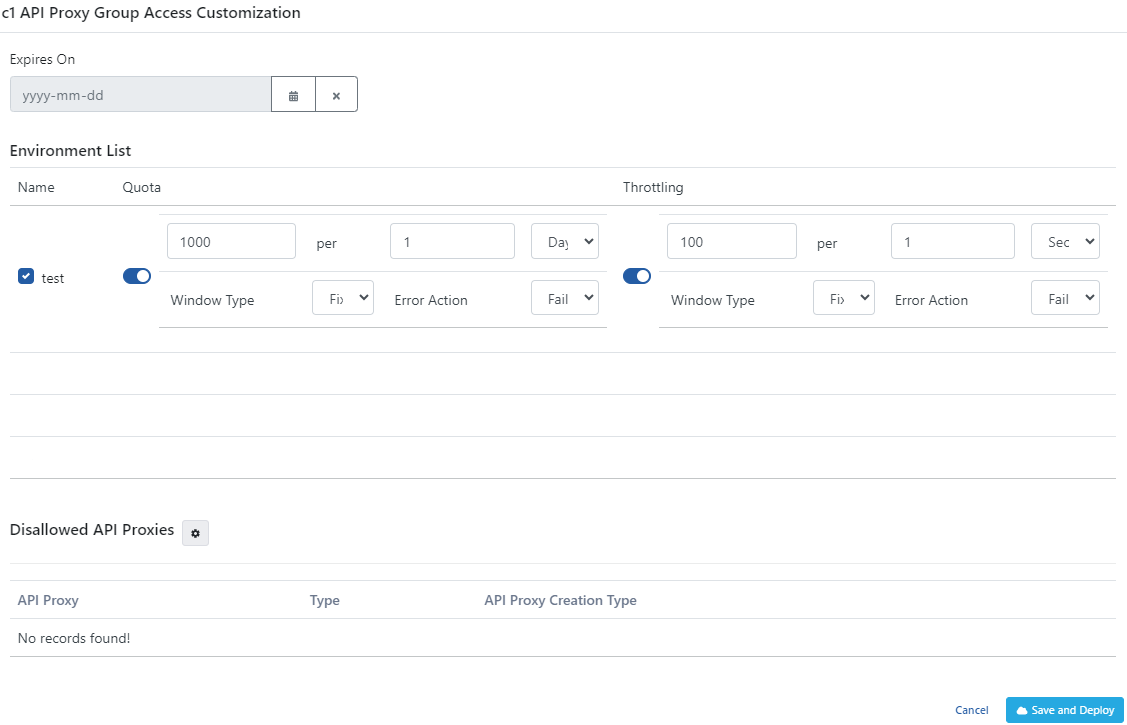
Configuration Fields