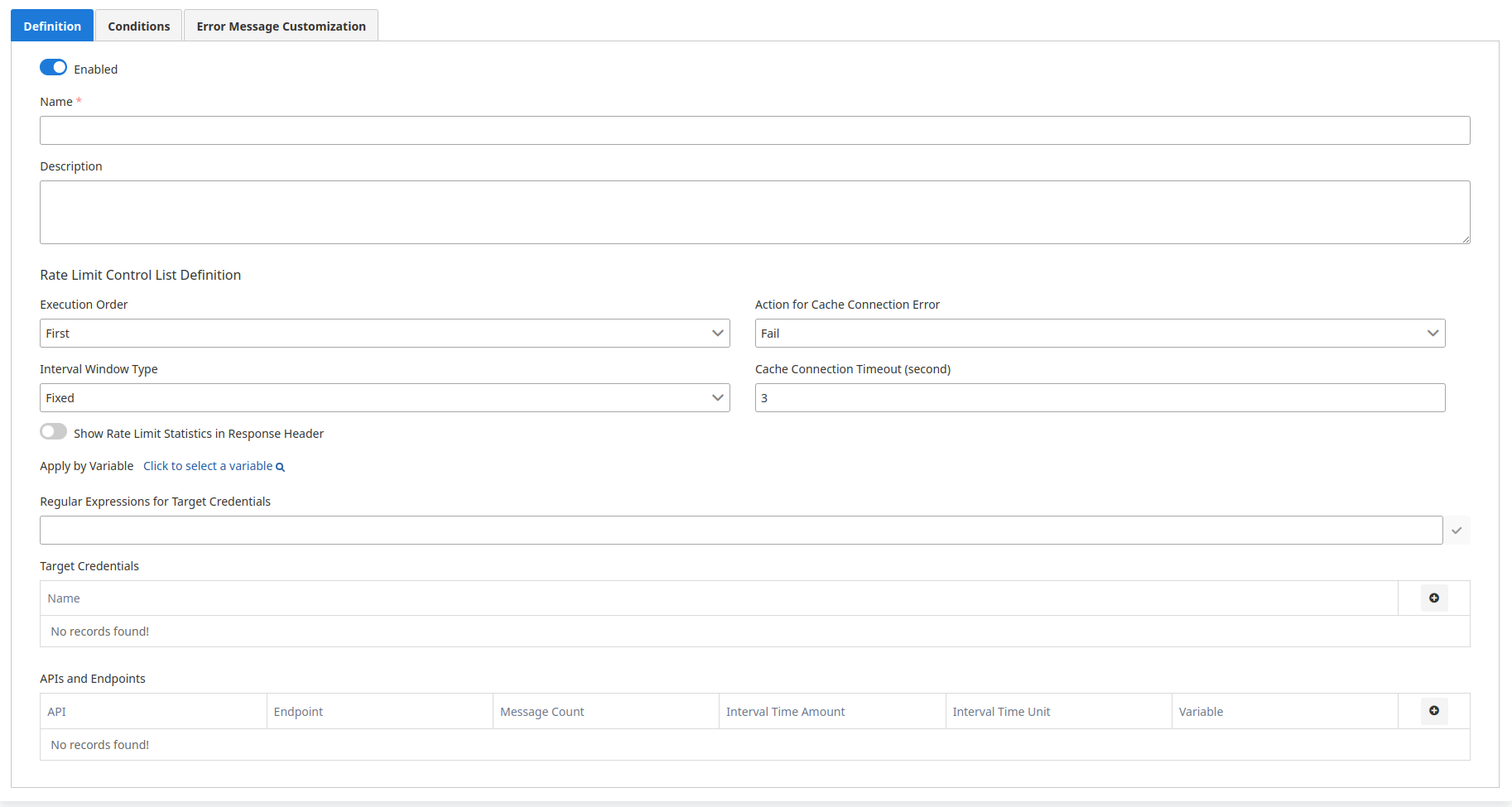
- Permitted Message Count (Permitted Message Count): Maximum number of requests allowed within the specified time interval.
- Time Interval Period Length (Time Interval Period Length): The length of the time interval.
- Time Interval (Time Interval): The unit of the time interval (second, minute, hour, day, month).
1
Request Analysis
When a request arrives, the target variable value (e.g., IP address) is obtained.
2
Identity Check
It is checked whether this value is in the target identity list.
3
Rate Limit Control
If the value is in the target identity list or matches with regex, rate limit control is performed for the relevant endpoint.
4
Decision Making
If the user has exceeded the limit, the request is rejected; if not, processing continues.
5
Response and Statistics
While responding to the request, if configured, rate limit statistics are added to response headers.